



Sleaver
Members
-
Joined
-
Last visited
Reputation Activity
-
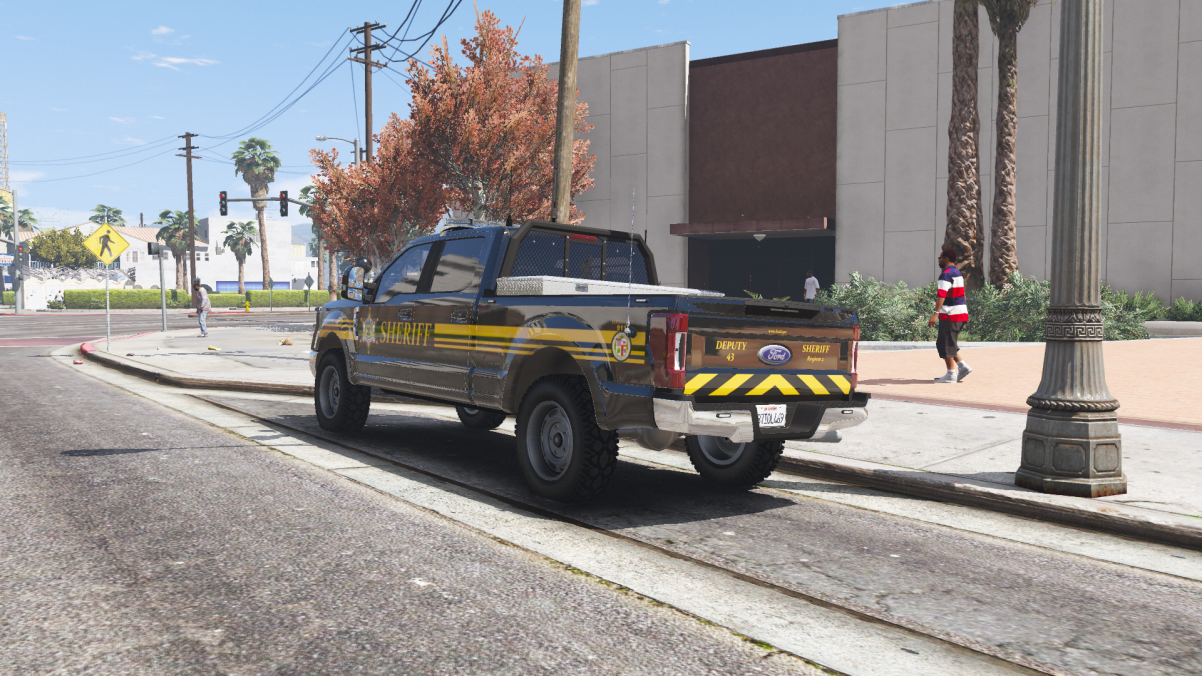
 Sleaver reacted to MikMak86 in Solved: ELS lights dim outside of vehicleSo, I have Natural Vision Remastered, and when in the vehicle, teh lights are great, nice and bright. But whenever I exit my vehicle and it's not on stage three lighting, the ELS lights go dim. I have, via simple trainer, the engine on the vehicle set to always run, and did the same through the LSPDFR menu. I know my emissives are high enough, and my PostFX is set to Ultra.
Anyone else have this issue before and have a solution?
Edit: I should add, this is on an add on vehicle slot, and I don't seem to have this problem with any of the vehicles in the vanilla police slots.
Second Edit: Ok, you ready for this one, folks? It gets weird. I figured out why the lights were dim, the engine in the car kept shutting off. And the reasons it did that, despite having the engine set to always on, was because I used the simple trainer to save the vehicle. Once I deleted the save vehicle, the lights kicked back on to full brightness and hte engine remains running outside the car.
