


Creators: Due to background reprocessing of files, approvals and file security checks may be delayed. Thanks for your patience.
.jpg.7b8762eca1036b433c3dee6f66cc6cac.jpg)
Tonymods
Members
-
Joined
-
Last visited
Everything posted by Tonymods
-
-
-
-
-
-
-
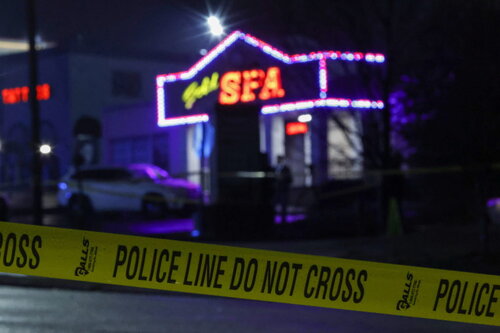 This pack is strait bussin keep up the good work!
 -
-
 Sick pack bro! suggestion add a PIO shirt
 -
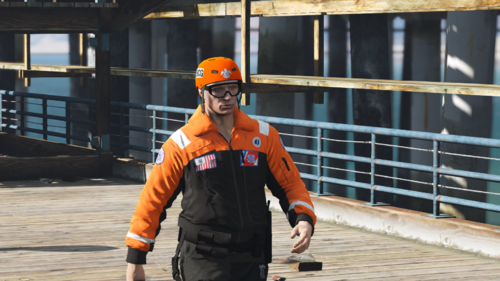 This Is a texture I made based off of the jacket commonly worn by coast Guard lifeboat crews and Coast Guard crews in cold water. This Texture is for the coat released in the newest EUP 9.1 or something like that. This jacket features reflective text and striping as well as Logos commonly displayed on the IRL jackets. As always don't take what you didn't make, its rude. Enjoy if you have any questions comments or concerns feel free to leave a comment about it. peace
 -
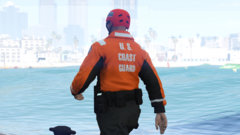 Thanks Man glad you like it hoping to upload it later tonight after I mess with the colors a bit.
 -
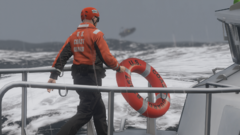 This jacket is the Mustang survival jacket used by the USCG.
 -
This gallery shows current projects I'm working on in regards to USCG EUP.
-
Grand Theft Auto V 7_23_2021 5_31_13 PM.png
-
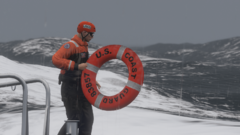 Grand Theft Auto V 7_23_2021 5_30_32 PM.png
-
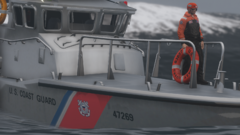 Grand Theft Auto V 7_23_2021 5_29_56 PM.png
-
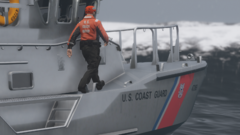 Grand Theft Auto V 7_23_2021 5_28_23 PM.png
-
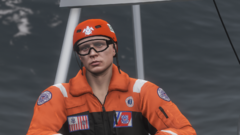 Grand Theft Auto V 7_23_2021 5_27_18 PM.png
-
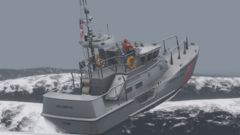 Grand Theft Auto V 7_23_2021 5_26_49 PM.png
-
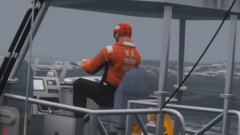 Grand Theft Auto V 7_23_2021 5_25_48 PM.png
-
Grand Theft Auto V 7_23_2021 5_24_32 PM.png
-
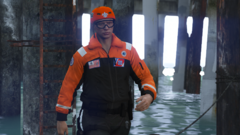 Grand Theft Auto V 7_23_2021 5_24_11 PM.png
-
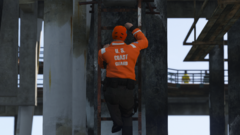 Grand Theft Auto V 7_23_2021 5_23_19 PM.png
-
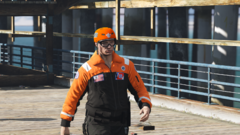 Grand Theft Auto V 7_23_2021 5_21_40 PM.png
-
-
From the album: USCG EUP By Tony
-
From the album: USCG EUP By Tony
-
From the album: USCG EUP By Tony
-
From the album: USCG EUP By Tony
-
From the album: USCG EUP By Tony
-
From the album: USCG EUP By Tony
-
From the album: USCG EUP By Tony
-
From the album: USCG EUP By Tony
-
From the album: USCG EUP By Tony
-
From the album: USCG EUP By Tony
-
From the album: USCG EUP By Tony
-
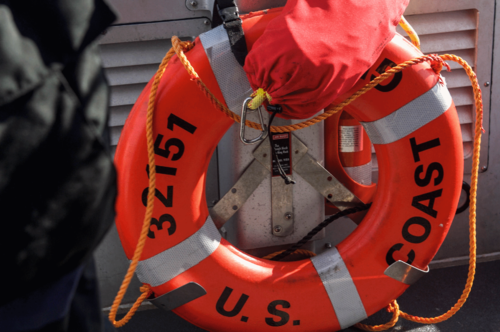 Ah interesting, i was wondering how they figured out what numbers went where. And If you think its worthy of putting it in that's fine with me.
.thumb.jpg.b6490a0e6f136299bf0737ff165e7cb1.jpg)





