


Mikkerix
Members
-
Joined
-
Last visited
Everything posted by Mikkerix
-
Hello! Im a firm user of Bejoljo's Stop The Ped, which uses 'E' to interact with someone. However, when I do press 'E' my character goes to sit in the rear of the closest vehicle. I know I can change the keybind of STP, but where do I find the keybind to disable the car-entering feature? Many thanks in advance Mike
-
Hey, How do I put suspects in my car? I manage it sometimes, but still dont know how lol. Which mod do you recommend for doing these tasks easier?
-
Hey! How long do you wait on the gamelaunch message of the pluginhook? And do you have to have the program open, or can it be minimized while loading?
-
Do you think I should delete the whole schmoozy and try again?
-
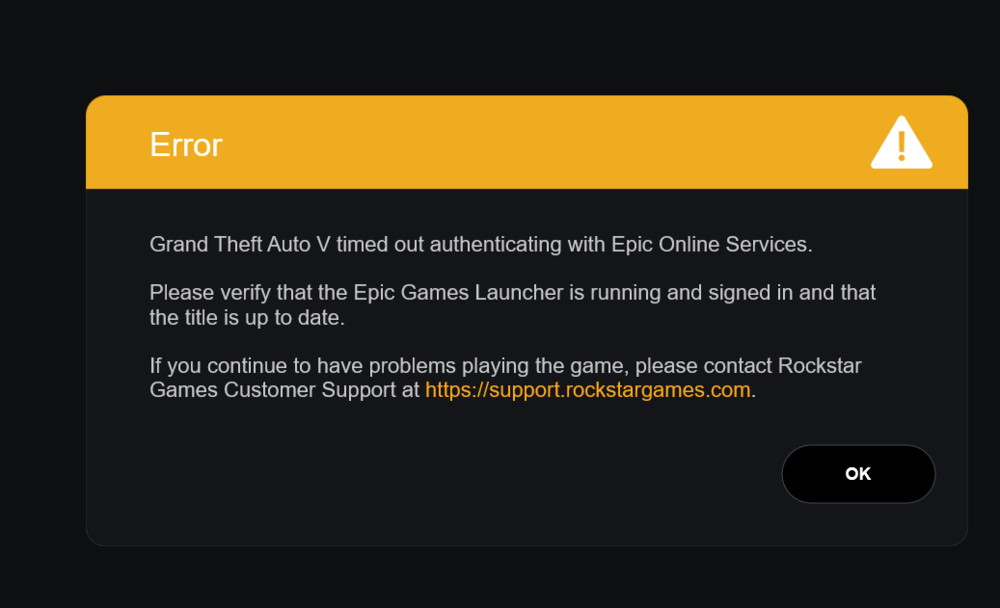
Now i went in that folder an opened the GTA V programme directly. Then I got this errorcode:
-
Okay, found it:

-
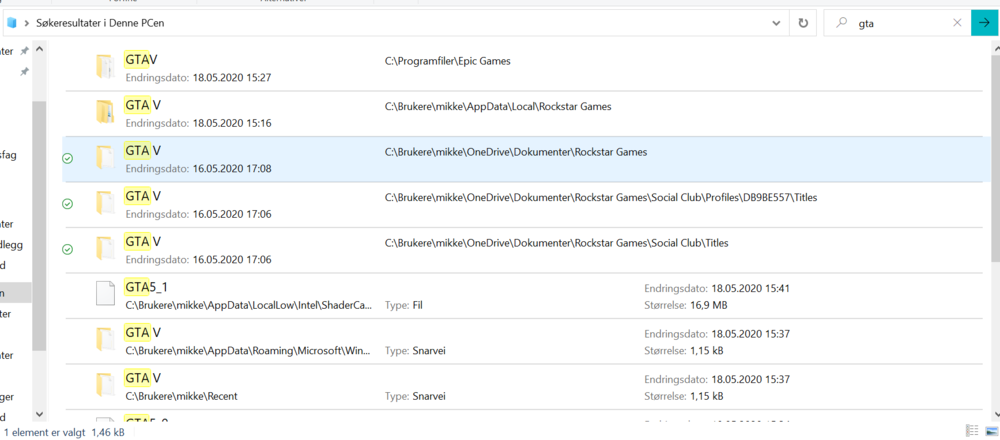
I searched on GTA V on my PC, these were my results: In which folder do i look after sub-folder called Plugin?
-
Not showing up
-
I fucked it up, real bad. Now none of my plugins are working. I dont know what to do LOL
-
Okay, thanks. Do i first delete the LSPDFR files I have?
-
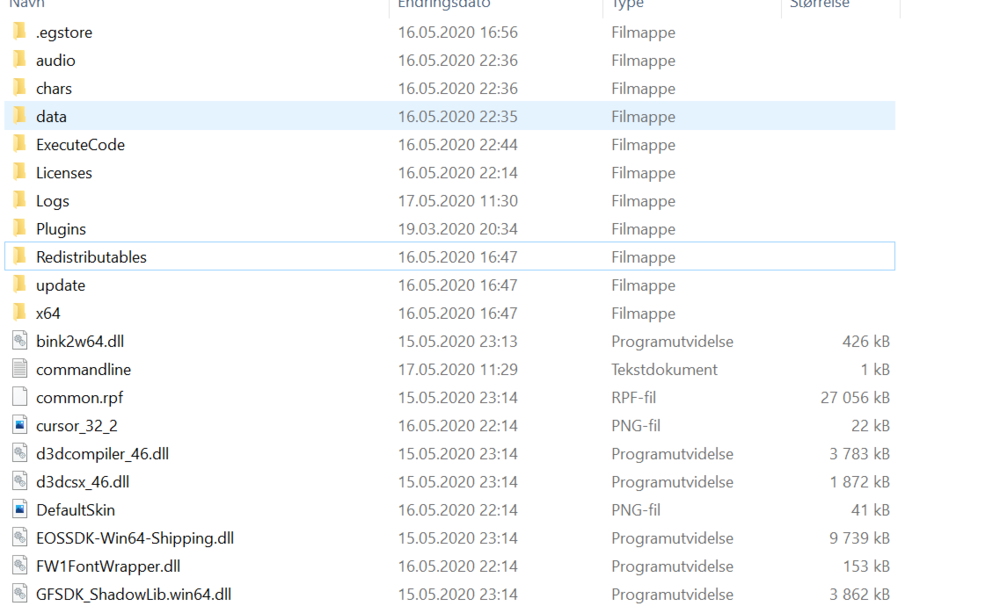
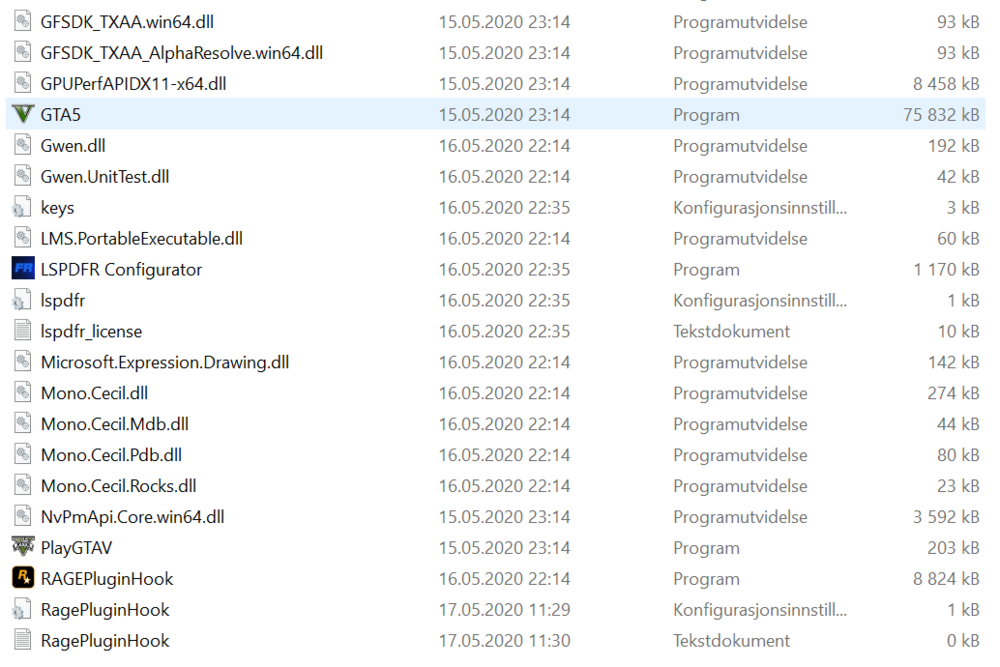
I did type it now, and went back to the police station. Still didnt work. My pluginsfolder is empty, as I was told by SteveTG55 to drop it outside of the folder, just under the main GTAV-folder.
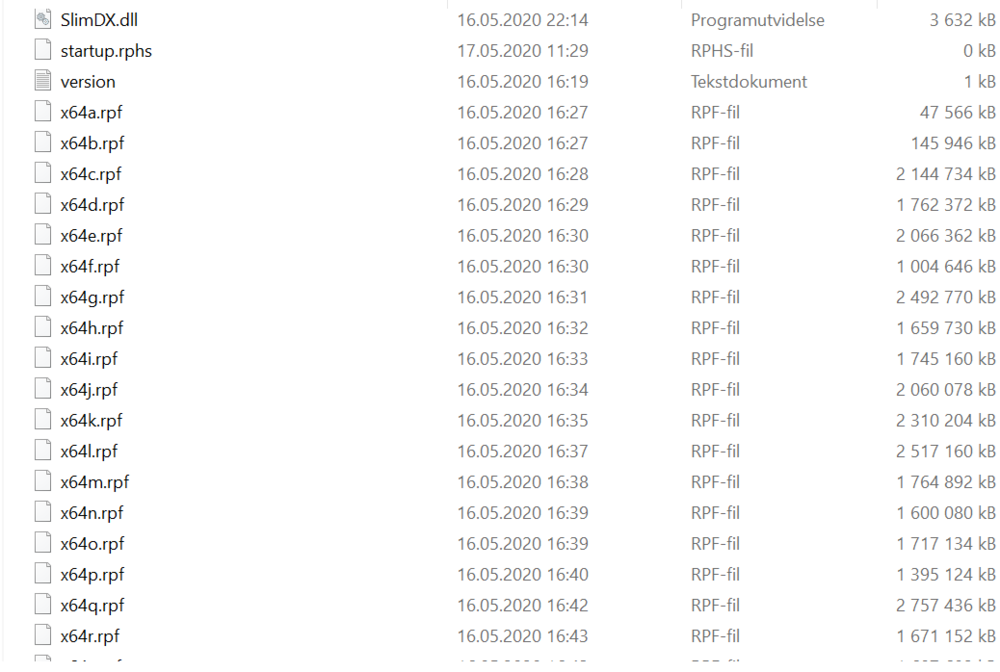
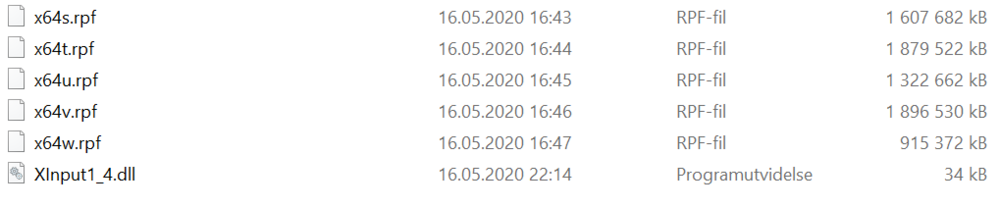
-
Hey, I recently installed LSPDR and RagePluginHook. When I go to a police station, i dont see any prompts. And when i Press F4 I dont have a forceduty command. Help? Mike


