


GioGuizar408
Members
-
Joined
-
Last visited
Everything posted by GioGuizar408
-
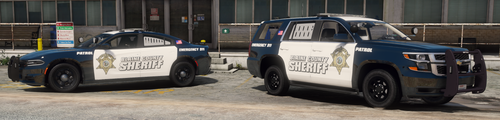 Quick Question, Am I Suppose To Install The File Along With The Folder Or Just The File. I Installed Them But It Seems That My Game Is Crashing Just Like You Said In The ReadMe Text, But I Also Installed The Spotlight. Any Suggestion?
- 62 comments
- 3 reviews
-
Do i rename my mods folder back to how it was before i add the meta?
-
My apoligies. i meant to say that I updated the callout on the plugin's folder. I didnt see a handling.meta in open iv before i installed the vehicle pack so i assumed that it wouldnt have affected it if i removed it.
-
i did erase some xml files that i accidentally placed there, as well as the handling.meta, i did add the vehicle car pack, and i also updated a callout. thats pretty much all ive done. where do i find the vanilla files and if you can, can you tell me how to install them? the edits were done in OpenIV not in the directory.
-
it seems to have worked!! Thanks. Will This Little Detail Effect OpenIV In Any Way?
-
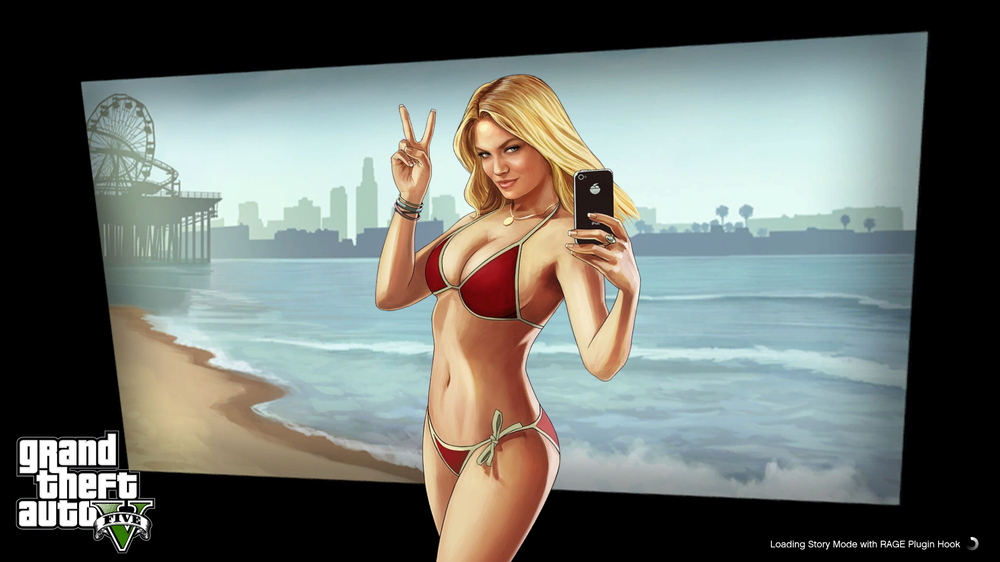
Can You Help Me locate It.before I made this post, it wouldnt start up. so i came here and asked for help. I figured that if i restarted the pc it can somewhat fix itself and when i wanted to start the game again the loading screen would work but then it would freeze for a moment and then crash. i was trying to edit the post title to correct it but I couldnt.On the loading screen it says "loading Story Mode With Rage Plugin Hook". I assume this is what you are talking about. I provided a screenshot of the loading screen. I was able to revert it but when I try to start up the game, the Rockstar Launcher gives an error code. I also updated a callout called "Super Callouts" that I forgot to mentioned but I dont think a callout can cuase this Right?
 Yes. I was adding a new vehicle pack and it wanted me to change the Vehicle.meta but it wasnt a problem for me since I change it when I install a new pack. But it also wanted me to install another meta called handling.meta and so I did. After I installed everything, my game loads up and after about 30 seconds - 1 Minute it crashes. The game does load with Rage. vehicle pack is called " [ELS] BCSO Mini Pack (rotatable spotlights) 1.2.1 " by emotional shawty's 2001. Im not blaming him for my mistake but i'd like to know if i changed something I wasnt supposed to...My game crashes before the loading screen is shown. I copied the whole report just in case. if possible can anyone help me on what is causing it and/or how to fix the situation?Anyone Know Why The Texture Is Doing That? Both Cars Are Highway Patrol But When I look Through The Textures These Show Up. The Charger has 6 Textures But This Texture Sholdve Been A Polar Bear Texture. The Explorer Shouldve Been A Black And White With Only 1 Texture Available But This Shows Up. I checked With The OpenIV But They Show Up Normal. Ive Also Installed Them Again And Its The Same Issue.
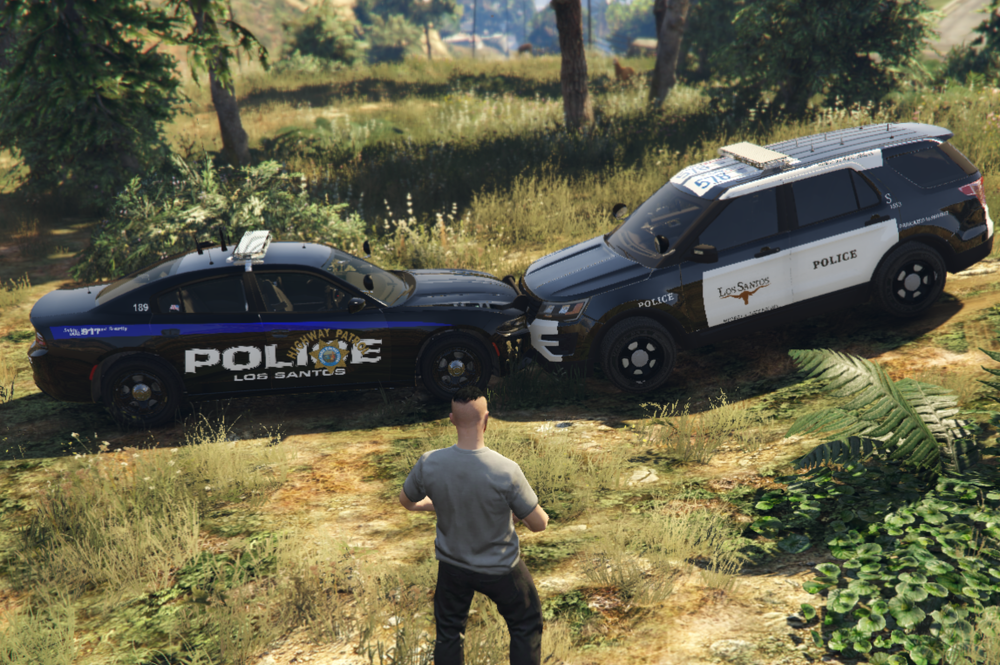
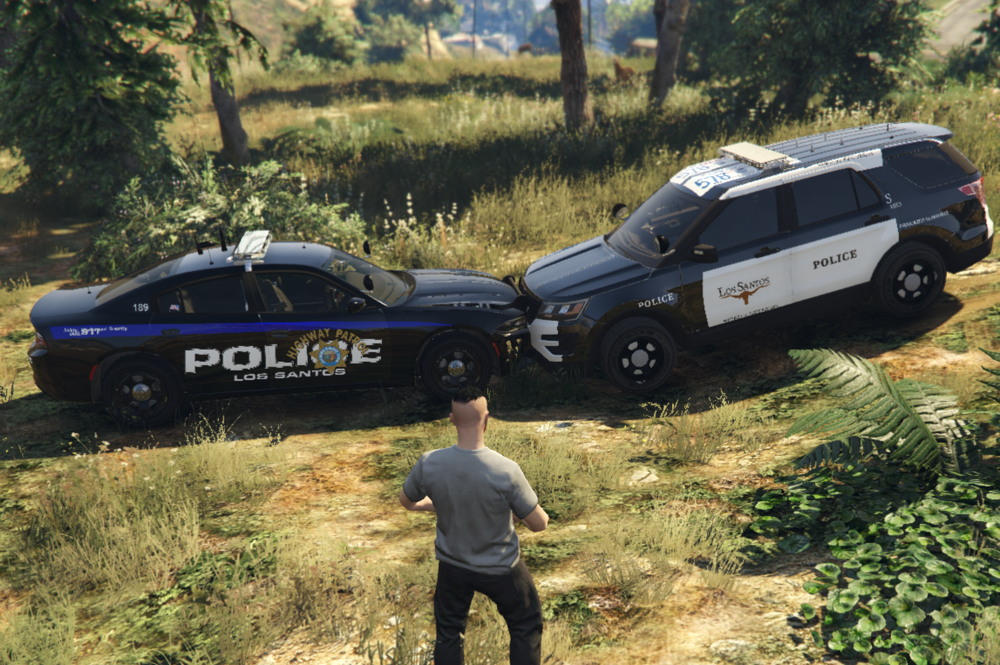 Anyone Know Why The Texture Is Doing That? Both Cars Are Highway Patrol But When I look Through The Textures These Show Up. The Charger has 6 Textures But This Texture Sholdve Been A Polar Bear Texture. The Explorer Shouldve Been A Black And White With Only 1 Texture Available But This Shows Up. I checked With The OpenIV But They Show Up Normal. Ive Also Installed Them Again And Its The Same Issue.
 I Get The Same Thing. But Usually The Red Blimp Is Just A Clown Van Driving Erratically. I Just Ignore Them Or I Just End The Pursuit. Does Get Annoying But It Went Away By Itself. It Is A Plugin BTW. The White Blimps Are The Ones That Have Something Wrong With; For Example, Messed Up Engine, Popped Tires ETC... Hope This Helps.


