
DamnitKvvin
Members
-
Joined
-
Last visited
Everything posted by DamnitKvvin
-
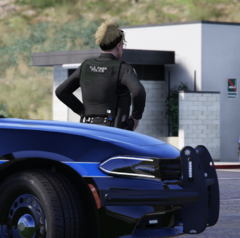
From the album: United States Park Police
-
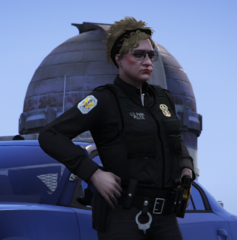
From the album: United States Park Police
-
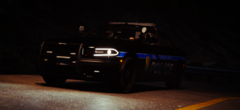
From the album: United States Park Police
-
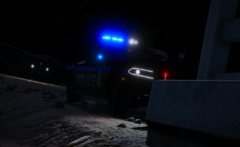
From the album: United States Park Police
-
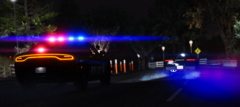
From the album: United States Park Police
-
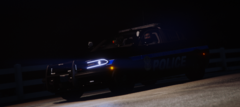
From the album: United States Park Police
-
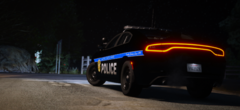
From the album: United States Park Police
-
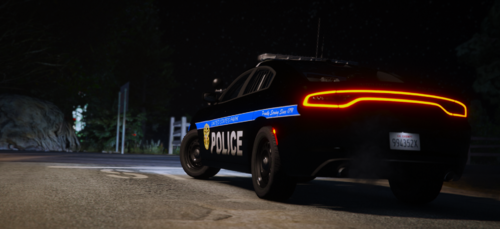 Beautiful! I'm working on another livery for a Ford F250, so stay updated. 😏
 -
-
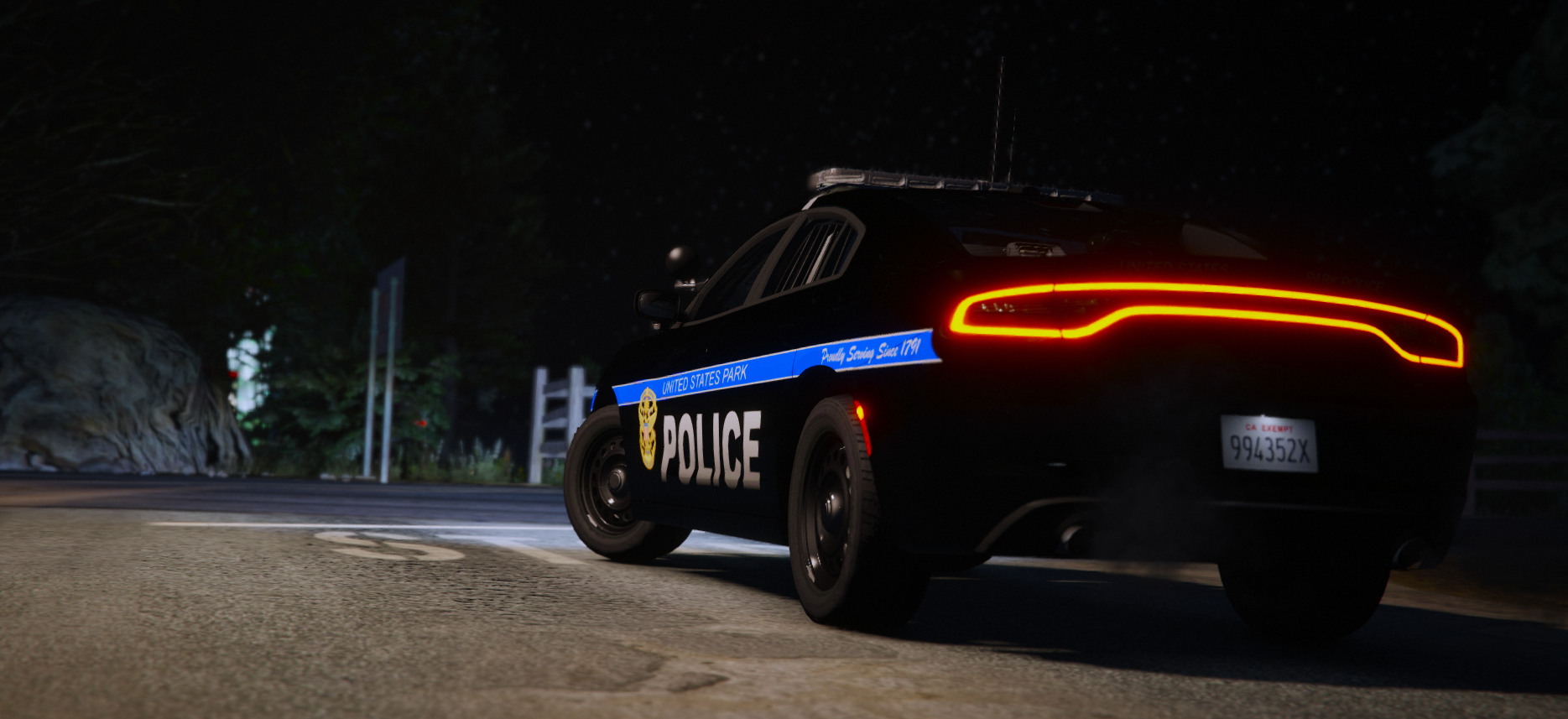
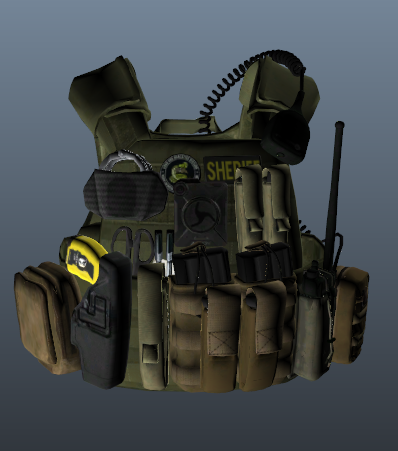
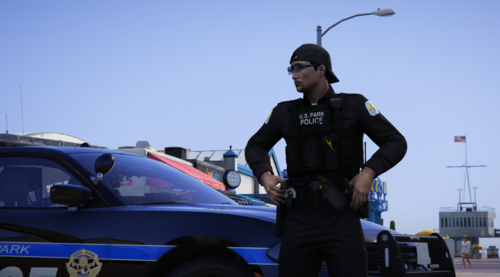 The United States Park Police lacks love and it's such a beautiful federal agency. I don't ever recall seeing assets related to this department, so here we go. Uniform Textures: Class A Class B Class C Class B w/ Sweater Pants This is just version one, as stated in the title. I am currently working on version two. Which will be a Mega Pack of textures from the uniform shirts, jackets, pants, vests, etc.
 -
You don't see a lot of high-quality liveries/models for the United States Park Police, assuming people even know they exist. Personally, I love the Park Police, and I decided to create a livery for when I patrol as the National Park Service. You're welcome 😉 (I do plan on creating EUP uniform/vest textures to go along with this livery, so follow me to stay updated.) Vehicle Model Used:
-
-
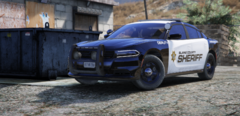
From the album: Blaine County Sheriff's Office
-
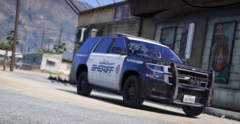
From the album: Blaine County Sheriff's Office
-
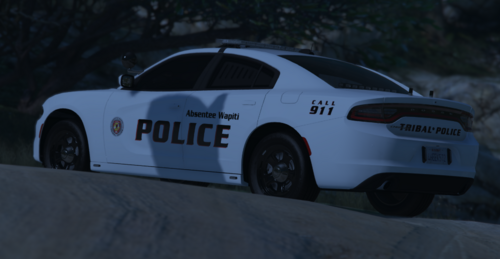 Currently the only liveries I have created are for the Dodge Charger, Chevy Tahoe, and 2020 Ford Explorer. I do plan on mapping the other vehicles as well. Vehicle Pack:
 -
 I need help, In my folder, I don't have the vinewood file. I have no idea why.