Skip to content
View in the app

A better way to browse. Learn more.

LCPDFR.com

A full-screen app on your home screen with push notifications, badges and more.

To install this app on iOS and iPadOS
  1. Tap the Share icon in Safari
  2. Scroll the menu and tap Add to Home Screen.
  3. Tap Add in the top-right corner.
To install this app on Android
  1. Tap the 3-dot menu (⋮) in the top-right corner of the browser.
  2. Tap Add to Home screen or Install app.
  3. Confirm by tapping Install.

JW Builds

Members
  • Joined

  • Last visited

Reputation Activity

  1. Like
    JW Builds got a reaction from poltergeist2k24 in Stop the Ped & LSPDFR Ped Menu overlap   
    Hey Guys, 
     
    I recently installed Stop the ped plugin and when I walk up to a driver in their vehicle during a traffic stop, the lspdfr ped menu comes up along with the stop the ped menu. 
    Id like to keep the stop the ped menu on RightDPad and disable the lspdfr ped menu if possible so i dont have to have them get out of the vehicle every time, any suggestions? 
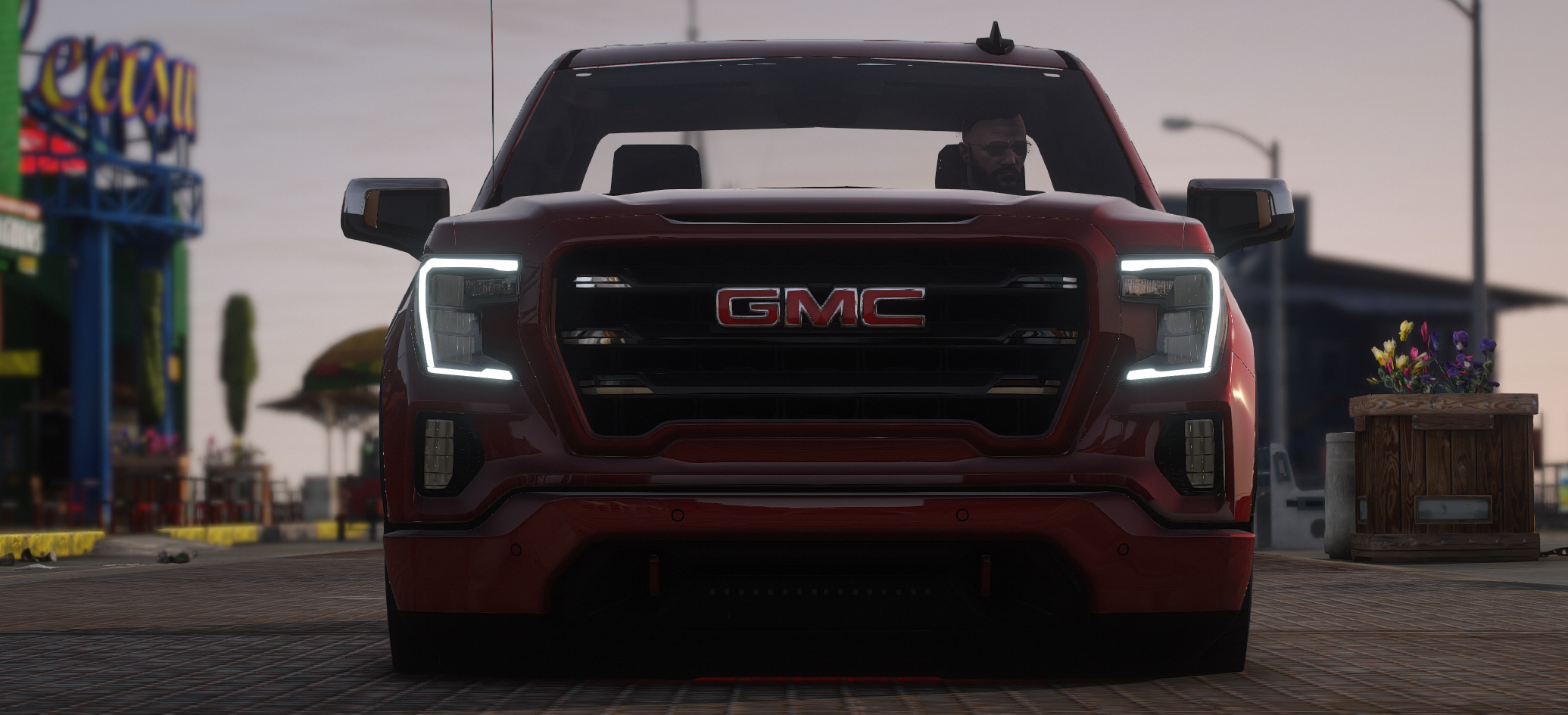
    See photo

Account

Navigation

Search

Search

Configure browser push notifications

Chrome (Android)
  1. Tap the lock icon next to the address bar.
  2. Tap Permissions → Notifications.
  3. Adjust your preference.
Chrome (Desktop)
  1. Click the padlock icon in the address bar.
  2. Select Site settings.
  3. Find Notifications and adjust your preference.
