Skip to content
View in the app

A better way to browse. Learn more.

LCPDFR.com

A full-screen app on your home screen with push notifications, badges and more.

To install this app on iOS and iPadOS
  1. Tap the Share icon in Safari
  2. Scroll the menu and tap Add to Home Screen.
  3. Tap Add in the top-right corner.
To install this app on Android
  1. Tap the 3-dot menu (⋮) in the top-right corner of the browser.
  2. Tap Add to Home screen or Install app.
  3. Confirm by tapping Install.

Officially Bored

Members
  • Joined

  • Last visited

Files posted by Officially Bored

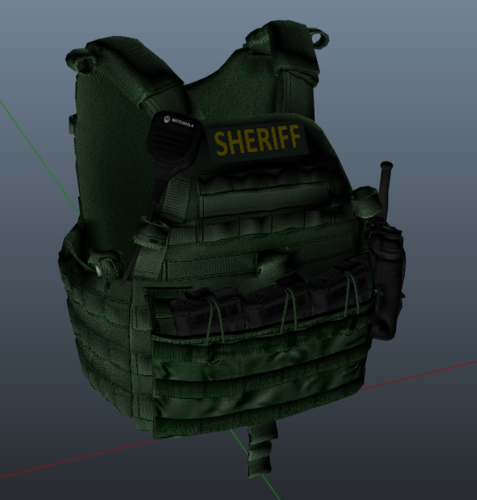
  1. This is my FIRST SUCCESSFUL retexture of a vest. All credits go to Markoo for the vest model. 
    • 383 Downloads
    • 3 Comments
    Updated
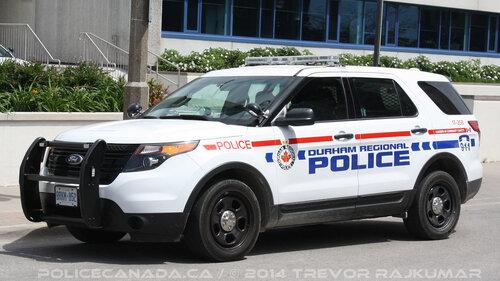
  2. This is a skin request that I got a few days ago and made for the person. Said person gave me permission to then upload it.
    • 75 Downloads
    Submitted
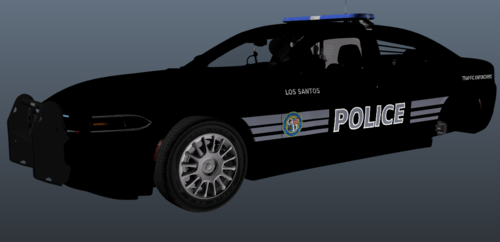
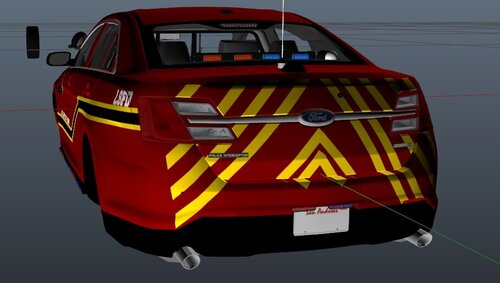
  3. This vehicle is based off of a vehicle on the front page. The original texture was made by: Sheriff Woody. 
    His texture: 
    Disclaimer: if Sheriff Woody would like me to remove this texture from the website, I will happily do so. Considering I basically made my own version of HIS texture. 
    The vehicle that goes with this texture: 
     
    • 18 Downloads
    • 1 Comments
    Updated
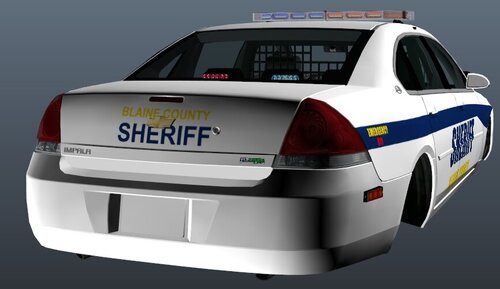
  4. 2nd GTA V vehicle texture. 
    Vehicle goes to this pack: 
    All rights to the model creator Samthegreat123
     
    • 22 Downloads
    • 1 Comments
    Updated
  5. This was my first GTA V livery.
    • 58 Downloads
    • 2 Comments
    Updated

Account

Navigation

Search

Search

Configure browser push notifications

Chrome (Android)
  1. Tap the lock icon next to the address bar.
  2. Tap Permissions → Notifications.
  3. Adjust your preference.
Chrome (Desktop)
  1. Click the padlock icon in the address bar.
  2. Select Site settings.
  3. Find Notifications and adjust your preference.