cngz
Members
-
Joined
-
Last visited
Everything posted by cngz
-
Plugins I use: Callouts I use: GTA 5 Mods I use:
-
https://www.youtube.com/watch?v=4Pv90pEvTwY Try this
-
-
I have the same problem
-
 When i accept the callout "WantedPerson" (VinewoodHills) LSPDFR gets crash when i arrive on the scene
- 635 comments
- 53 reviews
-
I've removed all the plugins from albo (for me PoliceSmartRadio and TrafficPolicer) just to test and now i can run LSPDFR smooth the most time, minimum 15-20 more fps. I can do without the plugins from albo
-
My only problem is the fps drops when i go on duty
-
I have tried but it didn't work
-
I have the same cpu with gtx 1050ti 4GB. When i'm off duty, i get minimum 60FPS - 90fps with very high-high settings and VisualV. Once i go on duty, my fps drops to 40-50. I have changed to the lowest settings but the fps are still at 40-50 lol. I love lspdfr but this is too bad
-
-
-
-
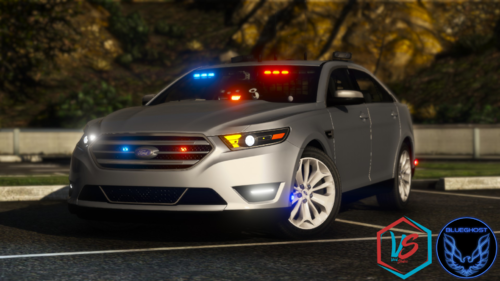 Love this car. Could you fix the rear license plate and add license plate for the front too please?
- 39 comments
- 9 reviews
-
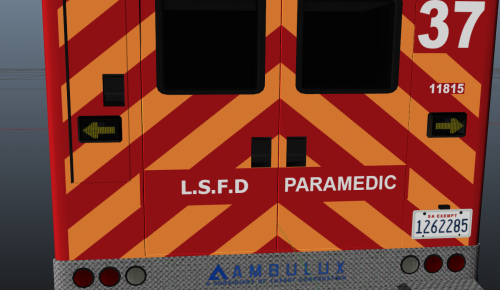 Awesome.
 -