tragicEM
Members
-
Joined
-
Last visited
Everything posted by tragicEM
-
-
-
-
-
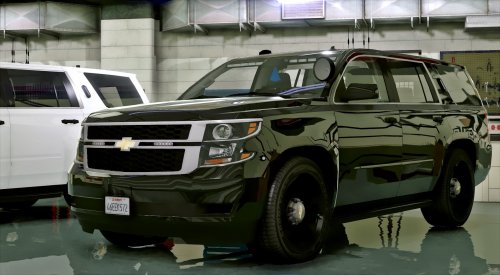 thanks for doing this that was the reason why I didn't download the other version you provided the link for.. I hate seeing the light bar and visor light together look unless its an opt to do either or which some users provide..
- 56 comments
- 13 reviews
-
-

- 2
-
-
VrandomMods003
-
-
-
-
-
-
-
-
-
-
-
-
-
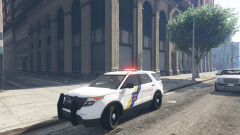
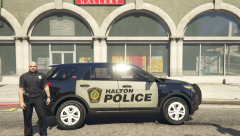 explorer from user @Windows446
 -
-
-
-
From the album: VrandomMods001
-
-