



Deputy75451
Members
-
Joined
-
Last visited
Everything posted by Deputy75451
-
-
-
-
 Thank you, I'm glad that you really love this car. And I will in the future for sure!
 -
Unfortunately I don't know how to make ELS haha. But thx!
-
I don't make els.
-
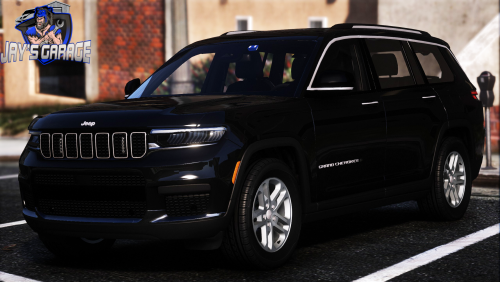
I guess it's the time to upload something to the community again. So here we go! Got this 2022 Jeep Grand Cherokee for you guys. It's meant for high administration vehicle. Vehicle have the minimum lights, but a full trunk load of goodies. Visor lights can be folded back in by toggle extra. Hope you can enjoy this vehicle! And join my discord send some screenshots of this vehicle! My discord: https://discord.gg/QHZGSS86dt Extra1: Fold in visor lights Extra2: Gunrack behind the passenger seat Extra8: Fold down visor lights https://imgur.com/a/24RSMWt
-
 I will check it tomorrow.
 -
Wdym?
-
-
-
-
-
-
-
-
-
From the album: My non els vehicles
-
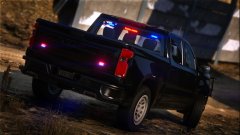
From the album: My non els vehicles
-
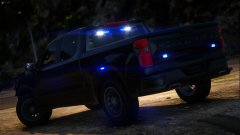
From the album: My non els vehicles
-
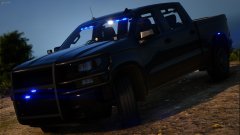
From the album: My non els vehicles
-
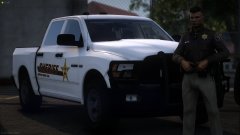
From the album: My non els vehicles
-
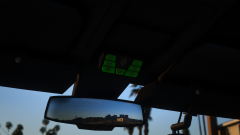
From the album: My non els vehicles
-
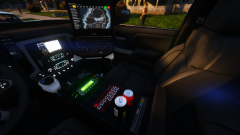
From the album: My non els vehicles
-
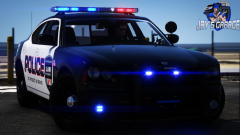
From the album: My non els vehicles
2009 Dodge charger


.thumb.png.ab4780e38d4f6f4e2e13ec5c18715727.png)




