Skip to content
View in the app

A better way to browse. Learn more.

LCPDFR.com

A full-screen app on your home screen with push notifications, badges and more.

To install this app on iOS and iPadOS
  1. Tap the Share icon in Safari
  2. Scroll the menu and tap Add to Home Screen.
  3. Tap Add in the top-right corner.
To install this app on Android
  1. Tap the 3-dot menu (⋮) in the top-right corner of the browser.
  2. Tap Add to Home screen or Install app.
  3. Confirm by tapping Install.

Marshall Alfred

Members
  • Joined

  • Last visited

Reputation Activity

  1. Like
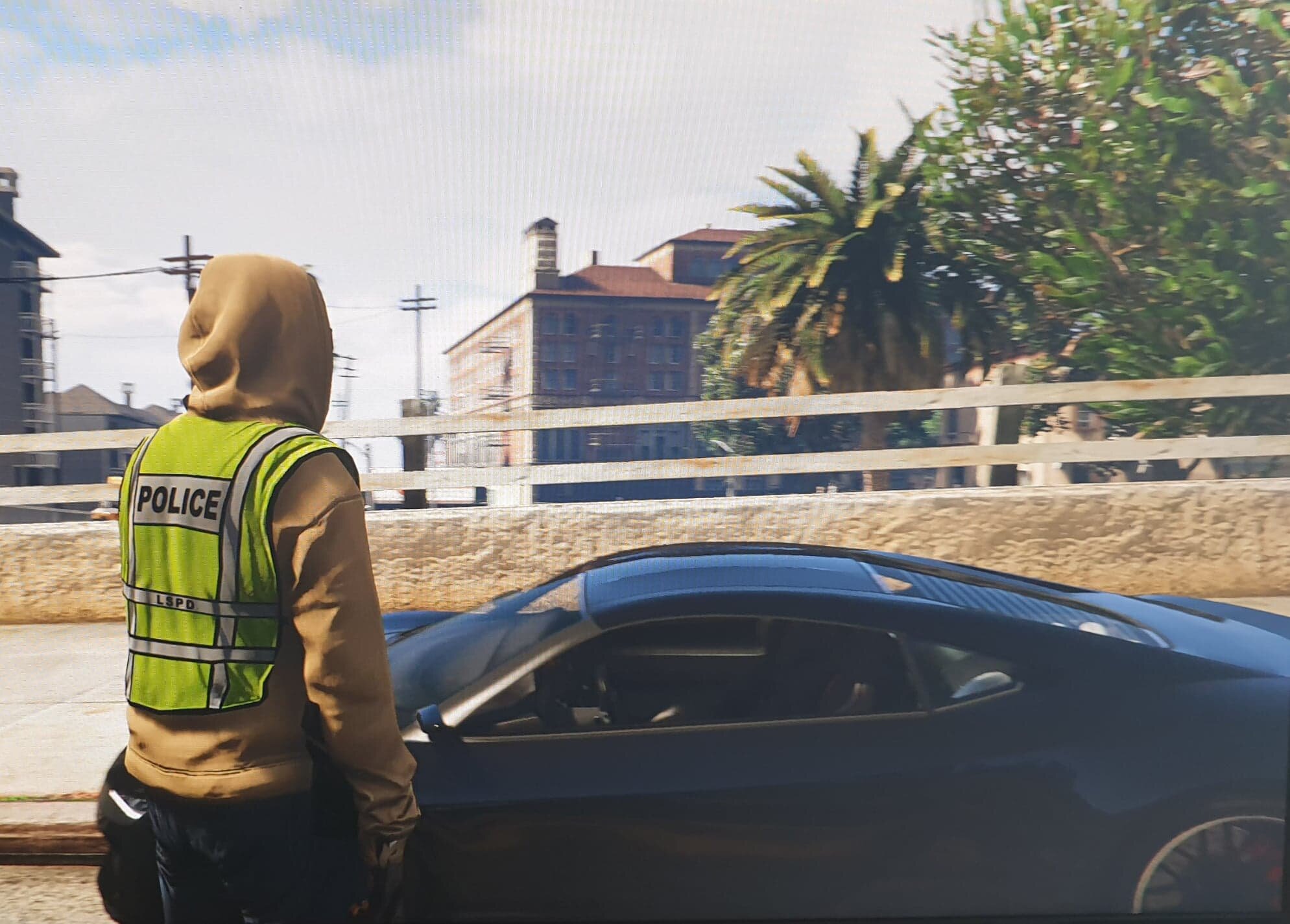
    Marshall Alfred reacted to Cocaine And Caviar for a file, Gunman tacticool bro fannypack   
    G U N M A N
    Tacticool bropack, brah!
     
    -Holds snacks
    -Can hold a can of beer
    -Cooler than your dad's fannypack
    -Operator af
    -Dwayne Johnson wishes he had this back in the day
    -Strongly desired by operators and college bros alike
    -Put your coins, keys and cards in here, they're safe brah
    -Won't cover your cowboy belt buckle brah no worries
     
    Brah, install instructions included in da file brah no worries I gotchu luv u bro
     
    SHAKA BRAH


Account

Navigation

Search

Search

Configure browser push notifications

Chrome (Android)
  1. Tap the lock icon next to the address bar.
  2. Tap Permissions → Notifications.
  3. Adjust your preference.
Chrome (Desktop)
  1. Click the padlock icon in the address bar.
  2. Select Site settings.
  3. Find Notifications and adjust your preference.
