
Bojack6666
Members
-
Joined
-
Last visited
Everything posted by Bojack6666
-
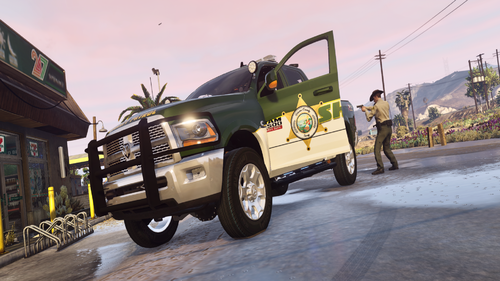 Great Vehicle. Excited to see what comes next!
 -
From the album: Whiskey Roleplay - New Server
-
New server of mine.
-
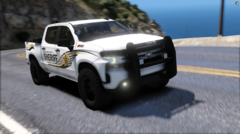
From the album: Whiskey Roleplay - New Server
-

From the album: Whiskey Roleplay - New Server
-
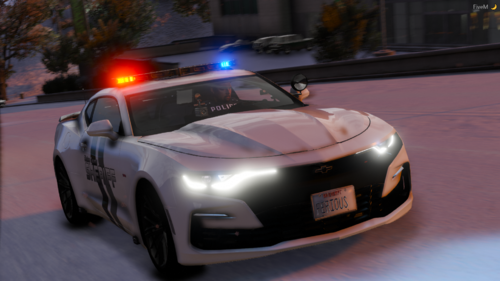 Sadly it is not included.
 -
From the album: Random Stuff
-
-
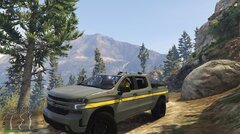
From the album: Random Stuff
-
.thumb.png.340c19383e741099730c35a30fef827a.png) You good boss 🙂
You good boss 🙂 -
-
If it's a .dds file you can convert to PNG fairly simple > Open IV > Go to vehicle files, Open YTD > Select vehicle texture > "Replace" > Select .dds file > Export selected > Save as .png If you need more help DM me and I can get you the png file.
-
It is unlikely there will be an ELS Release anytime soon. Ferious focuses on non-els.
-
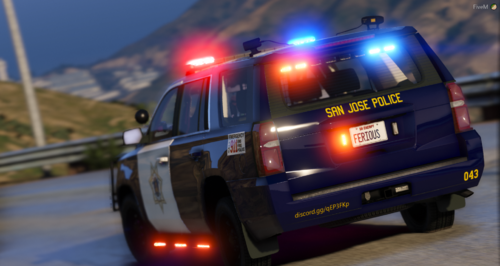 Join the discord in the description. Someone will help ya. If no one does by tonight I will :)
- 13 comments
- 1 review
-
-

- 1
-
-
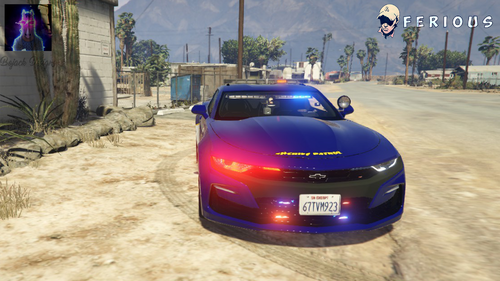 For Support with the Vehicle or Textures join our Discord FERIOUS DEVELOPMENT : https://discord.gg/qEP3FKp --- The skin is just a test skin to see the curves flow with the different colors. If you guys like this and want to see more like it please let me know. Any suggestions are greatly appreciated. Original Vehicle :
 -
What do you mean releasing the model? The model is here released. Unless you are asking if it were to be unlocked for .z3d in that case I don't believe he will be releasing an unlocked version as it's not his base. 246,000 if you need support or help converting to an all blue join our discord! We will help you there!
-
Are you attempting to make this vehicle for your single player game, or add it to a fivem server? This vehicle is considered FIVEM ready, meaning the resource.lua file remains in the folder with the vehicles files. If you are attempting to add this to single player, the resource.lua file in not required.
- 13 comments
- 1 review
-
-
- 1
-
-

.thumb.png.340c19383e741099730c35a30fef827a.png)