


sash14
Members
-
Joined
-
Last visited
Everything posted by sash14
-
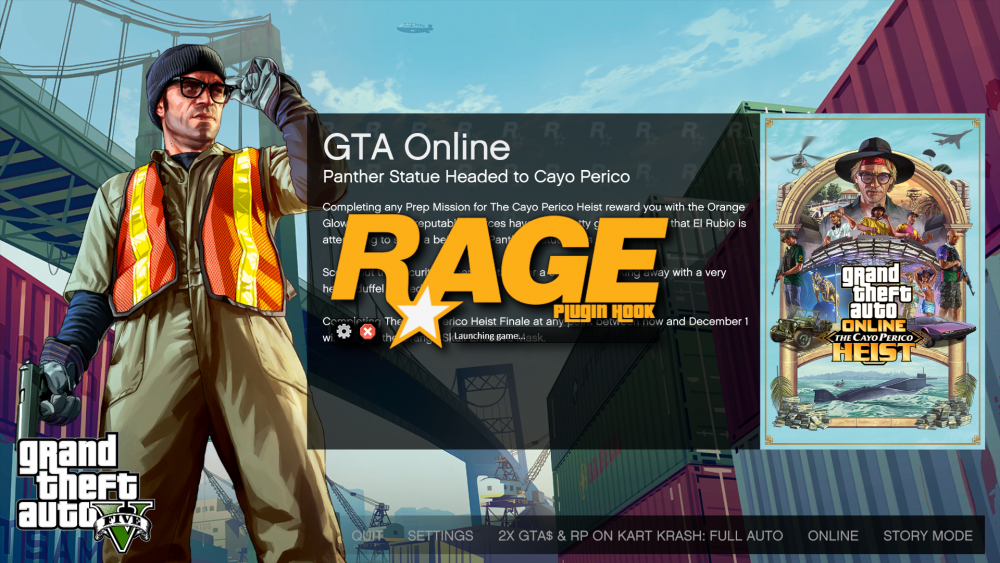
Hey, I need some help with RPH. My game starts up after I click on RagePluginHook.exe but RPH doesn't hook the game. It just gets stuck on "Launching Game". Tried to load RPH after the loading screen, after loading in game but it opens up Rockstar Games Launcher & I get a prompt that GTAV is already running. I just installed a fresh copy of the game, I don't have any mods, enbs, shaders. I have disabled in game overlays of Nvidia Geforce Experience & Discord, I have a retail version of the game and I can't share my logs cause they are not getting generated since I'm not having any crashes. Current Mods I have in game folder are ScripthookV (Latest) ScripthookVDotNet (Latest) LSPDFR / RPH (Latest) ASI Manager from OpenIV
-
What I do is launch gta v and when I get on the loading screen where it says to launch in story mode I tab out and start RageHook and then click on story mode this loads the story mode with RageHookPlugin and doesn't crash my game.
-
 Hey, can you add a .txt file for Manual Installation? The .oiv file replace some of my other mods that I have installed. If you could make a list of which files are being replaced by this mod It would be helpful. Thanks
- 2,341 comments
- 236 reviews

