



Ugv6767676
Members
-
Joined
-
Last visited
Everything posted by Ugv6767676
-
the problem is vehicle textures try to down 2k resolution
-
now works fine y reinstall mods folder and is fine well thanks anyway
-
the problem is my mods folders
-
when I put my second comment I started to reinstall it and nothing I think the problem is rage plugin since only rage crashes and gta 5 doesn't

-
with both it goes wrong with lspdfr and the campaign and it's every time that I get out of the vehicle
-
-
is every time I activate lspdfr i have the crash on a point of the map
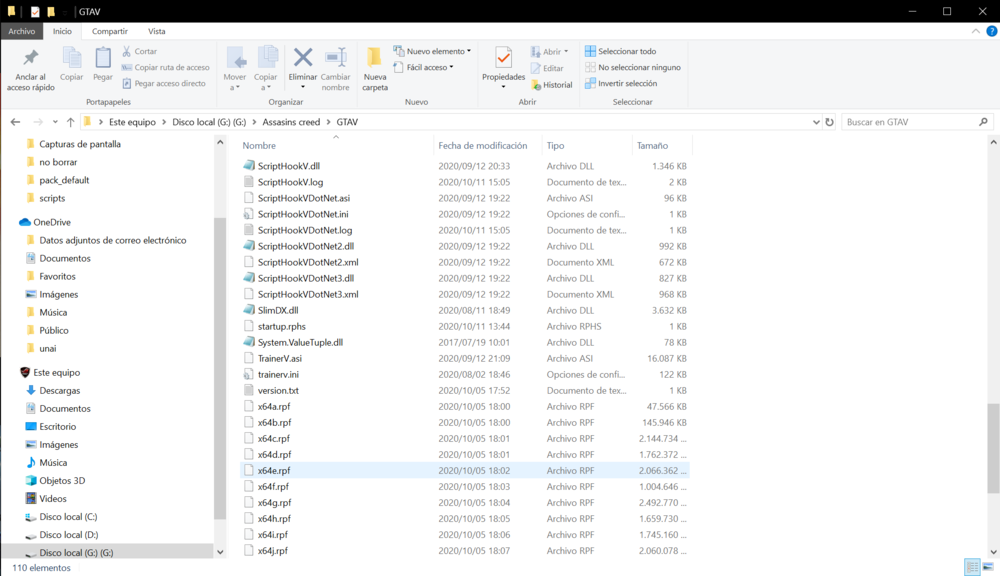
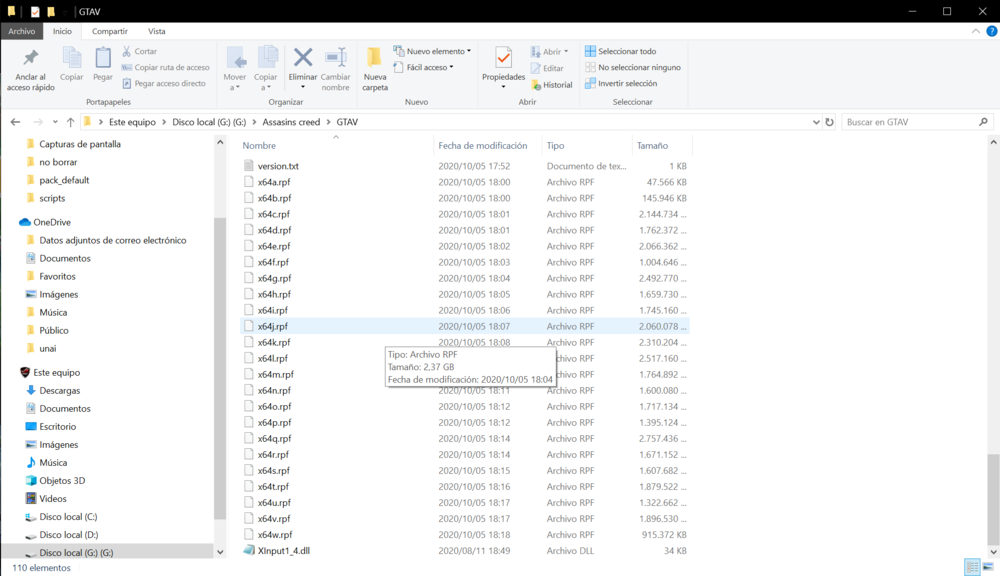
-
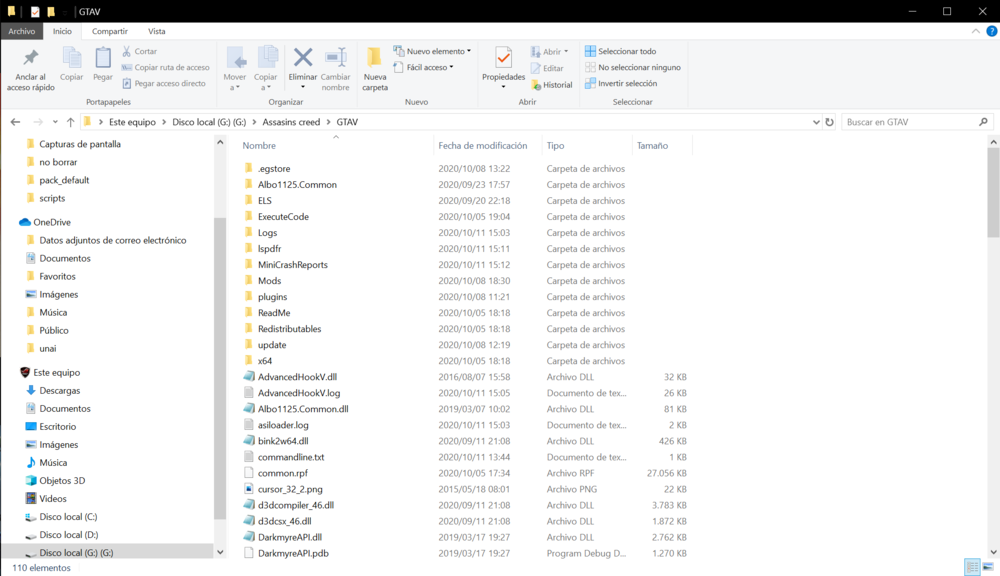
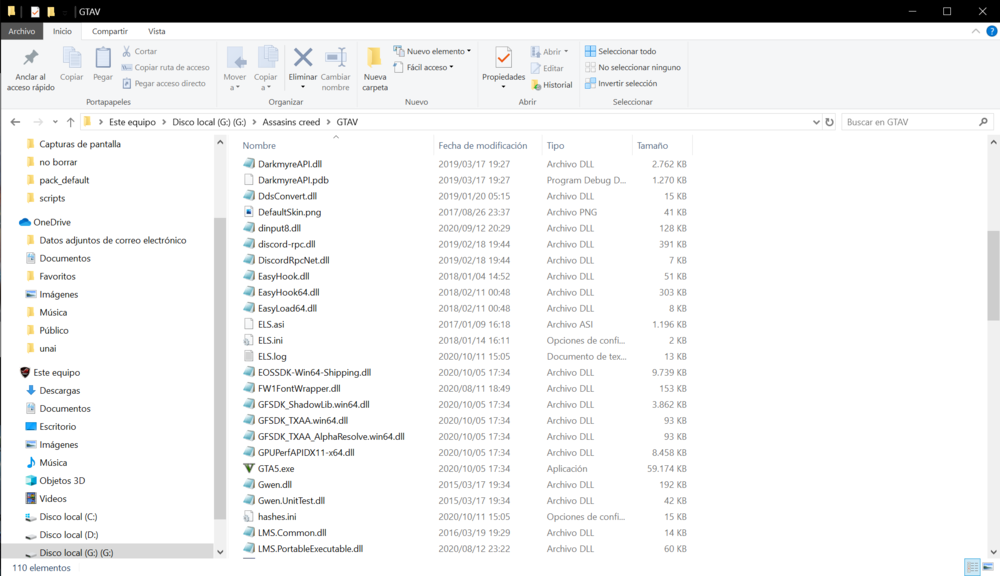
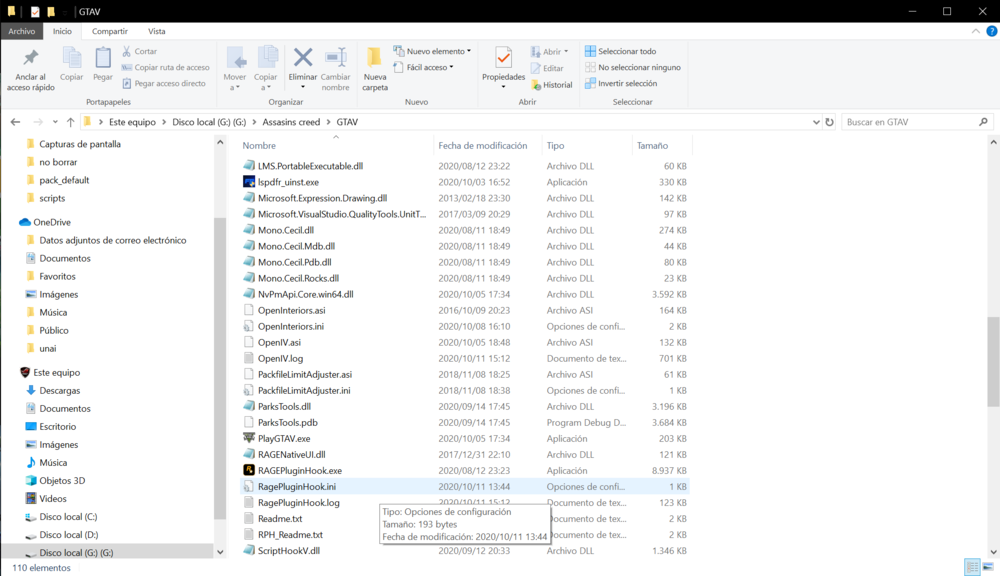
It will be because of my keyboard that is a gamer and not to take screenshotsi dont have prtscn key there another key?im of windows 10 but wen i go to the windows 10 link i have 404 not foundsorry how do you take screenshotsGTAV blinderwhat is main directory?ah this launcher.logthis? settings.xmlthanks but the fire firefighters dont come with Emergency uniforms pack - Serve & Rescuebut it works with ultimate backup?it is donehow?i have a problem which is the fire department dont respondright now i'm doing them and this I also think is the problemyes when i download 2 day i have the crash


