



1979
Members
-
Joined
-
Last visited
Reputation Activity
-
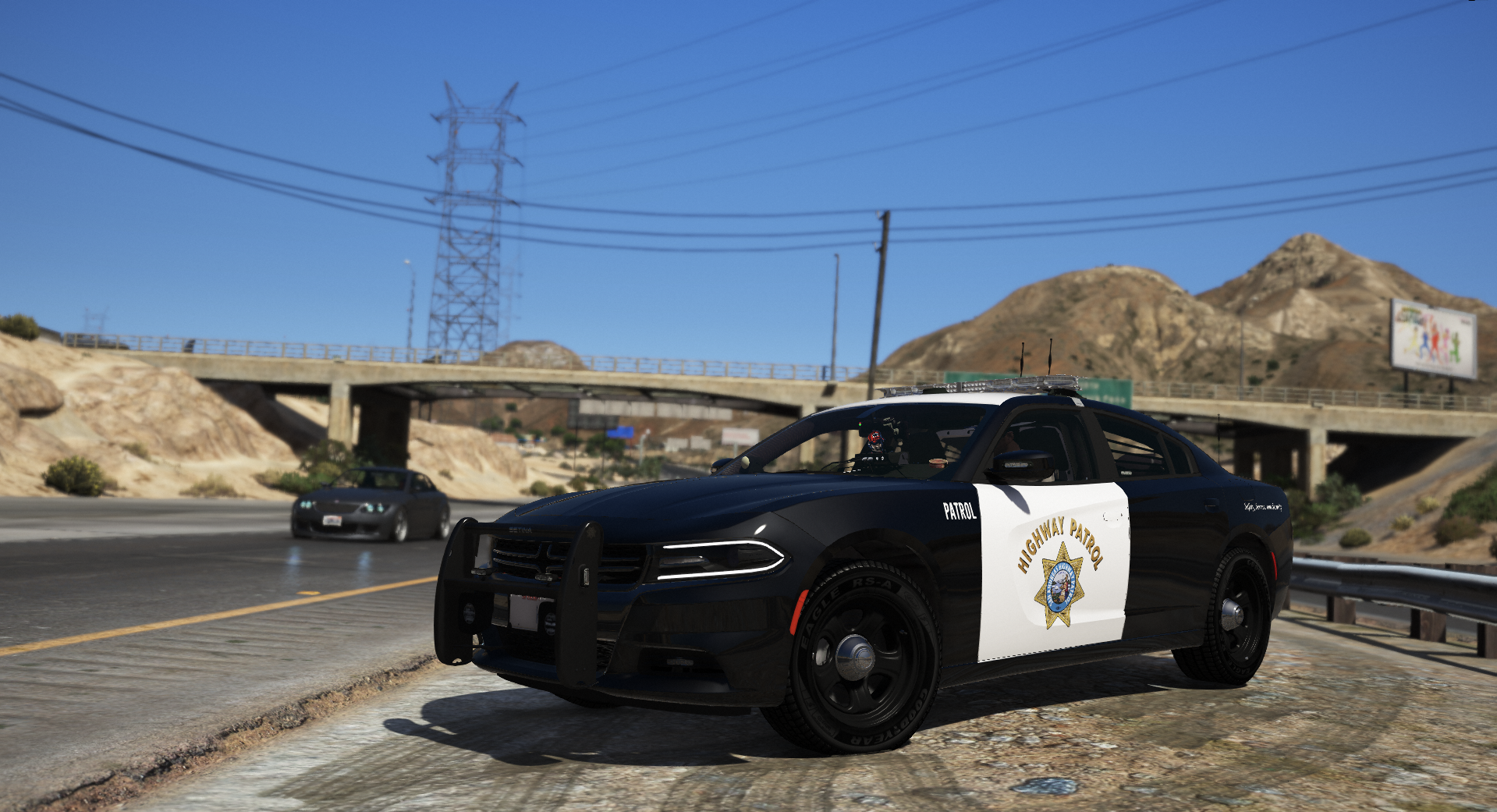
 1979 reacted to BlueGhost for a file, [ADD-ON] Wheel Variety PackThis pack is a collection of wheel types for various police vehicles.
The purpose is to allow players to further customize their rides to fit their taste.
SO HELP ME GOD, IF I SEE ANY ONE OF YOU HEATHENS USING A WHEEL THAT DOESN'T FIT THE VEHICLE YOU PUT IT ON,
I'LL SLAP YOU ON THE TIT.
After much consideration, I’ve had a change of heart.
FiveM usage is allowed FOR THIS WHEEL PACK ONLY.
-----Installation-----
1. Navigate to your dlpacks folder, located at
mods\update\x64\dlcpacks
2. Enable Edit Mode
3. Drag and drop the "wheelvarietypack" folder inside the dlcpacks folder
4. Navigate to your data folder, located at
mods\update\update.rpf\common\data
5. Locate your dlclist.xml, then right click and click "Edit"
6. Directly after the latest entry in the XML, you must put the following line:
<Item>dlcpacks:/wheelvarietypack/</Item>
7. Click Save
8. Start GTA V.
-----Expansion-----
Nah lol
-----Contents-----
There are 18 wheel choices that will fit most common police vehicles in modern model years.
Ford CVPI: 3
Ford Police Interceptor: 2
Dodge Charger: 7
Chevrolet Caprice: 1
Chevrolet Tahoe: 4
Chevrolet Impala: 1
USE THE CORRECT WHEEL FOR THE CORRECT VEHICLE AND TRIM LEVEL
NO ALL-WHEEL-DRIVE WHEELS ON A REAR-WHEEL-DRIVE CHARGER, GOD DAMN IT.
-----Applying your wheels-----
Simply open your trainer menu, and navigate to the wheel customization section. You will find them under the "Sport" category
Enjoy!
