Skip to content
View in the app

A better way to browse. Learn more.

LCPDFR.com

A full-screen app on your home screen with push notifications, badges and more.

To install this app on iOS and iPadOS
  1. Tap the Share icon in Safari
  2. Scroll the menu and tap Add to Home Screen.
  3. Tap Add in the top-right corner.
To install this app on Android
  1. Tap the 3-dot menu (⋮) in the top-right corner of the browser.
  2. Tap Add to Home screen or Install app.
  3. Confirm by tapping Install.

Midwest Development

Members
  • Joined

  • Last visited

Files posted by Midwest Development

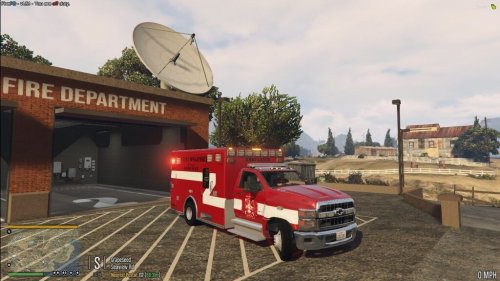
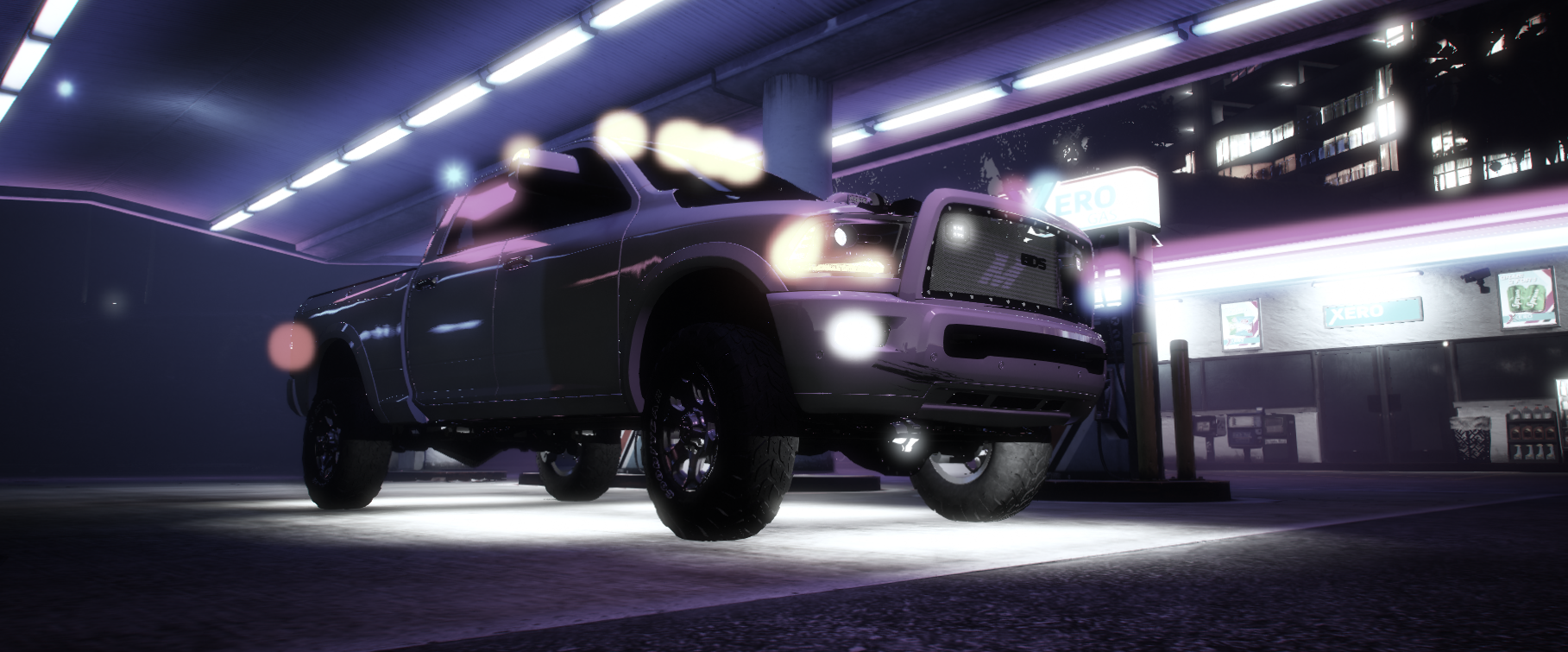
  1. Hello, This is my first post on LSPDFR! I have been a FiveM developer for 3 years and now I am in the skinning business. 
     
    I give full credits out to this man, the legend Veteran Mods for making these beautiful pieces of work.
     
    Want some custom high quality skins done? Maybe have a FiveM server built for you? Or are you looking for a development team to work for? You've found it! Join Today!
     
    Conrad Development: https://discord.gg/TgJGGWgDX7
     
    Looking for a serious roleplay community? Wanna see these vehicles used to the best of their abilities? Join San Andreas First Response today!
     
    SAFR Discord: https://discord.gg/wqUTW54CmQ
     
     
    • 4,165 Downloads
    • 10 Comments
    Updated

Account

Navigation

Search

Search

Configure browser push notifications

Chrome (Android)
  1. Tap the lock icon next to the address bar.
  2. Tap Permissions → Notifications.
  3. Adjust your preference.
Chrome (Desktop)
  1. Click the padlock icon in the address bar.
  2. Select Site settings.
  3. Find Notifications and adjust your preference.