Skip to content
View in the app

A better way to browse. Learn more.

LCPDFR.com

A full-screen app on your home screen with push notifications, badges and more.

To install this app on iOS and iPadOS
  1. Tap the Share icon in Safari
  2. Scroll the menu and tap Add to Home Screen.
  3. Tap Add in the top-right corner.
To install this app on Android
  1. Tap the 3-dot menu (⋮) in the top-right corner of the browser.
  2. Tap Add to Home screen or Install app.
  3. Confirm by tapping Install.

MgTy

Members
  • Joined

  • Last visited

Files posted by MgTy

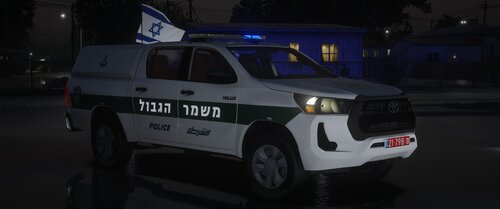
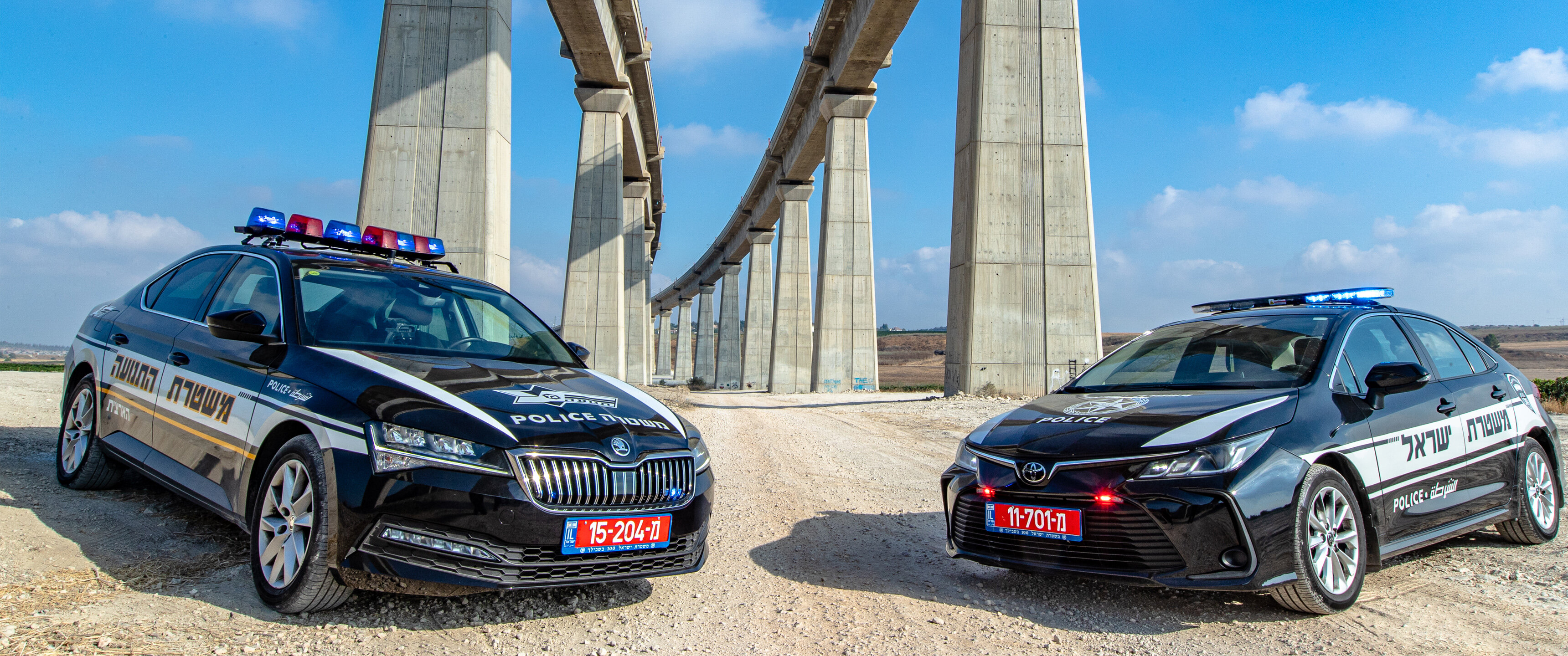
  1. 💪 Hilux Israeli Border Police Year 2021 💪
    - Add-on | FiveM reday 

    - Accessories -
    - Lighting Bar SoundOff nForce
    - a box of equipment from RASTA4X4 
    - Motorola connection - includes 1 antennas
    - 1 100 watt speakers in the front of the vehicle from TELKOL
    - PA system from TELKOL model D2200
    - 4K signage + Reflective Caption NewArt


    משמר הגבול

    ⚠️ Do not re-upload - do not unlock the vehicle - or use any part that exists in the vehicle ! see warning! ⚠️

     
    • 1,565 Downloads
    • 4 Comments
    Updated
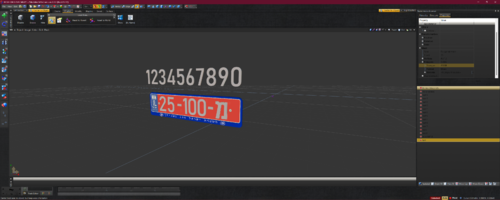
  2. Custom police plate of your choice
    Choose the correct number, place it and attach 🙂 


    --Vertices--  46,712
    --Polygons-- 34,806 
    including the file,Of course it is that the number of polygons decreases after you choose your number
     
    • 145 Downloads
    Updated
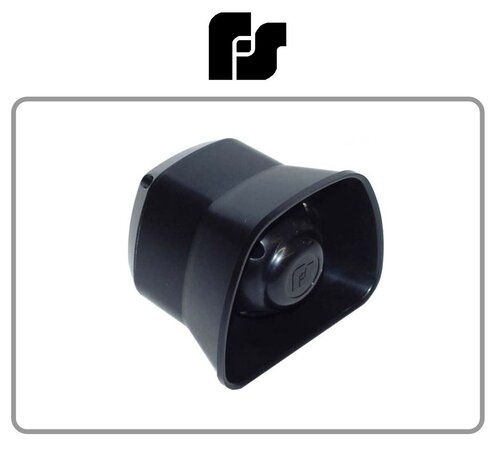
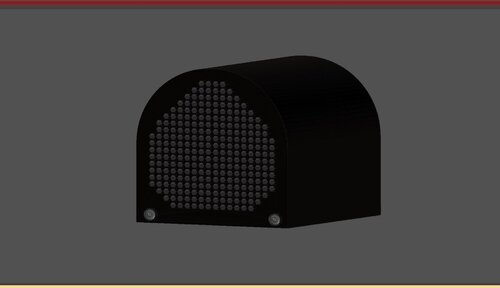
  3. Electronic Siren from Federal Signal
     
    • 215 Downloads
    • 3 Comments
    Updated
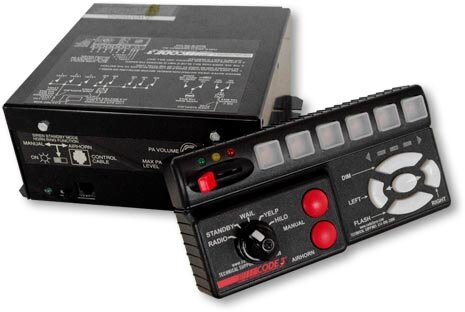
  4. Code 3 RLS Siren HQ !
     
     
    • 928 Downloads
    Updated
  5. Code 3 For any game do you want 🙂


    • 227 Downloads
    • 3 Comments
    Updated
  6. motorcycle siren from federal signal 🙂
    enjoy 
     
    • 282 Downloads
    Updated
  7. (Does not include lightbar)

    by MgTy
    free to use

    vertices - 19402
    polygons - 17226
     
    • 54 Downloads
    • 4 Comments
    Updated

Account

Navigation

Search

Search

Configure browser push notifications

Chrome (Android)
  1. Tap the lock icon next to the address bar.
  2. Tap Permissions → Notifications.
  3. Adjust your preference.
Chrome (Desktop)
  1. Click the padlock icon in the address bar.
  2. Select Site settings.
  3. Find Notifications and adjust your preference.