Skip to content
View in the app

A better way to browse. Learn more.

LCPDFR.com

A full-screen app on your home screen with push notifications, badges and more.

To install this app on iOS and iPadOS
  1. Tap the Share icon in Safari
  2. Scroll the menu and tap Add to Home Screen.
  3. Tap Add in the top-right corner.
To install this app on Android
  1. Tap the 3-dot menu (⋮) in the top-right corner of the browser.
  2. Tap Add to Home screen or Install app.
  3. Confirm by tapping Install.

Made Lucky

Members
  • Joined

  • Last visited

Files posted by Made Lucky

  1. Be sure to Join the Discord to get Updates and Textures! We also have Private Releases if your interested: https://discord.gg/5NJQ8BT
     
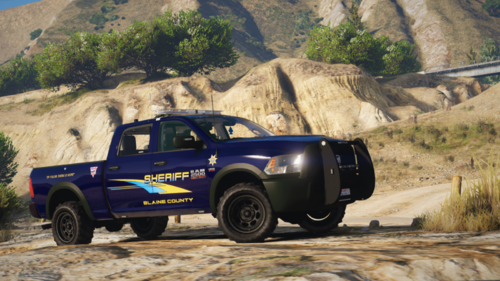
    Got the idea from DOJRP. Had to remake the whole skin to be able to fit the first Released Dodge Ram that actually looks nice. No offence to the other devs, we appreciate your work.
    Cheers
     
    You can find the model that goes with this below!
     
    You may now use this livery, vehicle listed below: 
     
    • 385 Downloads
    • 2 Comments
    Updated
  2. Join my Discord for more textures and updates: https://discord.gg/5NJQ8BT

    This pack includes a Dirt Map that can be applied to any car that is UV Mapped.
     
    Do not Redistribute or claim as your own in any way. You must contact me and get approval before posting this anywhere even if it is on a car you own.
     
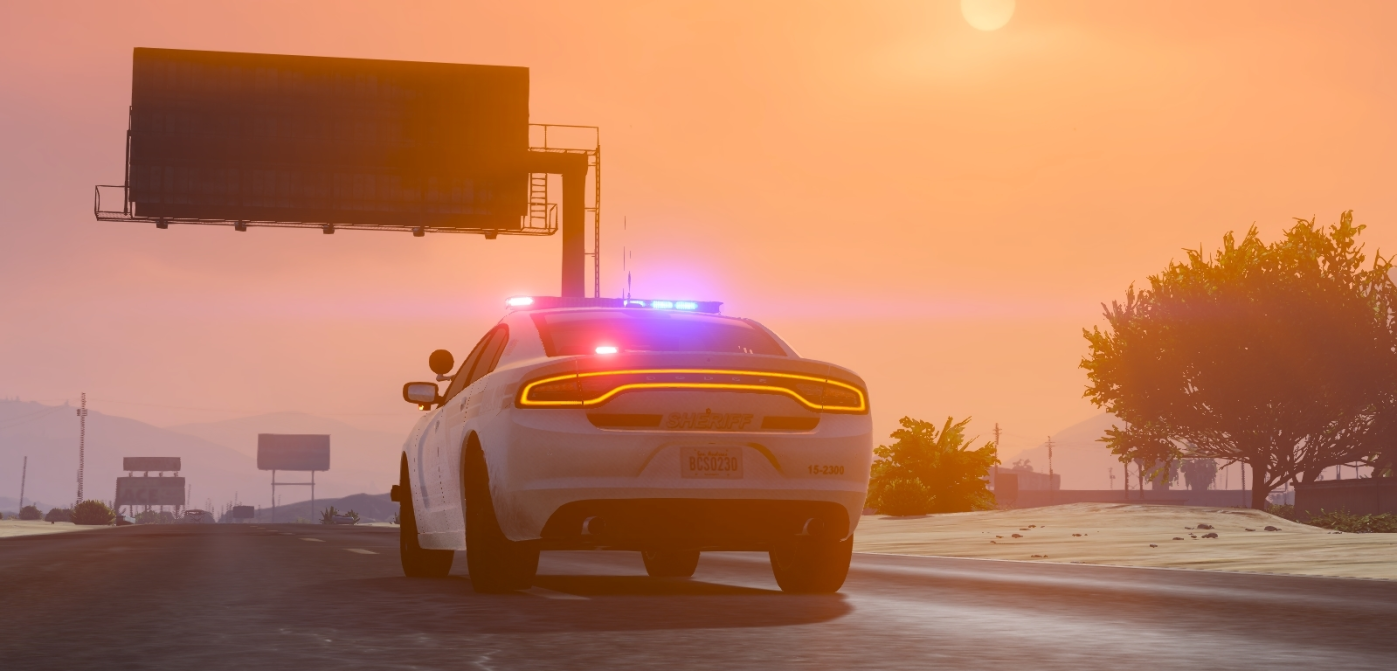
    The vehicles I used in the pictures above are listed below: 


    • 311 Downloads
    • 1 Comments
    Updated

Account

Navigation

Search

Search

Configure browser push notifications

Chrome (Android)
  1. Tap the lock icon next to the address bar.
  2. Tap Permissions → Notifications.
  3. Adjust your preference.
Chrome (Desktop)
  1. Click the padlock icon in the address bar.
  2. Select Site settings.
  3. Find Notifications and adjust your preference.