


.jpg.7993a7220383e30868b66c42ee5ed556.jpg)
drew8142
Members
-
Joined
-
Last visited
Everything posted by drew8142
-
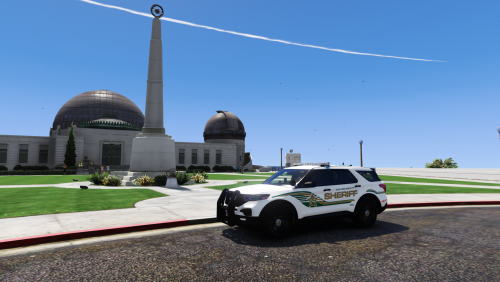 Great vehicle! Only issue is this red light appears on the rear bumper from a distance. I'm guessing it's an issue with the specific FPIU model, since I use your other FPIU pack and it has the same issue. Any fixes? (I already upped my LOD values in my ELS.ini and visualsettings.dat btw)
- 22 comments
- 3 reviews
-
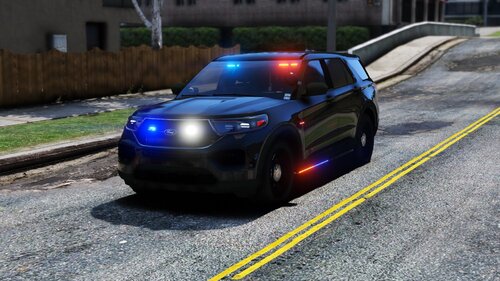 Do you plan on adding functional take-downs/spotlights in the future? The take-downs on the slick-top charger face backwards :\. Other than that, great pack!
- 89 comments
- 16 reviews
.thumb.jpg.e621c4cbee8c80d1bb10377951b8c3e4.jpg)
