borememore2
Members
-
Joined
-
Last visited
Everything posted by borememore2
-
nope just typical gta 5 story mode with no other mods except add-on cars. Also, it only happens when I start driving around if i walk around my game doesnt do anything but as soon as i start driving a bit it just freezes and crashes without any messages saying i crashed, just returned me back to the launcher that's it
-
hi! i would load into a game and once I start driving around it just freezes and crashes however i do get any message saying that it crashed or anything, just ends the game and take me to the launcher. I only play offline mode with around 8 add on cars and some few other mods. I've added heaplimited, game config, packfile limit and checked my game file but nothing is working.
-
Yep tried everything but still does not show up. I even tried re doing everything following Albo's video but still does not work.
-
I installed an add-on police car using Albo Modding dlc thing and when I try to spawn it using simple trainer it says it is spawned but in the game the car model does not appear. Any solutions? Thank you.
-
I tried removing Policesmartradio and it worked. However once i tried again with a re-installed ultimate backup and policesmartradio it crashes when i go on duty. RagePluginHook.log I reinstalled ultimate backup too but it still crashes
-
I reinstalled both Policesmartradio and ultimate backup but it still crashes when going on duty RagePluginHook.log
-
RagePluginHook.log
-
Thank you i will be sure to test it later but is there possibly any explanation on why my car in POLICE2 slot would not load? For example when i go to my police garage my car in POLICE2 would not show up even when i use the spawn POLICE2 option it says "Invalid call to console command "Spawn". Cannot load invalid model with has 0X9f05f101"
-
RagePluginHook.log
-
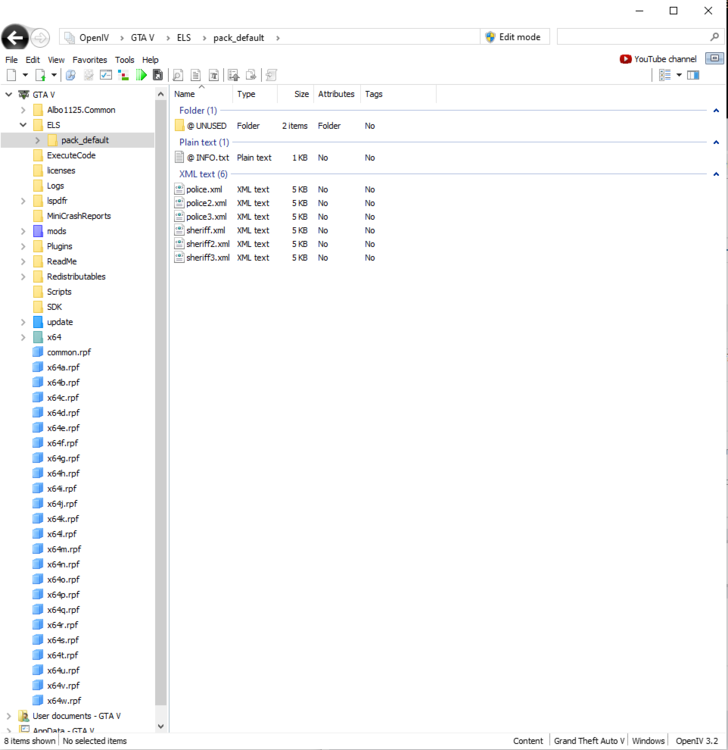
i installed a new pack and it still has the same problem. LSPDFR plugin crashes after a while and the car in POLICE2 slot could not be loaded. Also, I tried to put the car slots in patchday3 but still has the same problem. For all the packs i've downloaded i have tried on both patchday3 and 21 and i can ensure you i put everything in the right place but it still doesn't work.
-
Yep
-
First i used Frost88's and then i used Ripple's
-
Ok so i downloaded a new pack and installed it but it still crashed. Also, for some reason I could not load the POLICE2 slot car
-
Yep I did. I will just try replace the police slots with another pack and see if it works
-
RagePluginHook.logHere you go RagePluginHook.logThank you
-
Where is that exactly ?
-
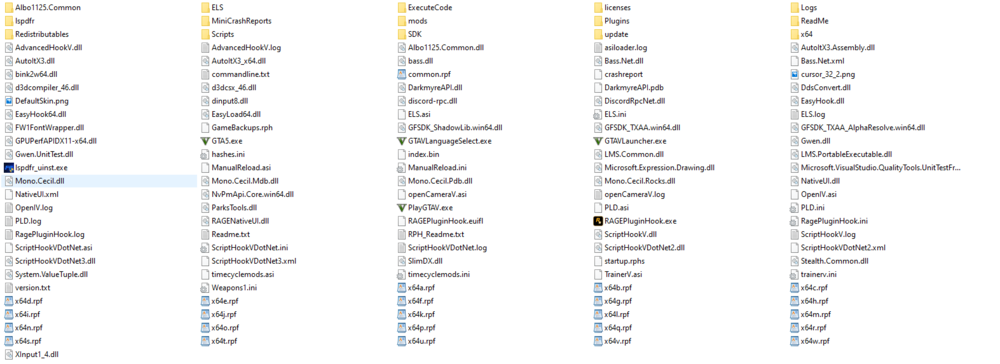
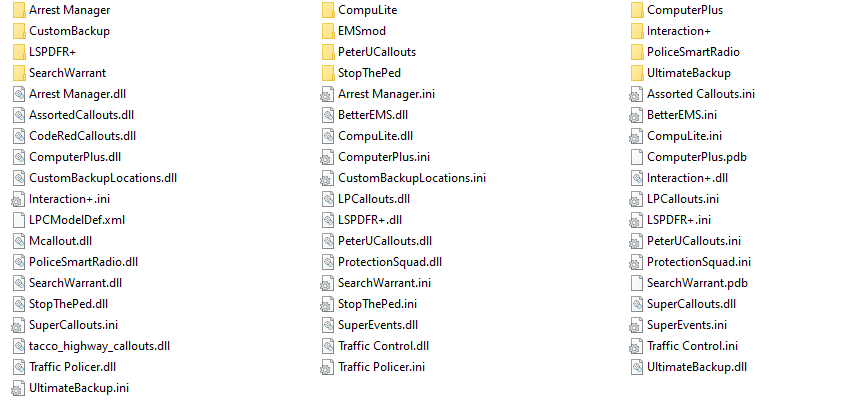
So i found out that my ragenativeui is outdated so i updated it and apparently i installed traffic policer and stop the ped wrong so i redownloaded it. And now everything works fine but... lspdfr plugin keeps crashing a few minutes into patrol
-
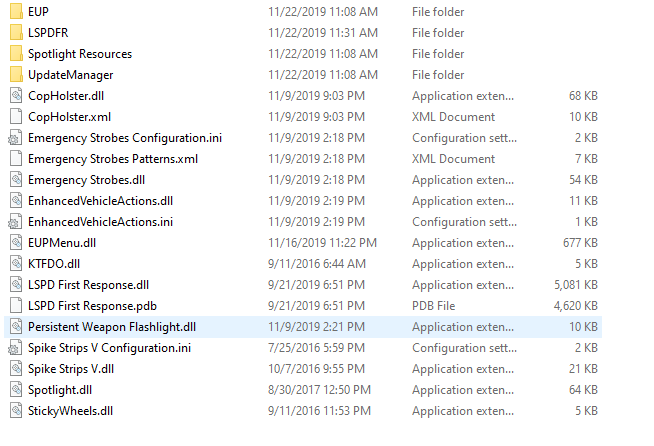
I tried all of it with no plugins or custom cars and it worked but as soon i put plugins in it crashes so im guessing it is one of the plugins that is causing it.
-
Sorry for the late reply but yep I had custom cars in POLICE POLICE 2 POLICE 3 and SHERIFF SHERIFF2 SHERIFF 3, i believe. However, i tested it with vanilla cars and it still crashed
-
lspdfr just keep crashing. I re-installed lspdfr and rph it didnt work. I literally took the plugins folder out and ran it without any plugins and it still crashed. I took out my custom police vehicles slots and ran it basically like a vanilla GTA 5 and just LSPDFR plugin and still crashes 😞 If u need anything else, please let me know. Thank you RagePluginHook.log