



Deputy Konosuke
-
Joined
-
Last visited
Everything posted by Deputy Konosuke
-
From the album: PBSO & Friends
-
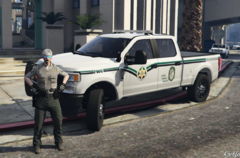
From the album: PBSO & Friends
-
From the album: Palm Beach County Lspdfr
-
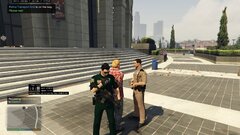
From the album: Palm Beach County Lspdfr
-
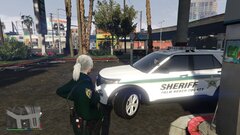
From the album: Palm Beach County Lspdfr
-
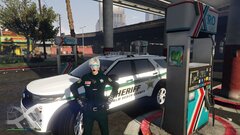
From the album: Palm Beach County Lspdfr
-
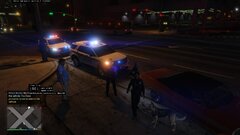
From the album: Palm Beach County Lspdfr
-
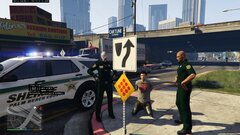
From the album: Palm Beach County Lspdfr
-
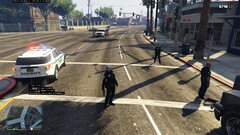
From the album: Palm Beach County Lspdfr
-
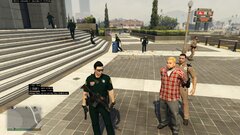
From the album: Palm Beach County Lspdfr
-
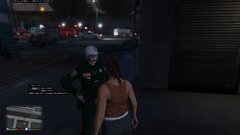
From the album: Palm Beach County Lspdfr
-
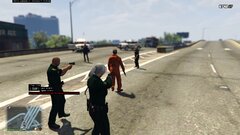
From the album: Palm Beach County Lspdfr
-
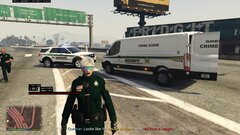
From the album: Palm Beach County Lspdfr
-
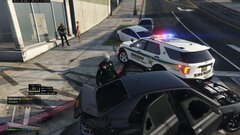
From the album: Palm Beach County Lspdfr
-
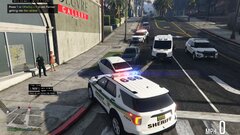
From the album: Palm Beach County Lspdfr
-
@Cyan have AI K-9 units respond as backup and patrol randomly around also they command the Ai dog just like a player I would like to have more immersion like collecting pay or returning evidence and writing report on What,Where,Who’s, and it gets added to Court Case For like Compute Lite or Something Also Assorted Callouts for Departments/ Jurisdictions because I hated having Every type of callout and requested across the map Detective Work System for Investigation like “Core Evidence V2” From FiveM and collecting and dropped off like stated Above
-
I've been trying to find a graphic pack or visual settings to have lens flare lights if anyone knows about it lmk thanks
-
thanks hope i can get help with my projects again lost many contacts and connections
-
Thanks glad to be back i got a lot of projects to work on that I’ve been saving up over the years and I’m finally getting them started
-
Yo Fellas I'm back after a few years of not playing due to work and life but hey glad I'm back now and started make some new models and textures coming back stronger than when i started lspdfr

-
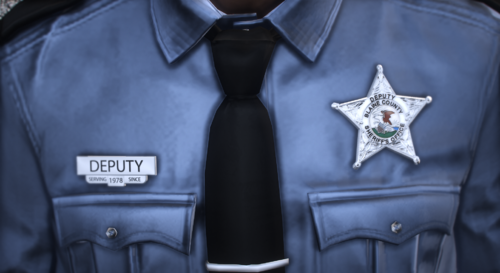 hey would this work for female MP characters?
 -
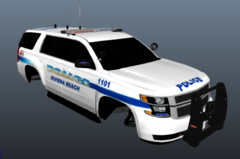
From the album: Konosuke Developments
-
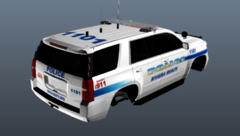
From the album: Konosuke Developments
-
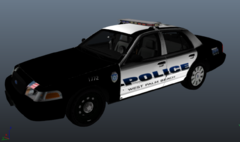
From the album: Konosuke Developments
-
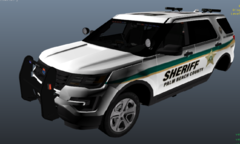
From the album: Konosuke Developments


