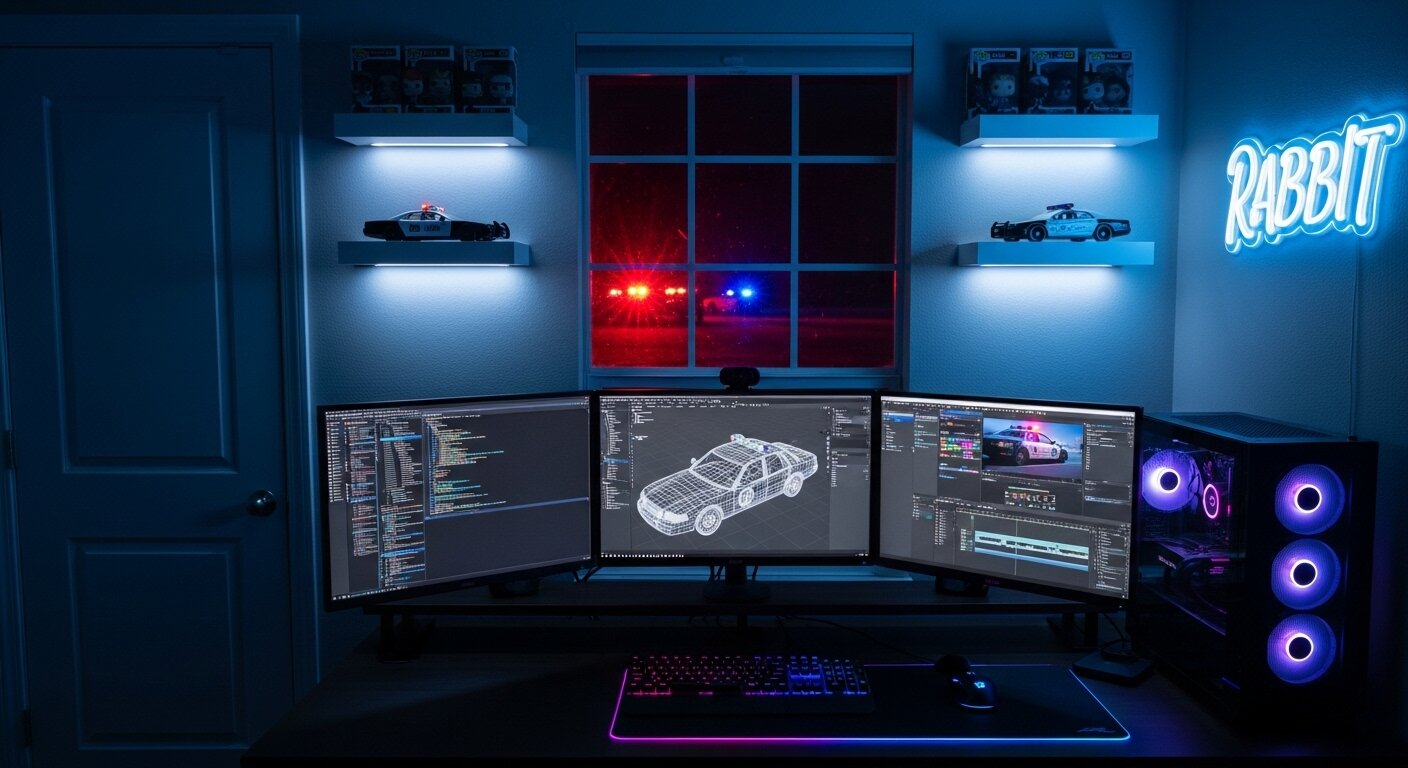
ЯΛBBIƬ® GTA V Development

ATTN (April 2026):
I’m not responding to DMs and will rarely respond to comments on here anymore due to LSPDFR Management Team restricting free speech, monitoring private messages, & allowing harassment. If you need me, join my Discord server: https://discord.gg/bakhDTrhuW
Just a reminder—I do this for fun. What I choose to do with my vehicles is up to me. If it’s not your thing, no hard feelings, just keep it moving.
Appreciate everyone who supports and enjoys the work 🤝
You can get everything here:
https://www.patreon.com/therealrabbit
It’s $15 for full access. No $90 minimum subscriptions here (🗽👀)
Stop admin abuse | Stop Patreon Price Gouging (🗽👀)✊