


M.Williams
Members
-
Joined
-
Last visited
Everything posted by M.Williams
-
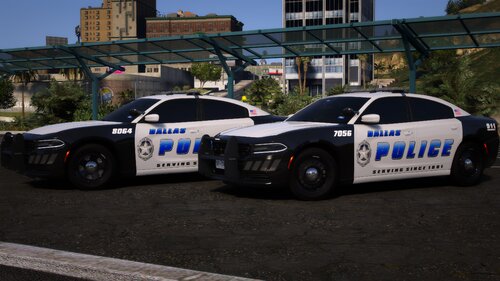 Sucks that it got leaked. It has been a good pack that I used for awhile.
 -
-
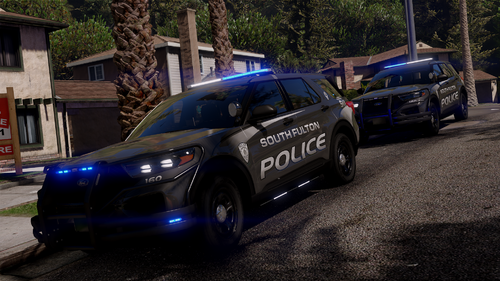 Any chance we will get a Stage 1, 2 and 3 setup for this? I like rolling up in the city just using 1 and 2 for picking up debris.
 -
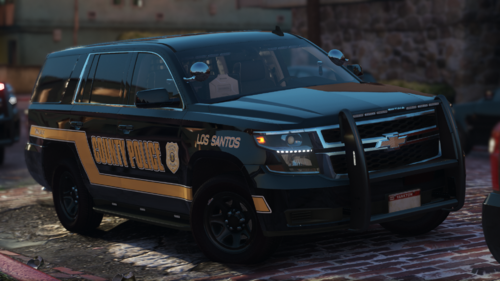 Are there speed radars in this? Possible ALPR in the future for this Tahoe line.
 -
-
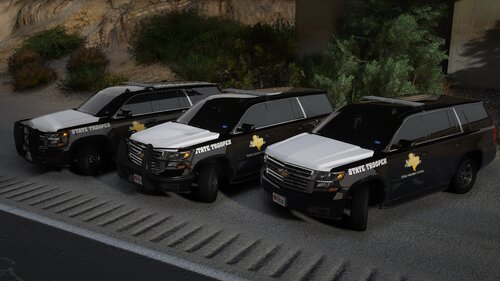 MAAAANNNNN the quality of this is 5 star my guy! Vehicles are accurate, lights are clean and I honestly can't wait to see more!
- 61 comments
- 11 reviews
-
-

- 1
-
-
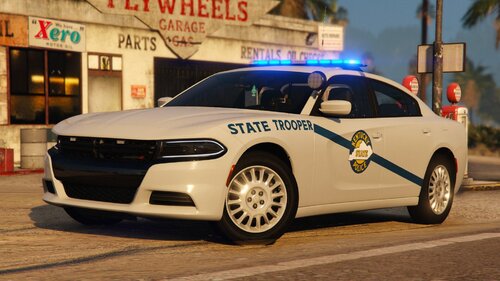 Thanks for letting me know. It is a promising pack. I am a trucker and I drive through Kentucky a bit and they do have a bit of an arsenal of lights. Its good knowing you guys are working on it.
 -
Any plans on expanding this one a bit more to a whole pack or WIP?
-
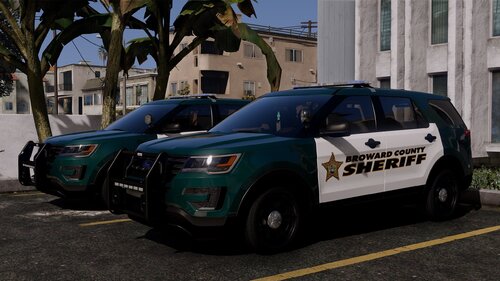 20250118-1738-47.5685522.mp4 For those of you who want to see an example of the lights
 -
Still a quality pack that is being put out 20250118-1736-36.0867261.mp4
-
That's usually what happens. I think Scorpion might ask you for your rage file that tells him everything that happened. I would just post that here, and wait for him to wake up and take a look.
-
Did you make sure you input the DLC List correctly? Usually that is what is going to cause a crash. I would check the ReadMe file first, and use that copy and paste method from that one, if you haven't already.
-
Is your game crashing before it starts up or in game?
-
I see you are getting closer to those white lights I keep requesting 👀
-
You are more than likely right. Currently, I am looking at it in game and it looks fine, but whenever I play it, it wants to act up
-
20250115-2355-00.8457540.mp4 Any correction for the grill lights? I have Direct X11 active at this point.
-
 This is all I am going to put here. Replace is Blue Red/Blue is addon WhatsApp Video 2024-12-24 at 00.23.59_1eddf993.mp4
 -
-
 *me waiting patiently for scorpiofam to give in and make this with white lights as well*👀
- 179 comments
- 20 reviews
-
-
-
 Updated PyroCommon to use a different default keybind (F9), and an option to disable the menu entirely. Change the key or disable it, leave me alone. 🤣🤣🤣 Thanks for putting up with me bro lol
- 1,034 comments
- 65 reviews
-
Adding this additional comment for those who want to see the lights at night
-
A very simple pack. It isn't large and honestly, I like that. The less options, tend to be better. Accurate and beautiful.
-
bro I just put your Wisconsin pack in. now I gotta put this in and redo everything 🤣 in the readme file, the DLClist states "LSSD" instead of "KHP"



