M.Williams
Members
-
Joined
-
Last visited
Everything posted by M.Williams
-
-
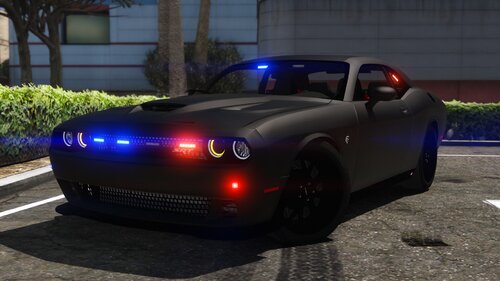 I only have an issue with the Durangos tail light being extremely bright. unsure what is going on with that. However the Challenger is great!
- 35 comments
- 6 reviews
-
Roger. Do you think the Durango back light is to bright? Or would that be on my end with VisSettings
- 35 comments
- 6 reviews
-
-
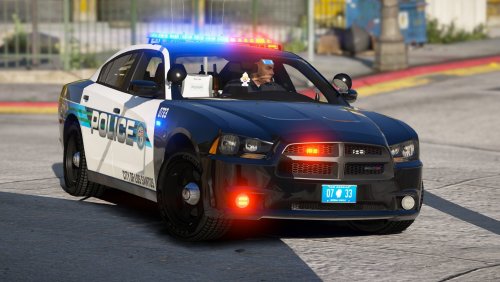 Initially I thought this was not going to be that well of a pack. I really though this was going to be like the others. I was completely mistaken. The lights were done nicely, I have that sense of feeling that it isn't to much but isn't to little either. These give you that city feel and the whole pack is just in sync. Keep up the great work!
- 22 comments
- 16 reviews
-
-

- 1
-
-
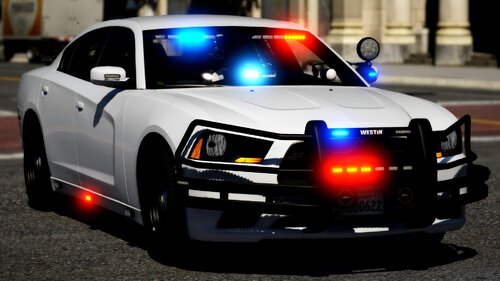 Did you already fix this? I really love file especially with the dual rear lights.
- 32 comments
- 4 reviews
-
-
 I thought I wouldn't like all of those lights but it worked well with the attack style of the vehicle.
- 253 comments
- 53 reviews
-
-
- 1
-
-
-
-
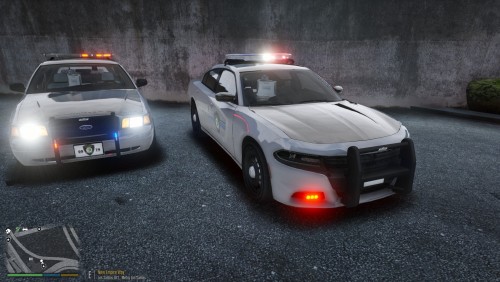 I thought I wouldn't like this pack but it really grew on me. I would recommend especially since it's a somewhat new pack.
- 10 comments
- 1 review
-
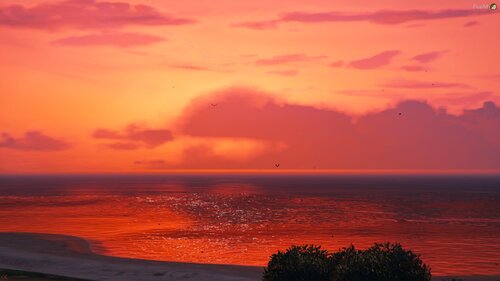 I will look into it. I have been wanting it to look more realistically dark and also get rid of that moon 😐 that thing is annoying.
- 12 comments
- 1 review
-
Does this make night time actually seem like it is night? I think it is to bright at night when I play and I turned the brightness settings in-game down.
- 12 comments
- 1 review
-
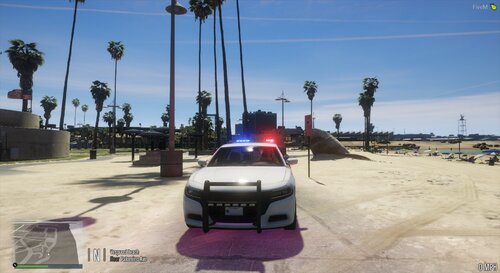 Why wouldnt you fix this model? it states you uploaded it yesterday. If you made other vehicles why not fix the problems from the previous ones?
- 12 comments
- 1 review
-
Why not just take the criticism and rework the model? I am sure the individual isn't trying to be a jerk but something was pointed out as a possible issue. Take it or leave it is somewhat a poor attitude.
- 12 comments
- 1 review
-
-
- 1
-
-
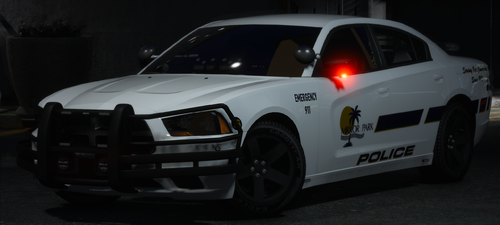 I found out that deleting window dirt removes the tint problem. You have to go into the YTD and get rid of it.
- 9 comments
- 2 reviews
-
-
- 1
-
-
So after you reinstalled ragenative, did EUP menu and police radio work? I only have it to do a LP check since I have no idea what other mods do the check
-
Which plugin was the issue? my game doesnt crash but when I forceduty, the game drops massively in frames
-