



Condeco
Members
-
Joined
-
Last visited
Reputation Activity
-
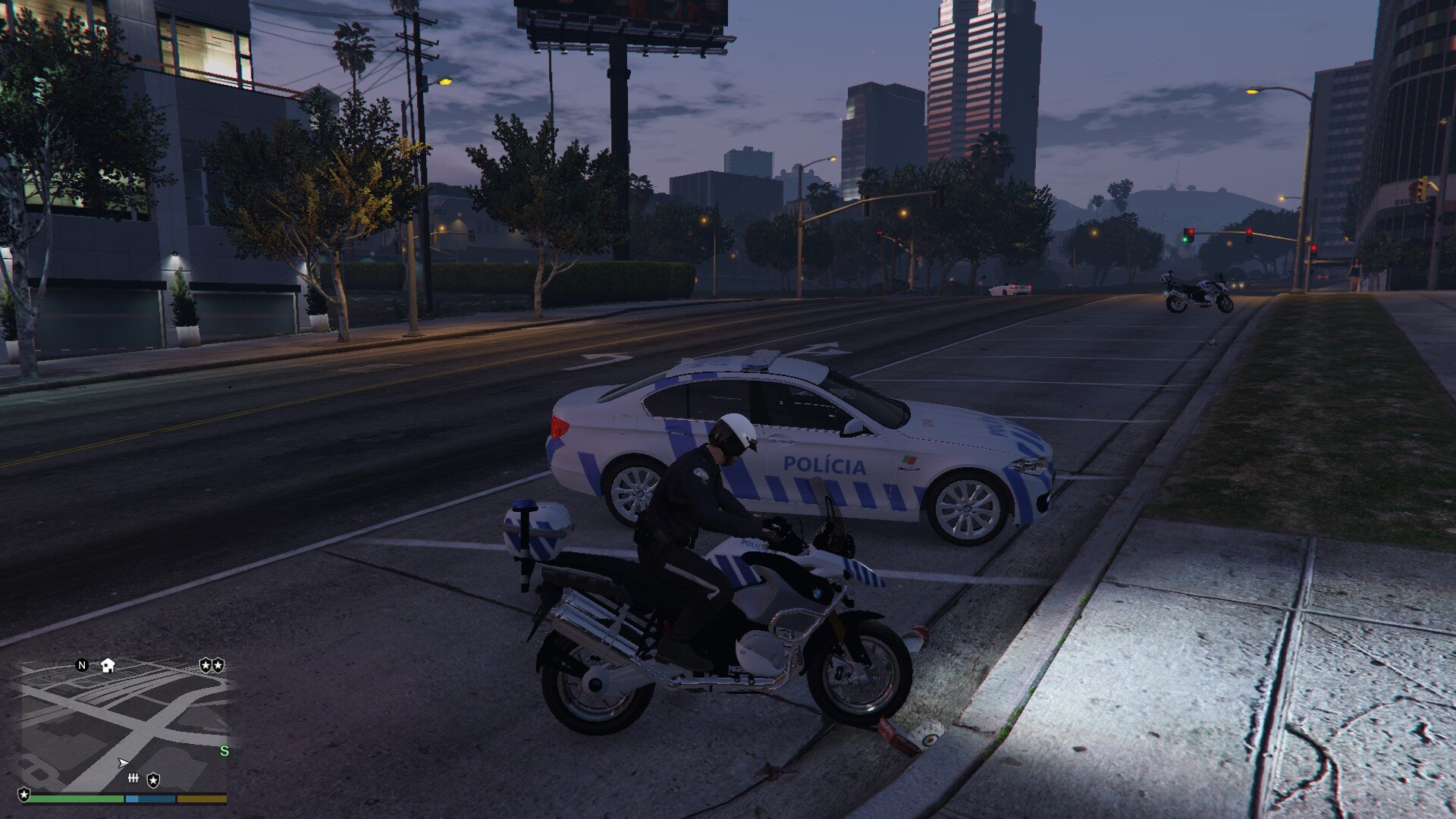
 Condeco reacted to pcgamesmods for a file, Portuguese National Republican Guard - VW Passat [Replaced - Sheriff]PT Instalação em Anexo / EN Installation in Annex
LOG
04-09-2016 – v1.0
• PT:
- Lançamento
- Número de viatura rotativo, ílimitados templates
• EN:
- First Release
- Number of rotary car, unlimited templates
TEMPLATE
• disponível 200 likes para cima
• available 200 likes up
_______________________________________________
- Respeita o meu trabalho
- Respect my work
________________________________________________
- Não compartilhar, modificar ou fazer upload em outros lugares sem perguntar:
- Do not share, modify or upload elsewhere without asking: pcgm@workgrafix.com
