.png.42b8312cc08fb19a0a3af7aaa3271687.png)
jjthegoat
Members
-
Joined
-
Last visited
Reputation Activity
-
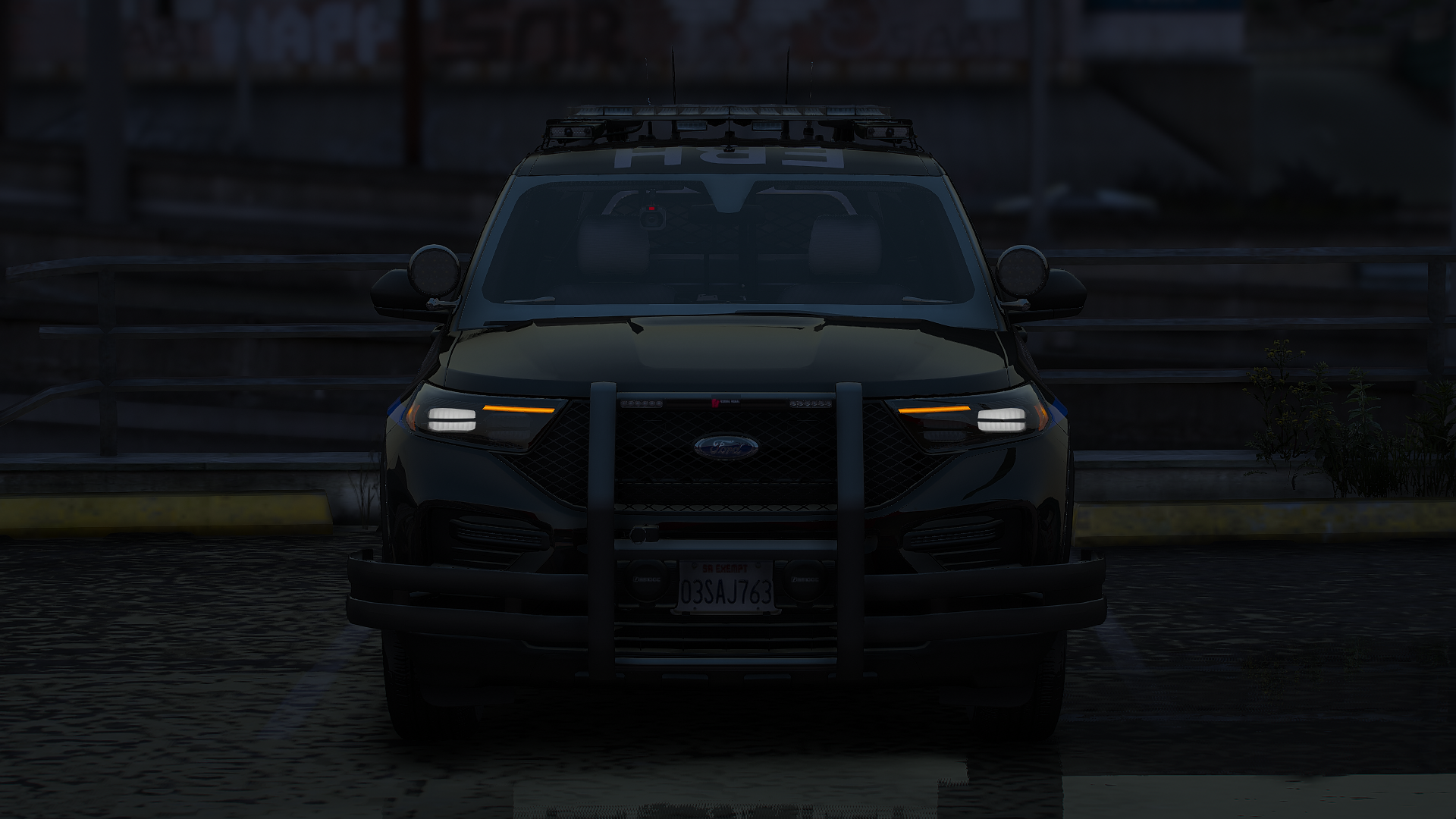
 jjthegoat got a reaction from NASCARfan04 for a file, OCRP Vehicles LSPD ReskinsI got bored and decided to test my skin making abilities. I'm new to making skins so these are kinda mehh but its good enough.
Known issues:
The ghost livery's are way too dark, Ill make the lighter.
The charger skins by the front door area are kinda out of line (very unnoticeable unless you look hard)
The impala skin is lower than anticipated.
DO NOT RE UPLOAD WITHOUT MY PERMISSION