


Creators: Due to background reprocessing of files, approvals and file security checks may be delayed. Thanks for your patience.

SGTDirtyBush
Members
-
Joined
-
Last visited
Everything posted by SGTDirtyBush
-
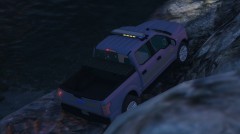
From the album: Illinois Style Cars
-
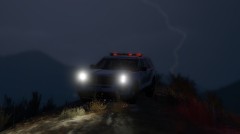
From the album: Illinois Style Cars
-
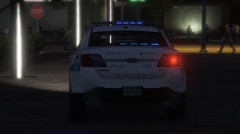
From the album: Illinois Style Cars
-
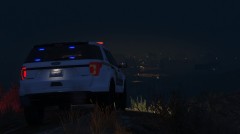
From the album: Illinois Style Cars
-
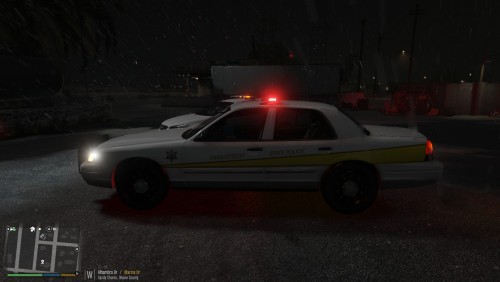 Great pack, high quality!
 -
I had/have some tint problems with some light bars, its a really good pack. Kinda be cool to have a non lore friendly option to have the real names no them, but other then that everything works very nicely and smooth.
-
Found out my issue, for some reason I had to change the vehicle.meta. I had to change sheriff2 handling from FBI2 to BALLER. Don't know if that is normal but it works now.
-
I don't know if this just me for some reason, but sheriff2 (SUV) seems to have a bad handling line. I barely turn and it starts to tip over. Is there a known quick fix?
-
Is there a chance you could add Lake County Sheriff to the list? At least the Charger skin style.

