


Kazoot
Members
-
Joined
-
Last visited
Everything posted by Kazoot
-
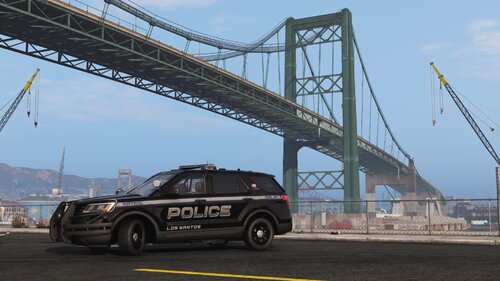 I hate being the person to ask for more but you are one of very few devs who are open to suggestions. I would like to recommend a motorbike and maybe a transit van. The pack looks amazing.
- 99 comments
- 11 reviews
-
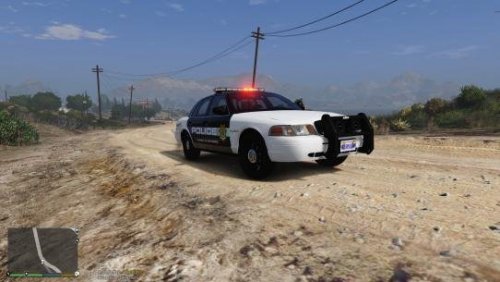 I like the idea of inverting black and white on the crown vic rather than the classic black and white look.

