


WitherKing
Members
-
Joined
Everything posted by WitherKing
-
-
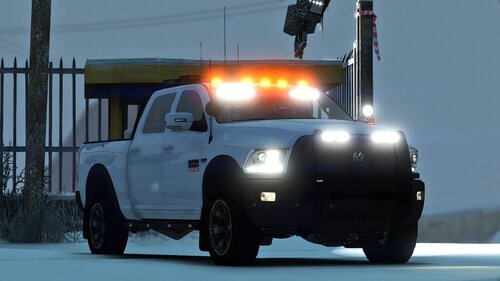 Het Steve, so when i go code 3 the headlights and tail light turn off, and i cant turn them on while going code 3
- 33 comments
- 10 reviews
-
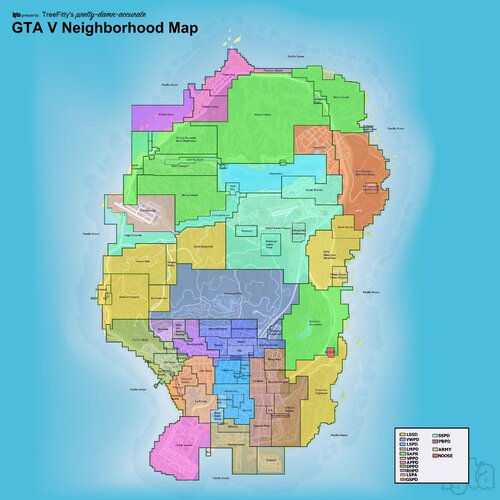 Hey im just wondering why my ambulances look like this, cause there is one with a texture and the other one without and im unsure how to fix it
 -
Okay so when i load up rage and sometimes when it gets to the black screen and it says loading lspdfr at the bottom right it will crash, but sometimes it will crash a few seconds/minutes in the game, and sometimes it will crash when i try to go on duty

.thumb.png.de05aae65667debc576e4b43cd7a384d.png)
