



.jpg.197d57839441fbd125e689eae0471584.jpg)
SilliihKitten
Members
-
Joined
-
Last visited
Everything posted by SilliihKitten
-
Hiya So i've been playing for some days now and it don't looks like my stats under LSPDFR Characters won't sync Still says 4 even though i've done several more arrests it won't show under my stats even though i have synced my profile to LSPDFR to my game. Anyone have a solution to this cause it would be fun to see my arrest stats after each patrol. Thx in advanced
-
Okies Thank you guys so much
-
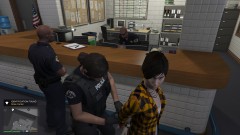
From the album: LSPD:FR Random
-
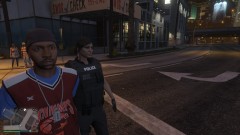
From the album: LSPD:FR Random
-
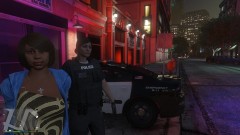
From the album: LSPD:FR Random
-

From the album: LSPD:FR Random
-
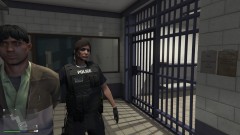
From the album: LSPD:FR Random
-
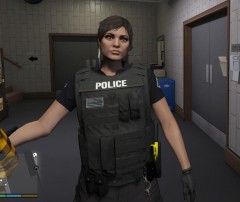
From the album: LSPD:FR Random
-
Hiya Everybody So i'm new here on LSPD:FR and i'm mainly used to play GTA RP, but i recenlty found LSPD:FR and started playing but the traffic in Los Santos is way more intense in Singleplayer then what i'm used to playing on a FiveM server when playing RP so i was wondering if there is any way to lower the traffic density in GTA V cause with this traffic i'm probably gonna crash alot, hahaha...
-
 Does this also work when playing on FiveM (GTA RP)? I mean since your technically playing GTA V and need the game to play RP
- 96 comments
- 33 reviews
.thumb.jpg.6dd357751652607c02f243cb8f97f537.jpg)

