nm416
Members
-
Joined
-
Last visited
Files posted by nm416
-
2021 FPIU based on a Collier County Sheriff 2021 Ford Police Interceptor Utility
Incudes alternate lore-friendly Blaine County Sheriff Skin
- 6,223 Downloads
- 22 Comments
Updated -
2021 Ford Police Interceptor Utility Pack
Includes two separate vehicles with one having a Whelen Legacy lightbar and the other being a slicktop
Has options for red/blue and all blue lighting and two different liveries being Los Santos Police and Los Santos County Sheriff
Can use the liveries and light color options on either of the two vehicles
- 11,931 Downloads
- 21 Comments
Updated -
My first upload!
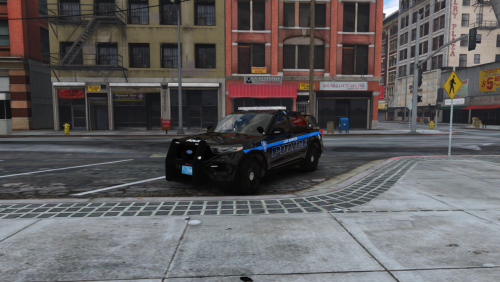
2021 Ford Police Interceptor Utility based on the Rhode Island State Police FPIU with newly implemented blue lights. Lore friendly for San Andreas.
ELS is configured for stage 2 being back lighting only and stage 3 is back and front. Cruise lights up only the front. This allows realistic light options that are seen on the actual RISP cars. Has takedown and alley lights as well.
Check out another version of my 2021 FPIU for use with custom liveries and light colors:
- 2,176 Downloads
- 8 Comments
Updated