




MarshallSantini
Members
-
Joined
-
Last visited
Everything posted by MarshallSantini
-
 I searched through some of the comments and didn't see anyone bring it up. When I toggle my brights using the led lightbar, the light effect on the ground disappears and the light bar does not illuminate like the last version. When using the vista, everything works normally. I downloaded the 1.5 Steel.
- 146 comments
- 24 reviews
-
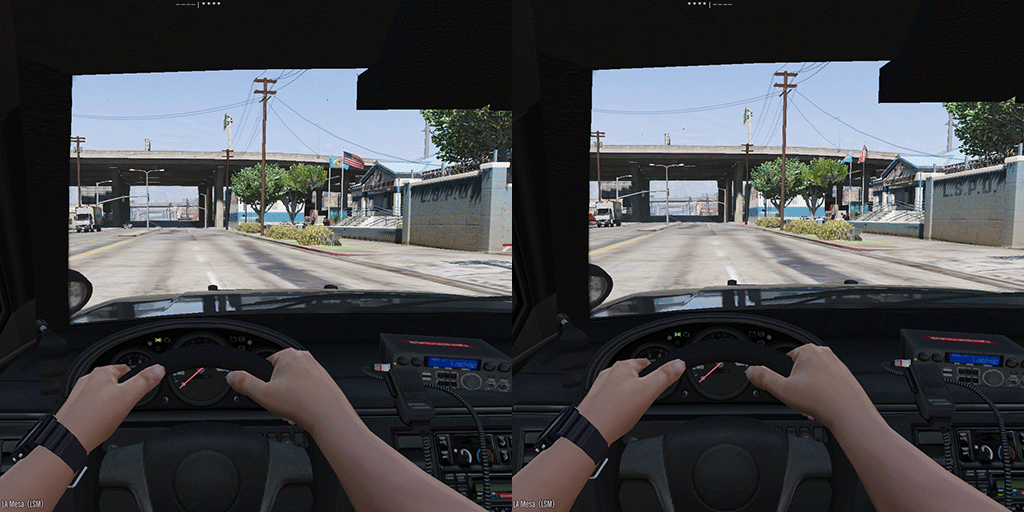 This mod really helps out when using a slicktop/unmarked unit. Like I usually do. I've not had a single issue with this mod what so ever. This was just what I was looking for!

