



WarriorQC
Members
-
Joined
-
Last visited
Everything posted by WarriorQC
-
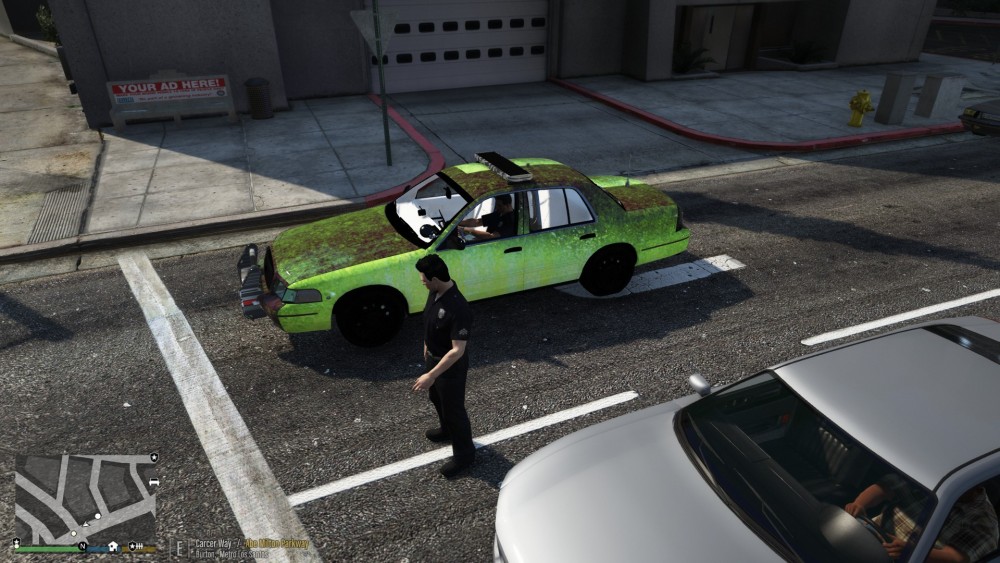
I dont know why but all the Crown Vic have a wierd skin like on the picture and i download a couple of Crown Vic and all of it have this problem and i try some unmarked crown vic and same. Does someone have this problem or have a solution ?
-
Do you have a Anti-Virus ?? And if you have one what type of Anti-Virus you have example : AVG or Windows Defender.
-
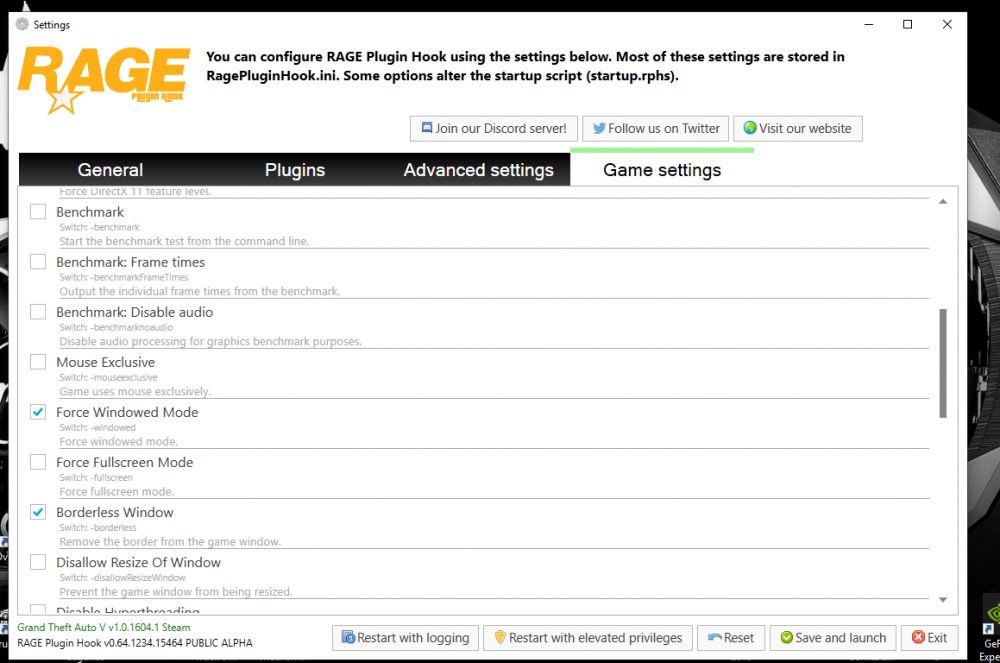
Do that in ur RPH setting Do that Select what i select in command line switch
-
Ok guys i repaired the problem i just select in command line switch Force Window mod and Bordeless Window and that fix my problem.
-
Hello everyone , I have a problem with my RPH when i lunch RPH he start normaly but when its time to lunch Gta V the game lunch normaly but im redirect in the menu like if i just open GTA V without RPH. I try to Disable DirectX Hook and now it work but the console not open and the LSPDFR plugin dont load so im realy sad cause i love LSPDFR. I try to delete the game and nothing change and delete the plugin change nothing too. If that can help someone there is the RagePluginHook.log RagePluginHook.log
-
J'ai la même erreur que toi. I have the same error .
-
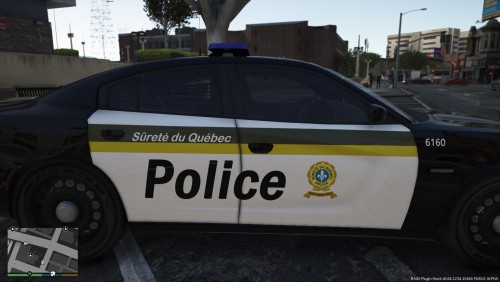 This is my first skin ever so dont judge me 🙂 This is the new skin with the white bar on the top of the green bar. COPYRIGHT WarriorQC 2019 Reproduction forbidden Without my permission


