


Noebieneetur
Members
-
Joined
-
Last visited
Everything posted by Noebieneetur
-
Hello folks, I;m having an issue lately with my traffic stops. I cannot select the reason for the traffic stop because it doesn't react to the numpad key I pressed. The same happens whenever I arrested someone and brought him to the car. I can't seat him or frisk hum because of the same reason. I attached the dump file for ya. :thumbsup:
-
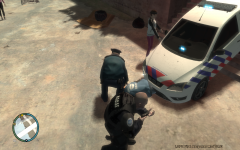
From the album: Noebie's police story's
After I pointed my gun at that man he stood up and didn't block the car any more. Here's the result..... -
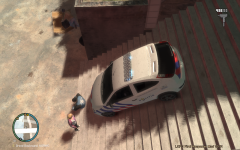
From the album: Noebie's police story's
This guy was really ignorant as I stood there with both sirens and flaslights and the idiot didn't move at all! -
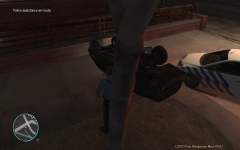
From the album: Noebie's police story's
After an update of the handling.dat the vehicle's acceleration was a bit screwed. And he could turn so fast that his car flipped over instantly. And yeah.... That might end in disaster. -
Ah, Arresting works fine if I don't use the GUNPOINT feature but noose is often useless. I can remember me that the noose kept following the suspect(s) and performed drive by's on them. Now they just stop and try to shoot. But if they pull over on the wrong place, they are unable to shoot and thus useless.
-
Alright. Is that going to be fixed once? And still that question about the noose. Why do they stop so early and often on the wrong place.
-
I've got some questions about the noose and the gunpoint arrest. What do you have to do when the suspects lies on the ground? And why does the noose stop chasing so quick. Sometimes they don't even reach the suspects! Noebieneetur.
