
mazzze12
Members
-
Joined
-
Last visited
Reputation Activity
-
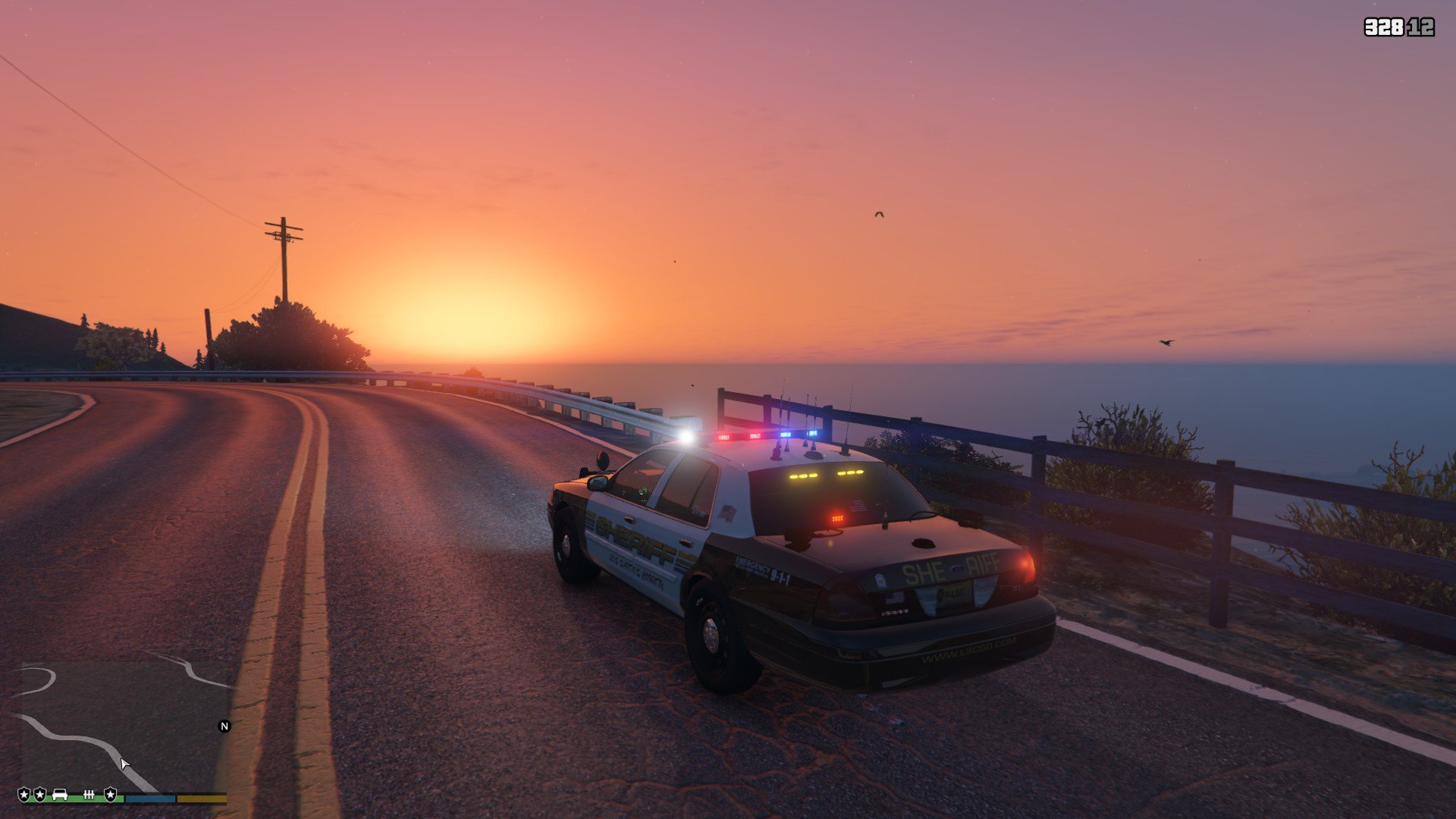
 mazzze12 reacted to OfficerYeet in LSPDFR 0.4 - Now AvailableI can drive all around peaceful as it can be with nothing going wrong. As soon as I even Go On duty or forceduty, everything goes to shit. Only when I run LSPFR does everything stop loading basically. I thought it was RADIANCE, ELS, visualsetting or something else. I have no clue what the hell is going on Lmao. Any answers? This literally ONLY happens when I run LSPDFR I tested it.