


drashkael
Members
-
Joined
-
Last visited
Everything posted by drashkael
-
-
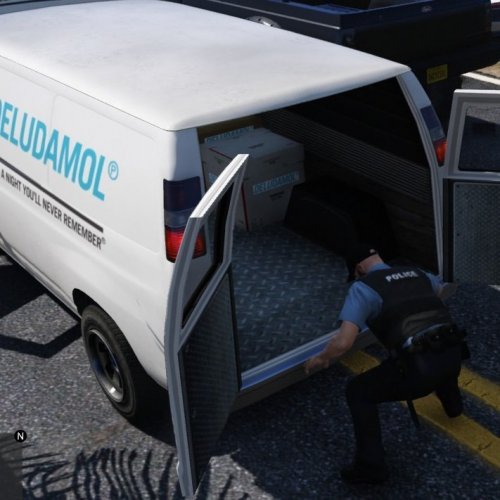 Do I have to replace the existing "general.xml" file in the C:\Program Files\Rockstar Games\Grand Theft Auto V\plugins\LSPDFR\SearchWarrant or do I simply copy the "Regular Items" folder into the C:\Program Files\Rockstar Games\Grand Theft Auto V main folder? Because I see different items in each "general" file I assume I must somehow keep both?
- 10 comments
- 1 review
-
YES THERE IS. MY CAREER AS A LSPD POLICE OFFICER! Every time I launch the mod, I start with a pistol, shotgun and stick. I gather a lot of weapons by killing criminal scum only to lose them when I end my shift. I'd like to keep track of my arrests and kills too, since I'm using the ComputerPlus mod anyway. It's the little things like that that make it enjoyable for me. I'm not asking for a leveling function to progress from a traffic officer to the supreme commander of NOSE, just some way to save progress or at least the items gathered as an officer. And no, I don't want to use cheats/trainers.
