



Patricktan112
Members
-
Joined
-
Last visited
Reputation Activity
-
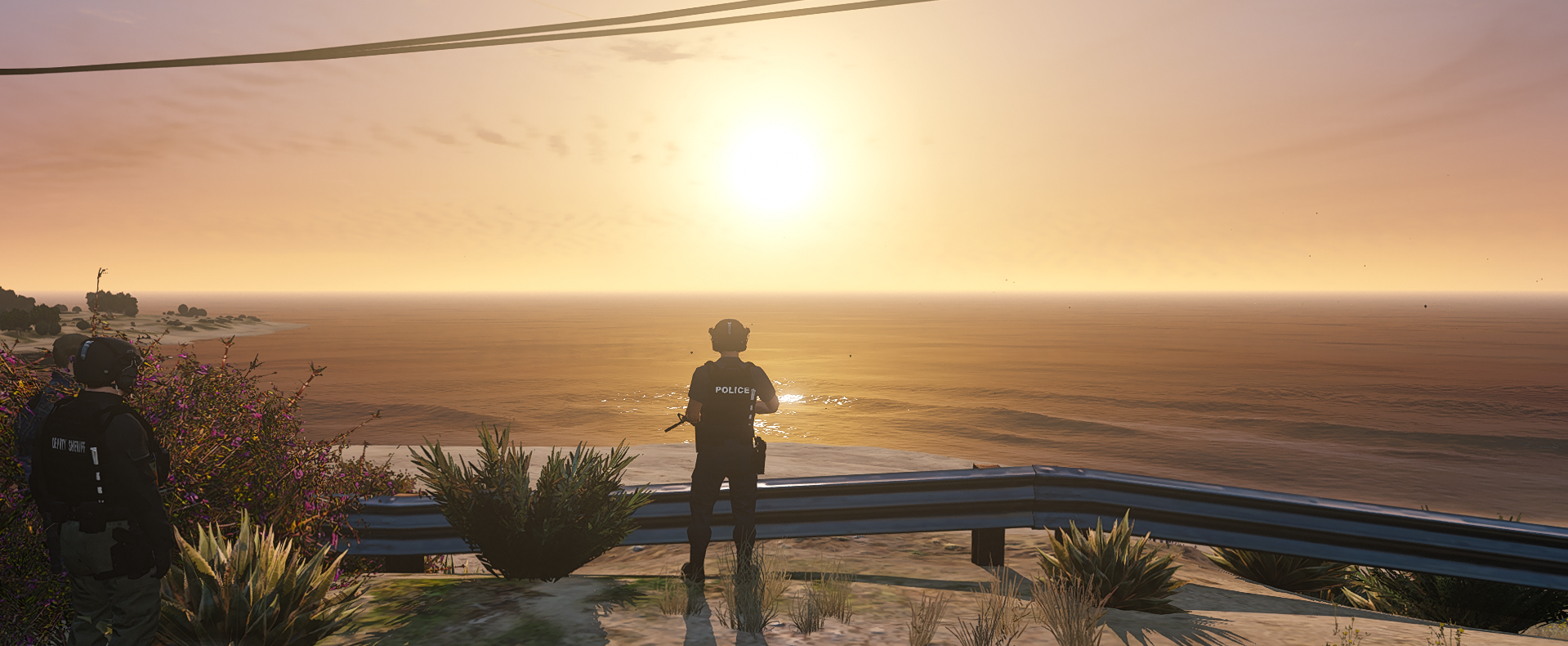
 Patricktan112 got a reaction from Sethy1124 for a file, EUP-Tactical VestDo not reupload this without permission or claim it to be your
EUP Tactical Vest. This Vest is uploaded Lock. If you wish to edit the texture on it go ahead, all the texture on the vest can be change and edit.
New installation path: /x64/dlcpacks/EUP/dlc.rpf/eup_componentpeds/rpf/mp_m_freemode_01_male_apt01
installation file task_002
Feature:
2 AR magazine
1 Pocket knife
Radio
IFAK
Fixed:
Fix my mistake of naming the YTD file wrong. Fix from it say task_002_u.ytd to task_diff_002_a_uni.ytd
You will need:
Belt is by infidelplz
I will try and push an update on the vest when i feel like everything is done and complete
- Radio Microphone still WIP with wire. (coming soon)
- Reskin texture will come along the way
