
MainReflex
Members
-
Joined
-
Last visited
Files posted by MainReflex
-
- 74 Downloads
Updated -
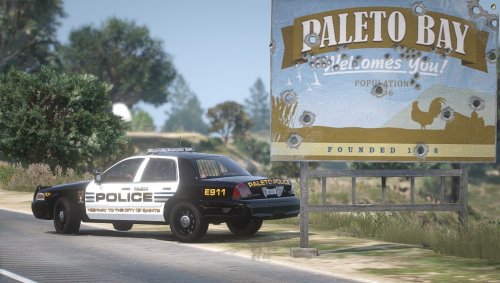
Pack is based on Lee, Ma police vehicles.
These liveries are not the best, I know. Still new to all of this and practice is the only way to get better. Plan on adding 1 more livery to this pack unless some request a different car to be liveried. The CVPI livery should work with most 2011 CVPI Models, the Expedition is another story, templates for the car are hard to find I suggest just using the model below.
Expedition Model
CVPI Model
- 109 Downloads
Updated -
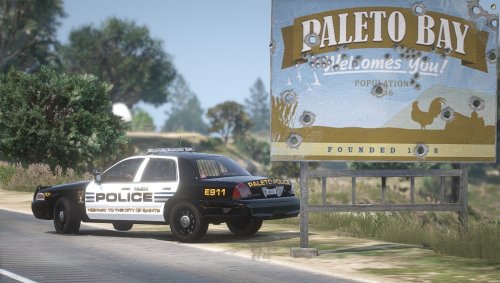
I worked really hard on this so hopefully y'all like it! Should work for most 2011 Crown Vic models, if not let me know see if I can't make it work for you!
Here is the model seen in the video:
- 95 Downloads
- 2 Comments
Updated -
YouTube Preview Here
https://www.youtube.com/channel/UC5oe_t6U3vwNOfoSXxkI6BA
This Livery is using Chief Bloodshot's dodge Demon.
https://www.lcpdfr.com/downloads/gta5mods/vehiclemodels/38261-non-els-2018-dodge-demon-rb-bb-fivem-ready/
How to:
Download-> Open "openiv" -> make sure "edit mode" is on -> search for "demon_sign_1" -> Click and Replace -> Drag Over this file -> Save -> Complete
- 32 Downloads
Updated
.thumb.png.d711ce9e201c7e673337e61eea85fd25.png)