Skip to content
View in the app

A better way to browse. Learn more.

LCPDFR.com

A full-screen app on your home screen with push notifications, badges and more.

To install this app on iOS and iPadOS
  1. Tap the Share icon in Safari
  2. Scroll the menu and tap Add to Home Screen.
  3. Tap Add in the top-right corner.
To install this app on Android
  1. Tap the 3-dot menu (⋮) in the top-right corner of the browser.
  2. Tap Add to Home screen or Install app.
  3. Confirm by tapping Install.

Max Designs

Members
  • Joined

  • Last visited

Files posted by Max Designs

  1. Pennsylvania DCNR Wildfire Control Livery
     
    This livery fits Redneck's 2018 Generic 5500 Class Crew Cab Offroad 4x4 Brush Truck
     
    Link to Original Model from Redneck's Website
    https://redneckmods.com/products/2018-crew-single-cab-offroad-4x4-fire-brush-trucks
    • 132 Downloads
    • 1 Comments
    Updated
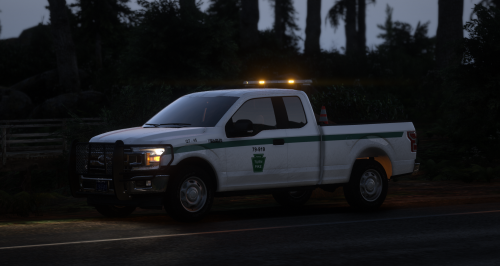
  2. Pennsylvania Turnpike Commission Livery
     
    This livery fits the 2018 F150 Extended Cab Work Truck made by Gate
     
    Link to Original Model
     
    • 46 Downloads
    Updated
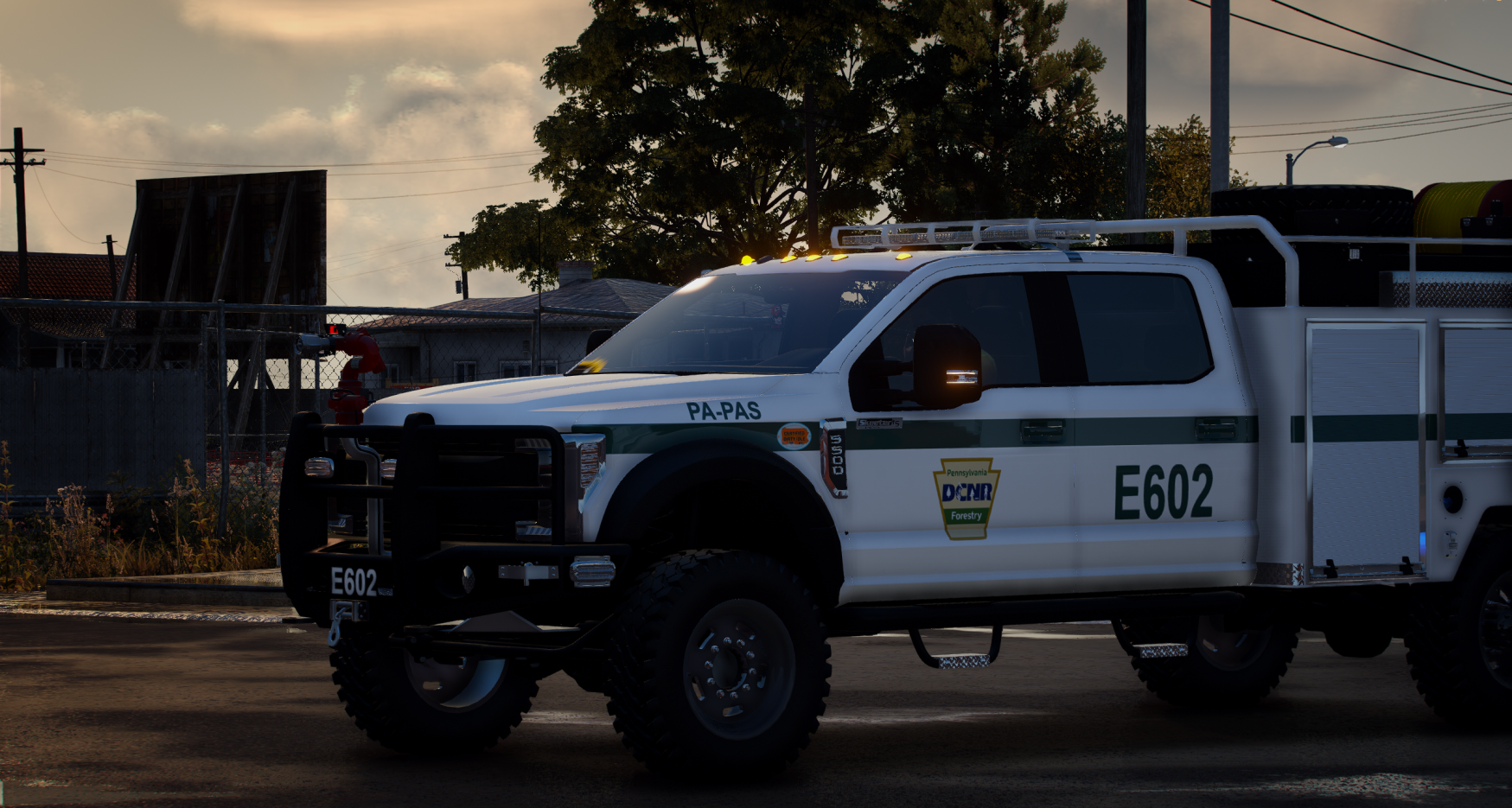
  3. Pennsylvania DCNR Wildfire Control Livery
     
    This livery fits Redneck's 2018 Generic 5500 Class Crew Cab Offroad 4x4 Brush Truck
     
    Link to Original Model from Redneck's Website
    https://redneckmods.com/products/2018-crew-single-cab-multifunction-squad-trucks
    • 70 Downloads
    Updated
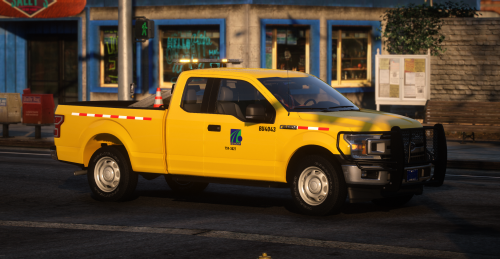
  4. Pennsylvania Department of Transportation (PennDOT) Livery
     
    This livery fits the 2018 F150 Extended Cab Work Truck made by Gate
     
    Link to Original Model
     
     
    • 210 Downloads
    • 4 Comments
    Updated

Account

Navigation

Search

Search

Configure browser push notifications

Chrome (Android)
  1. Tap the lock icon next to the address bar.
  2. Tap Permissions → Notifications.
  3. Adjust your preference.
Chrome (Desktop)
  1. Click the padlock icon in the address bar.
  2. Select Site settings.
  3. Find Notifications and adjust your preference.