


Zeevil
Members
-
Joined
-
Last visited
Everything posted by Zeevil
-
Is it just me or has LSPDFR been crashing lately? Every time i go on duty through "ForceDuty" it crashes. I have restarted my pc and removed some plugins that may have been the cause, but it still crashes. I even have loaded LSPDFR by its self and it crashes due to making the game freeze. I was playing earlier and it was working fine, i have not made any changes to the game whatsoever. I dont know if this is a overall problem or what it is. Please go ahead and leave your response to this, it would be very helpful. Thx ❤️
-
What do you mean by launcher setup?
-
Ok RPH is launching but it then launches to a black screen for a couple of seconds and then crashes the game with a rockstar social club notification

-
I just reinstalled GTA V and was trying to get LSPDFR to work. I downloaded Rage Plugin Hook Correctly and the latest version of it (0.64). When I launch Rage (as administrator) everything starts to load correctly until when it says "validating system..." then it just crashes rage and doesn't load GTA V. Any suggestions?
-
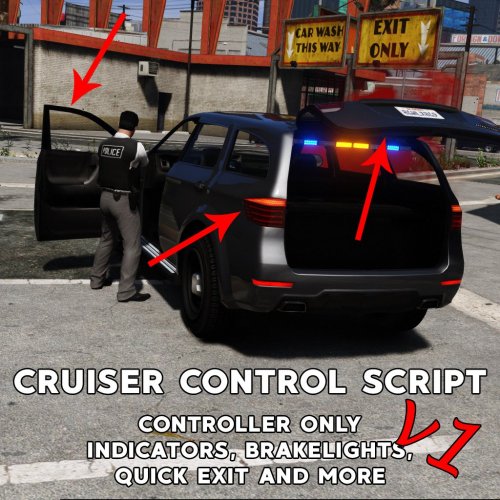 does anyone have a backup for the "standard.meta" ? I forgot to back it up.
 -
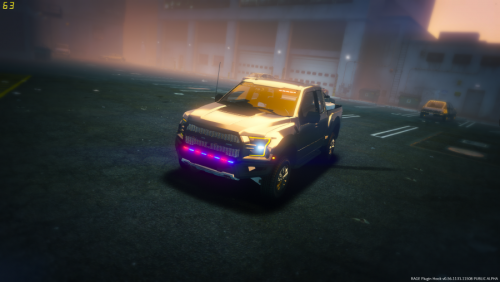 Its a nice model I would use it on patrols but it bothers me how the wheels are small. Next time if you can make the wheels a little bigger.
- 12 comments
- 9 reviews
-
-
Honestly dont know but i just deleted it
-
i put them in my desktop and it still crashes. Do I have to remove them completely? (The files are in the bottom)
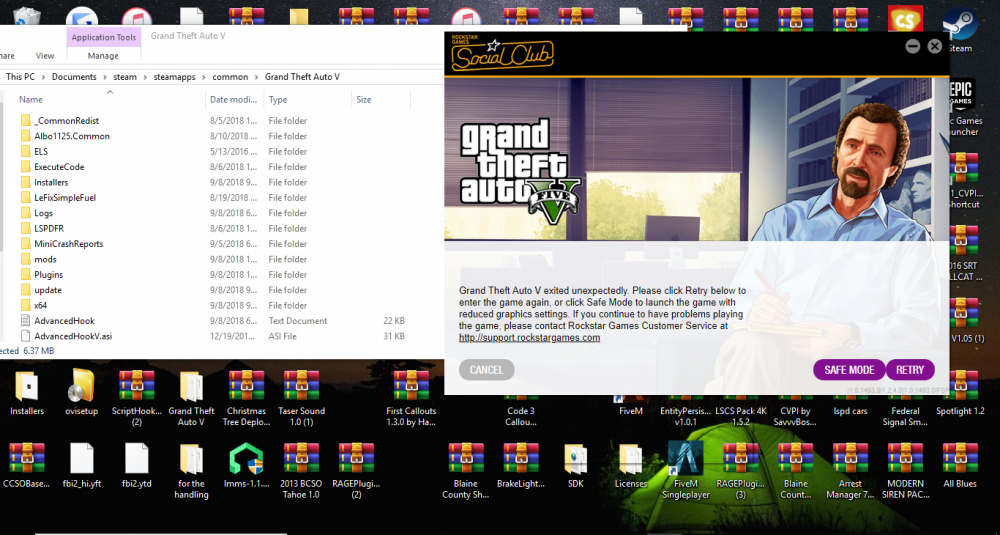
-
The game crashes half way on the loading screen
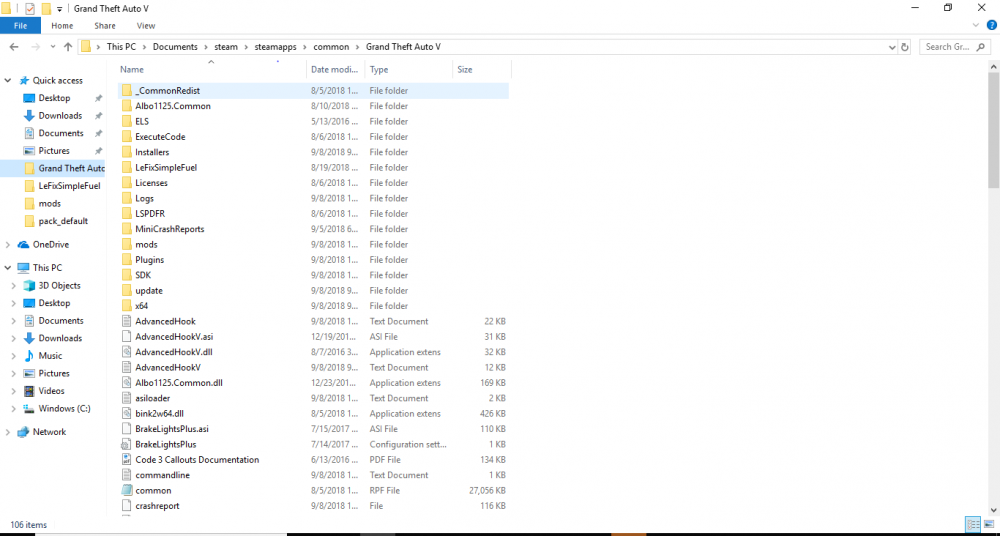
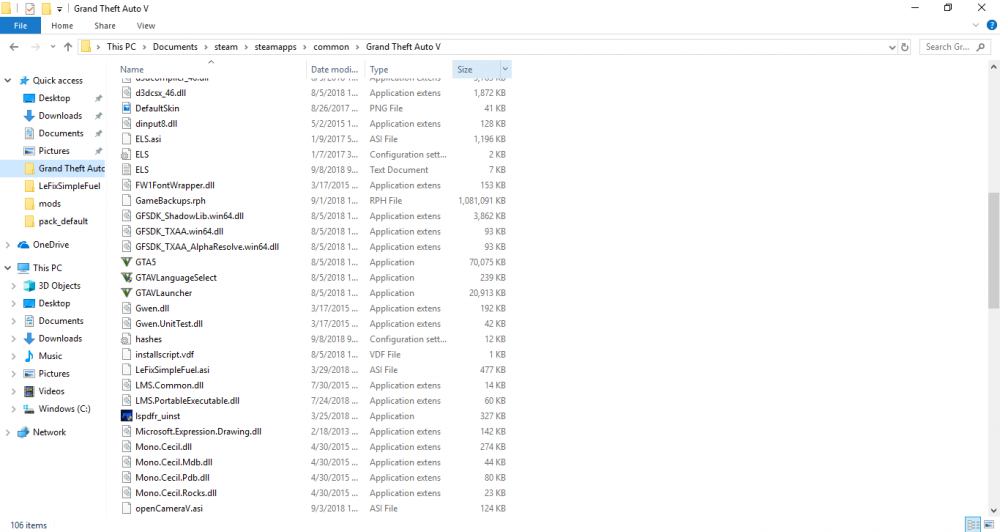
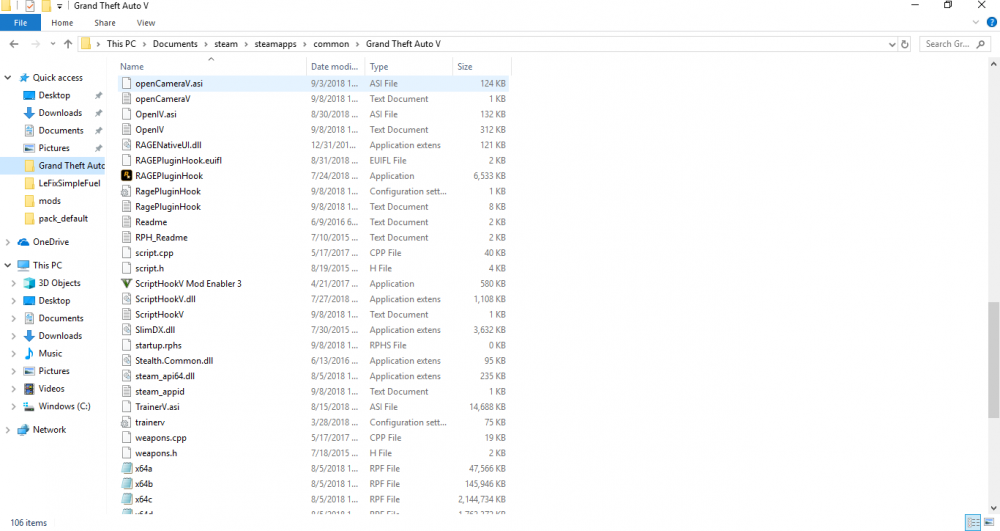
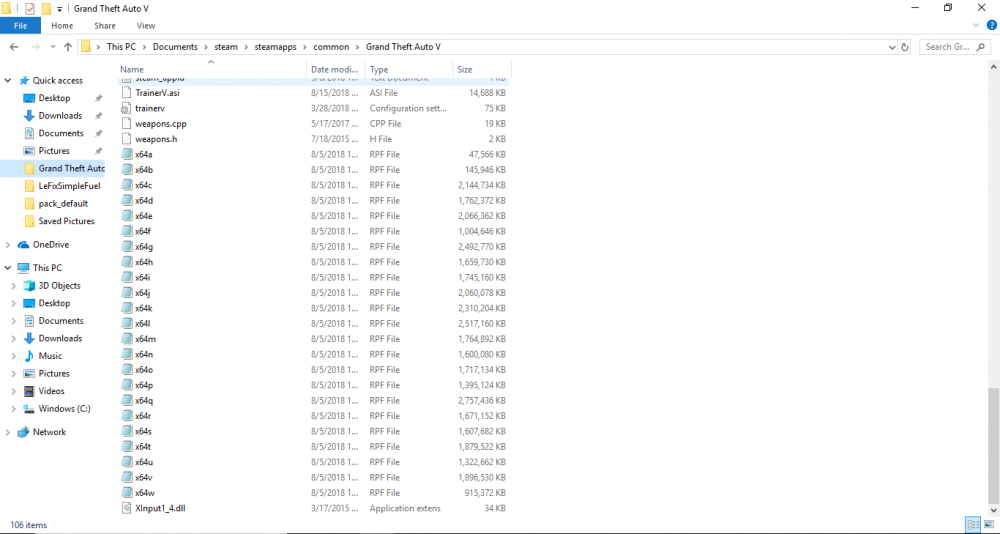
-
-
Hi, so every time I try to load GTAV with RPH it crashes half way on the loading screen. This has been happening for 2 days now and its getting annoying, someone please help it would be much appreciated.
-
-
I can now start the game but cant replace any cars
-
-
When I try to load gtav with ragepluginhook halfway through the loading a error pops up saying "Corrupt game data.Please reboot, verify, the game data,or reinstall the game." (ERR_SYS_FILELOAD) . Someone please help this has been going on for a couple days now and its getting annoying.
-
I cant get to find any "POLICE" or "SHERIFF" ok i deleted all the ELS files and reinstalled them again now the lights work but no siren
-
ok ill see if its does something I cant get to find any "POLICE" or "SHERIFF"
-
I replaced in patchday3ng No
-
I replaced all of the slots
-
I have a Expedition from The Hurk's CHP Mega pack
-
No they dont
-
Yes I put the xml file in the ELS folder, I did this to all of my cars, still doesn't work 😕
-
So Ive been trying to fix this problem where I cant get the lighbars of my cars to work, only the taillights flash.When you are getting on duty and are choosing your car the lightbar doesnt flash when you go over "siren". The red and blue tint shows but its steady, it does not flash or bright up. I have els downloaded correctly, and scripthook5 downloaded. Ive tried going into OpenIV and uninstalling the ASI Loader and OpenIV.ASI, reinstalling it and restarting my PC. I cant get it to work someone please help.


