Solutiondjk
Members
-
Joined
-
Last visited
Everything posted by Solutiondjk
-
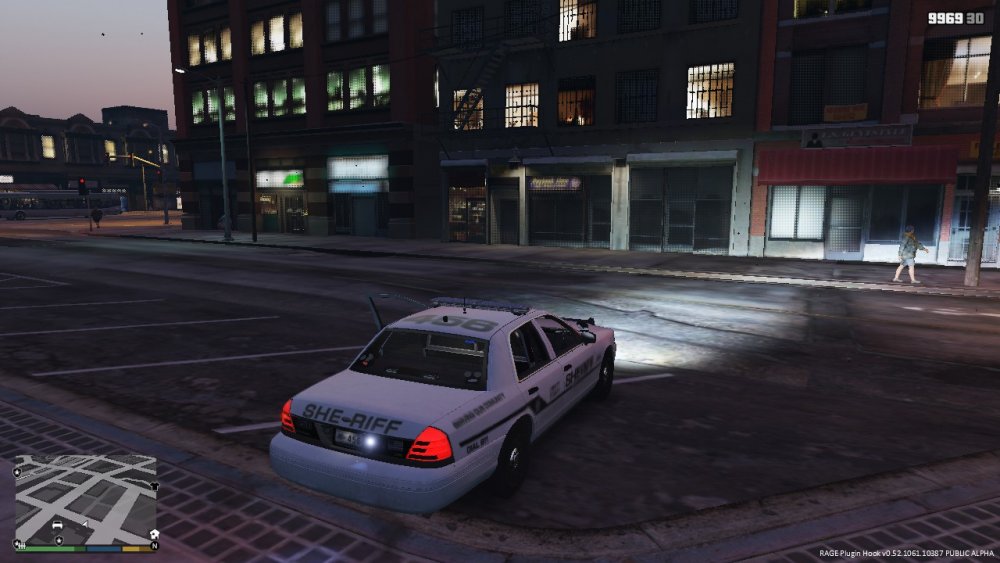
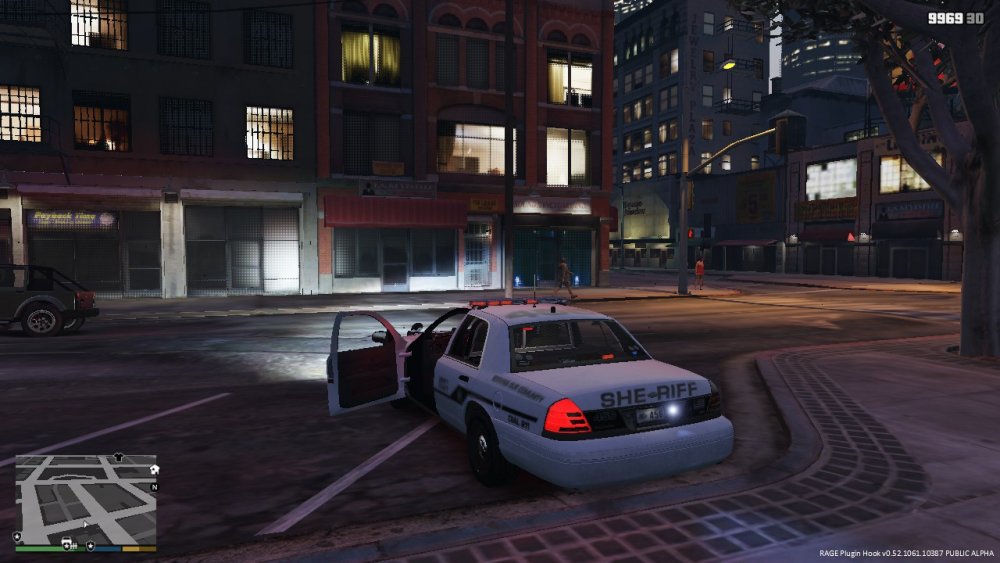
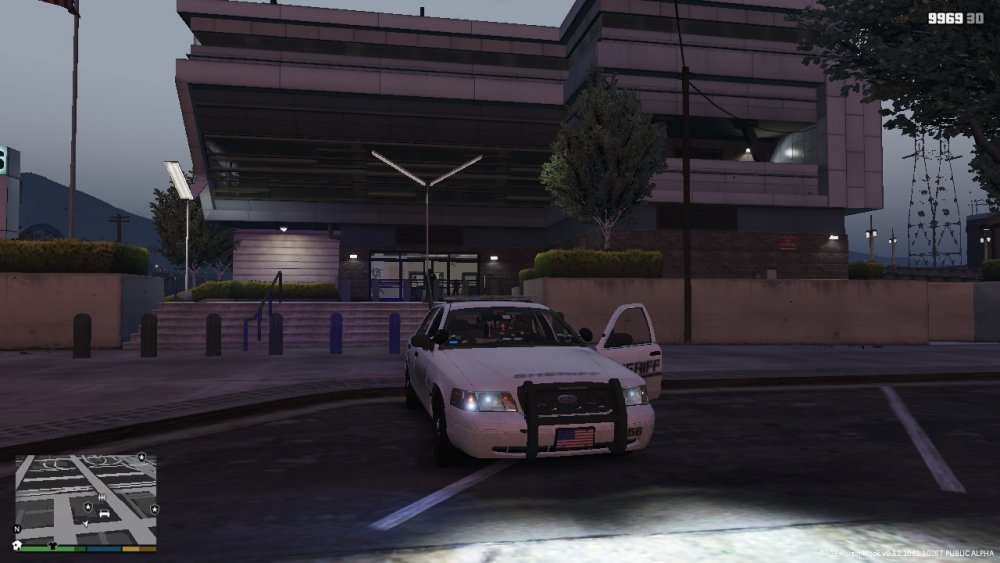
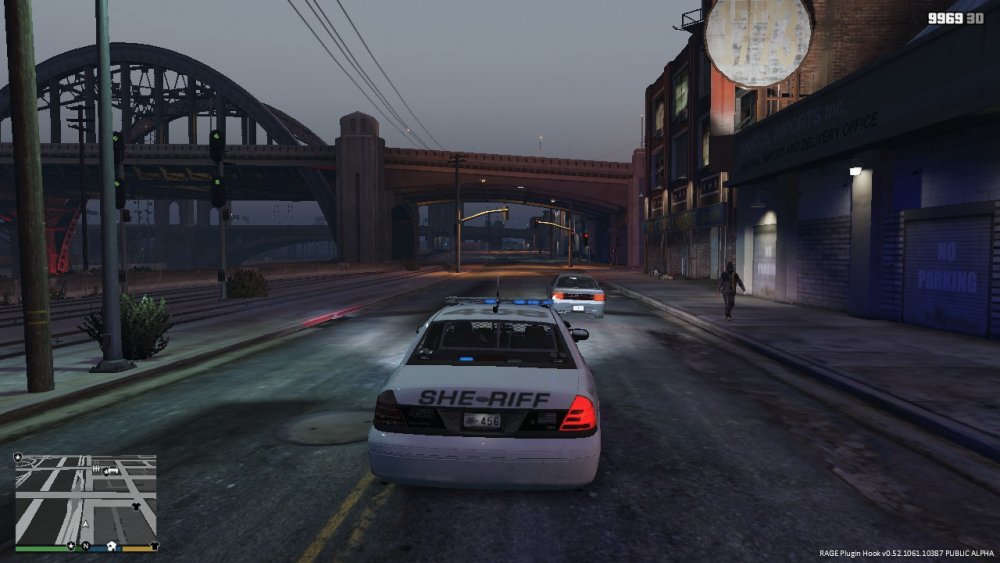
Here is what it looks like :(
-
CouthInk4 do you have any input because it seems as you have moved my question I have no more responses. Thanks. Its not a GTA V issue its a mod issue just not the main LSPDFR issue.
-
No difference, unfortunately :( the default was ElsMaxRangePl = 800, plus I think that setting is talking about rendering at distance.....
-
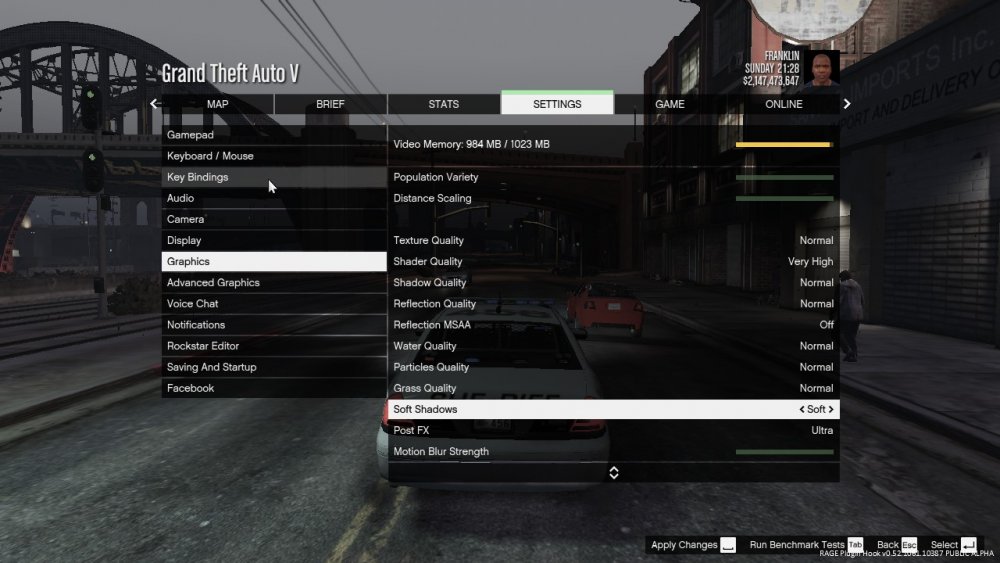
Hello, I have been working on this issue for days now and I cannot seem to figure out what is wrong. The head and tail lights of my ELS vehicles have a nice bloom on them but the LED flashers and light bars have none and are dull. I have scoured the forums and I have concluded that you need a mod like Radiance V which I am using, and your post FX and shaders have to be high or above. I have tried many combinations of those settings ranging from high to ultra and there is no difference. I am not new to modding LSPDFR just haven't used ELS yet. I have edited the visualsettings.dat to increase the default emissive value and again that definitely is increasing the brightness/bloom of the head and tail light flashers but no effect on the LEDs. I am really hoping someone can help me with this :) I am sorry if this is the wrong place to post as it is a 3rd party mod
-
LOL! Trains its KCG
-
Hey looking to play right now! I am using zello and the chicago police pack, but I dont mind changing to yours :)
-
Anyone wanna play??