



Mick16
Members
-
Joined
-
Last visited
Files posted by Mick16
-
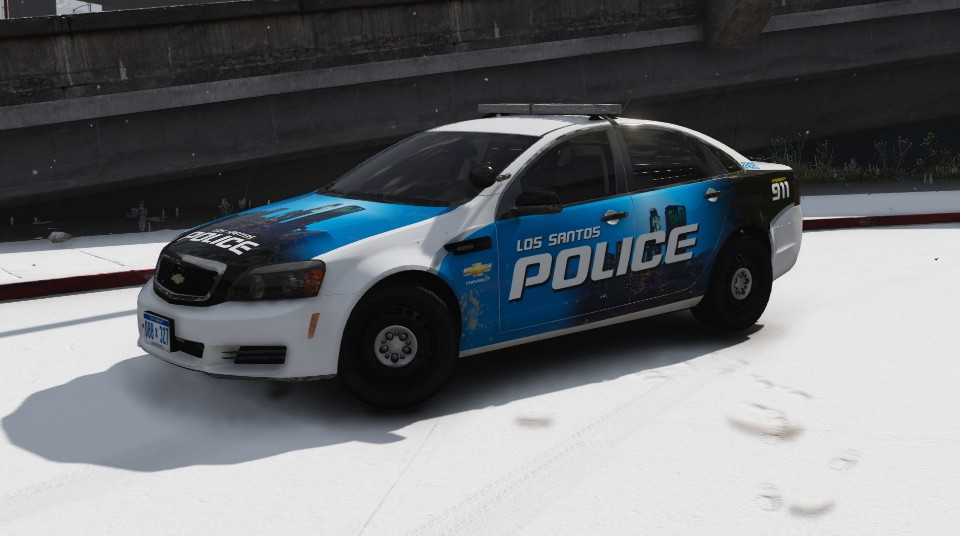
This Word doc has a handling line that fixes that boat like handling for certain car models you come across. I have tested this on Macgregors Vicpol VFII Evoke Wagon and it works quite well. It could do with some improvement but it makes the cars nicer to drive. Its's only a small thing but I hope you like it and I hope it helps people out experiencing the same issue. I would like to give a big thank you to @Conskrypt who gave me all of the info to be able to change the values in the handling to get it to work while on one of @Darkmyre streams. The word doc also includes the original handling lines of the vehicle slots I tested the handling line in, I have clearly shown which handling lines are which. I would like to give a disclaimer I did not create the vehicle used in the pictures. The vehicle is Macgregors Vicpol VFII Evoke Wagon.
The way to install the handling line is able to be downloaded on this page.
Thanks!
2.0
Have improved the handling line, if you have any feedback it is appreciated.
- 302 Downloads
- 7 Comments
Updated

