slidinfifthwheel
Members
-
Joined
-
Last visited
Everything posted by slidinfifthwheel
-
Is this when you are updating LSPDFR/Rage?
-
Just looking for pointers/tips to have a clean LSPDFR install. Thanks
-
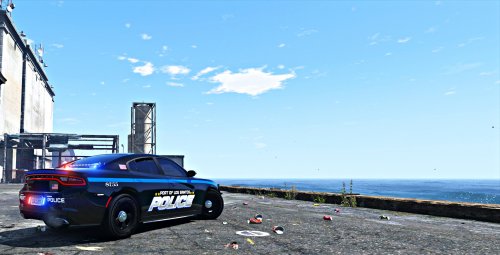 Here is a Port Police texture I created. Let me know what you guys think.
 -
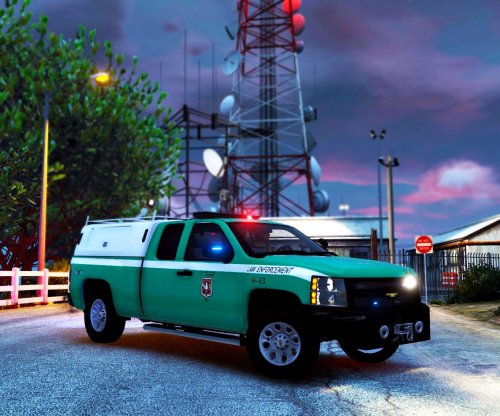 Here is something unusual. Its based off the US Forest Service Law Enforcement. Thanks for checking out my work and if you like it leave a comment below 🙂
 -
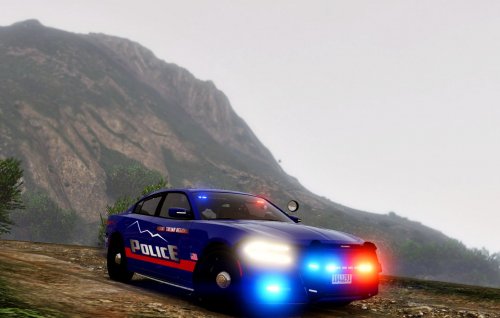 Howdy , Created a fictional Mount Chiliad Regional Police skin. Just wanted to try something different. Their are two variations, one of which is a supervisor unit. Thanks and hope you guys enjoy!
 -
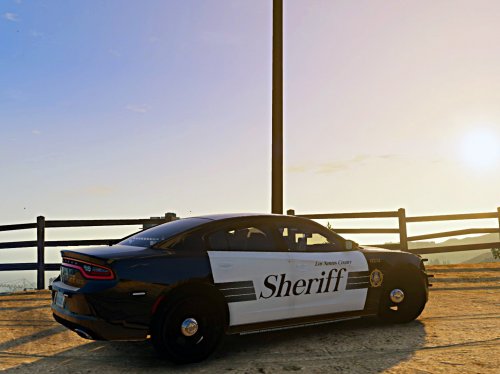 Thanks for checking out a texture I made. Let me know if you guys want me to make more..
 -
-
-
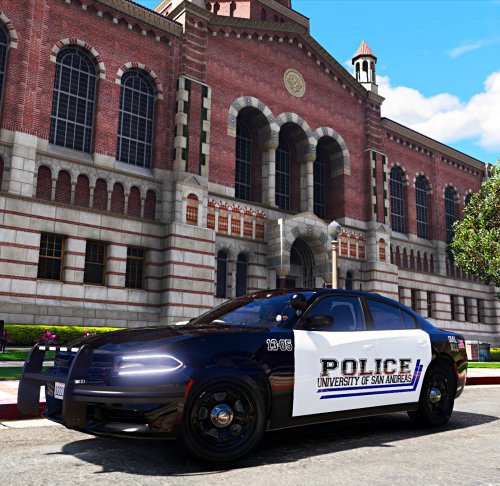 Hello and thank you for checking out my textures. I made a University Police and a Transit Police skin. Both are created via PS. Both are completely fictional. The Transit Police skin vehicle model used was part of the LSPD pack. The University Police skin vehicle model used was part of the NHP pack. Thanks again and I hope you enjoy!
 -
 I was wondering if anyone else encountered a texture issue with the headlights/taillights. They are fine when the vehicle is clean, as they get dirty a white transparent texture appears. I tried several things through the trainer with no luck. Any help would be appreciated!
- 65 comments
- 36 reviews
-
-
From the album: TRANSIT POLICE TEXTURES (W.I.P)
-
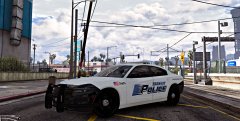
From the album: TRANSIT POLICE TEXTURES (W.I.P)
-
 Hey guys any help would be appreciated. Just installed the slicktop model, only issue I am having is the secondary lights not being visible. I used the supplied vehicles meta file (dragged and dropped). Installed the VCF in the correct place. Still having trouble. Can it be a window tint issue? Thanks!
- 59 comments
- 42 reviews
-
-
-
 How can we move the spotlight around on the 2016 FPIU "polarbear"? When I turn on the takedown lights it looks like the spotlight is centered and pointing underneath the vehicle.. -Thx
- 955 comments
- 158 reviews
-
Just wondering if the latest LSPDFR+ is compatible with 1365? Thanks!