Skip to content
View in the app

A better way to browse. Learn more.

LCPDFR.com

A full-screen app on your home screen with push notifications, badges and more.

To install this app on iOS and iPadOS
  1. Tap the Share icon in Safari
  2. Scroll the menu and tap Add to Home Screen.
  3. Tap Add in the top-right corner.
To install this app on Android
  1. Tap the 3-dot menu (⋮) in the top-right corner of the browser.
  2. Tap Add to Home screen or Install app.
  3. Confirm by tapping Install.

morzgore

Members
  • Joined

  • Last visited

Everything posted by morzgore

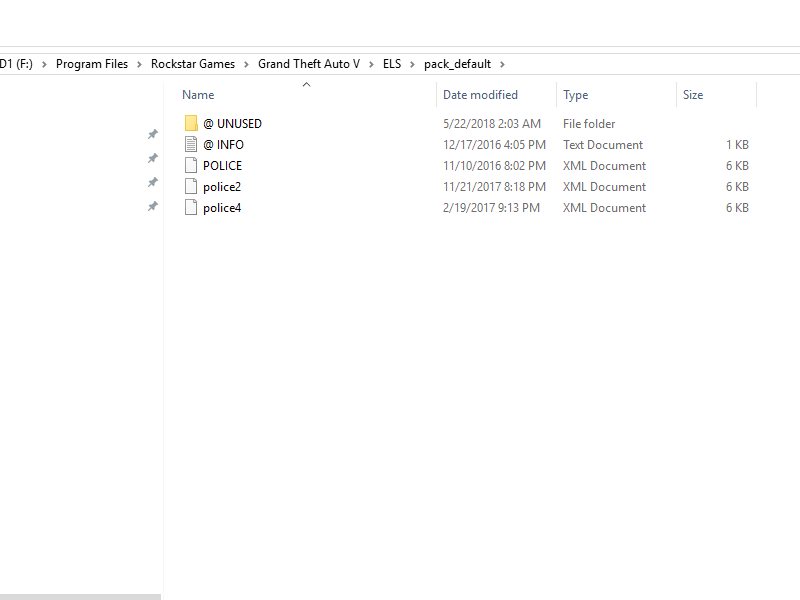
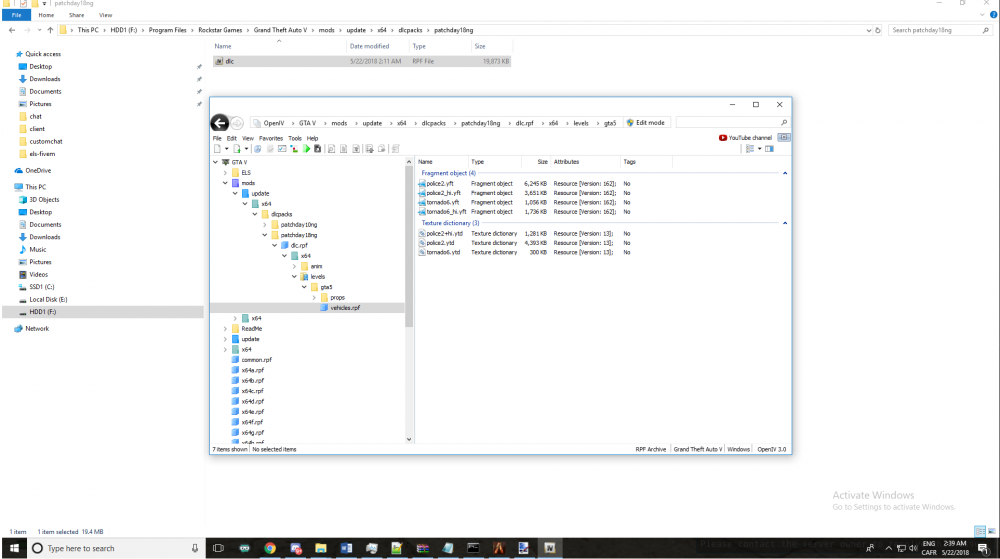
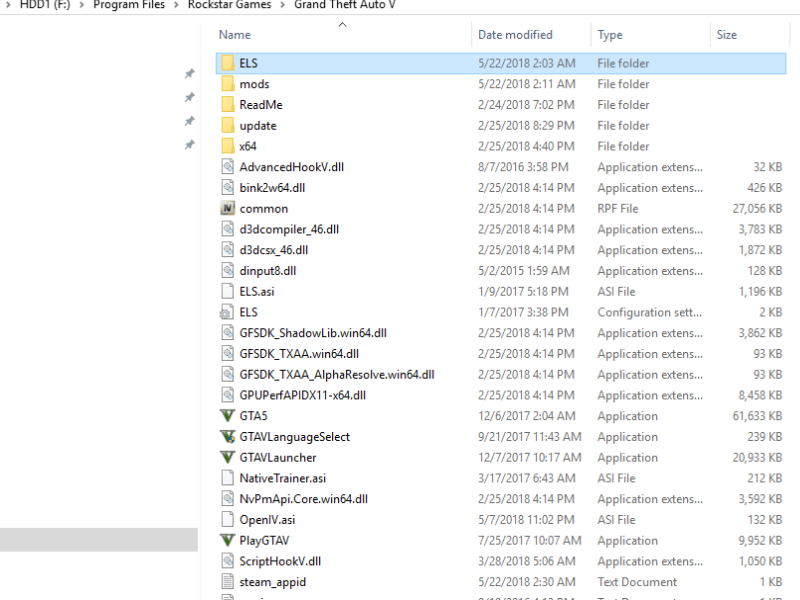
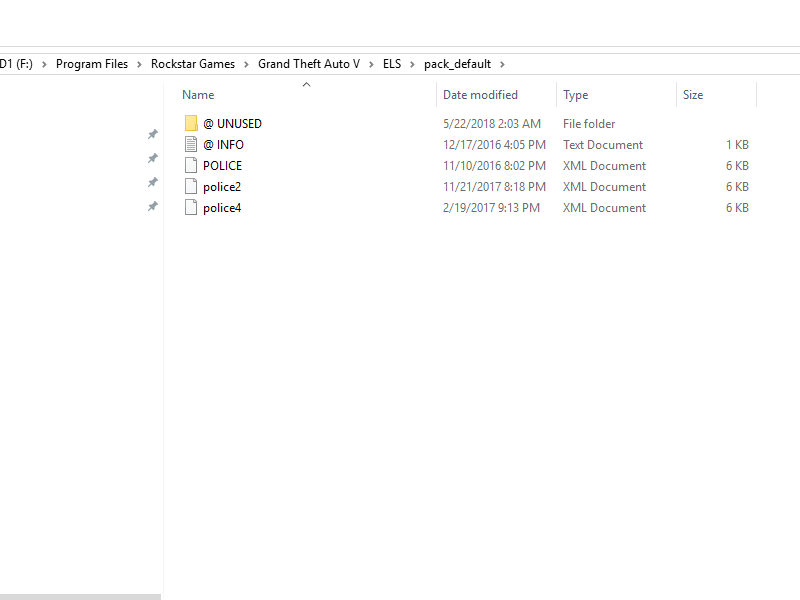
  1. Hey guys, so i've just added the ELS and installed everything step by step by the video i've watch. but the think is that it didn't work.. when i go on my server and pop police4 it's the original skin from the game .. so what's wrong ?
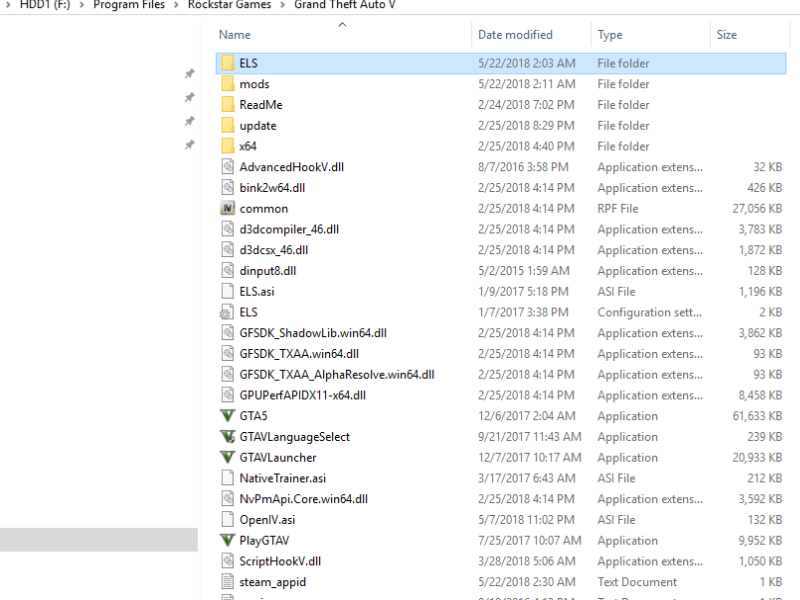
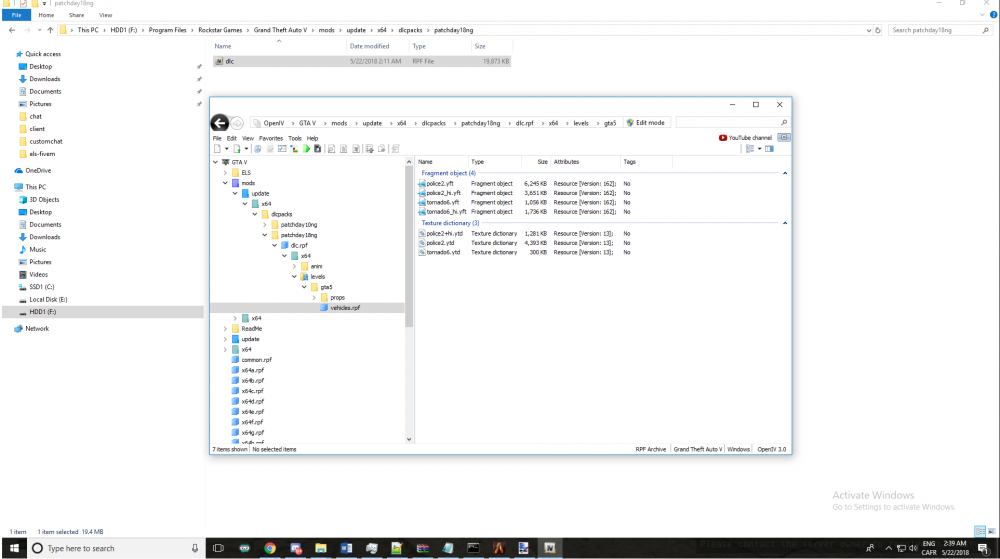
  2. Salutation à tous ! Donc voilà , j'ai décider de mettre le ELS sur mon serveur fraichement fait, puis du tout cela ne fonctionne pas. Pourtant j'ai suivi exactement le guide. Par compte, cela ne semble pas fonctionner donc j'aimerais bien comprendre ce que j'ai pu faire de mal. https://ibb.co/g1Vuqo https://ibb.co/cab0Vo https://ibb.co/dXyfVo
Account

Navigation

Search

Search

Configure browser push notifications

Chrome (Android)
  1. Tap the lock icon next to the address bar.
  2. Tap Permissions → Notifications.
  3. Adjust your preference.
Chrome (Desktop)
  1. Click the padlock icon in the address bar.
  2. Select Site settings.
  3. Find Notifications and adjust your preference.