



MatthewJ51
Members
-
Joined
-
Last visited
Reputation Activity
-
 MatthewJ51 reacted to Slendis for a file, Blaine County Sheriff's Office Mini Pack (PCSO) [ELS]
 -
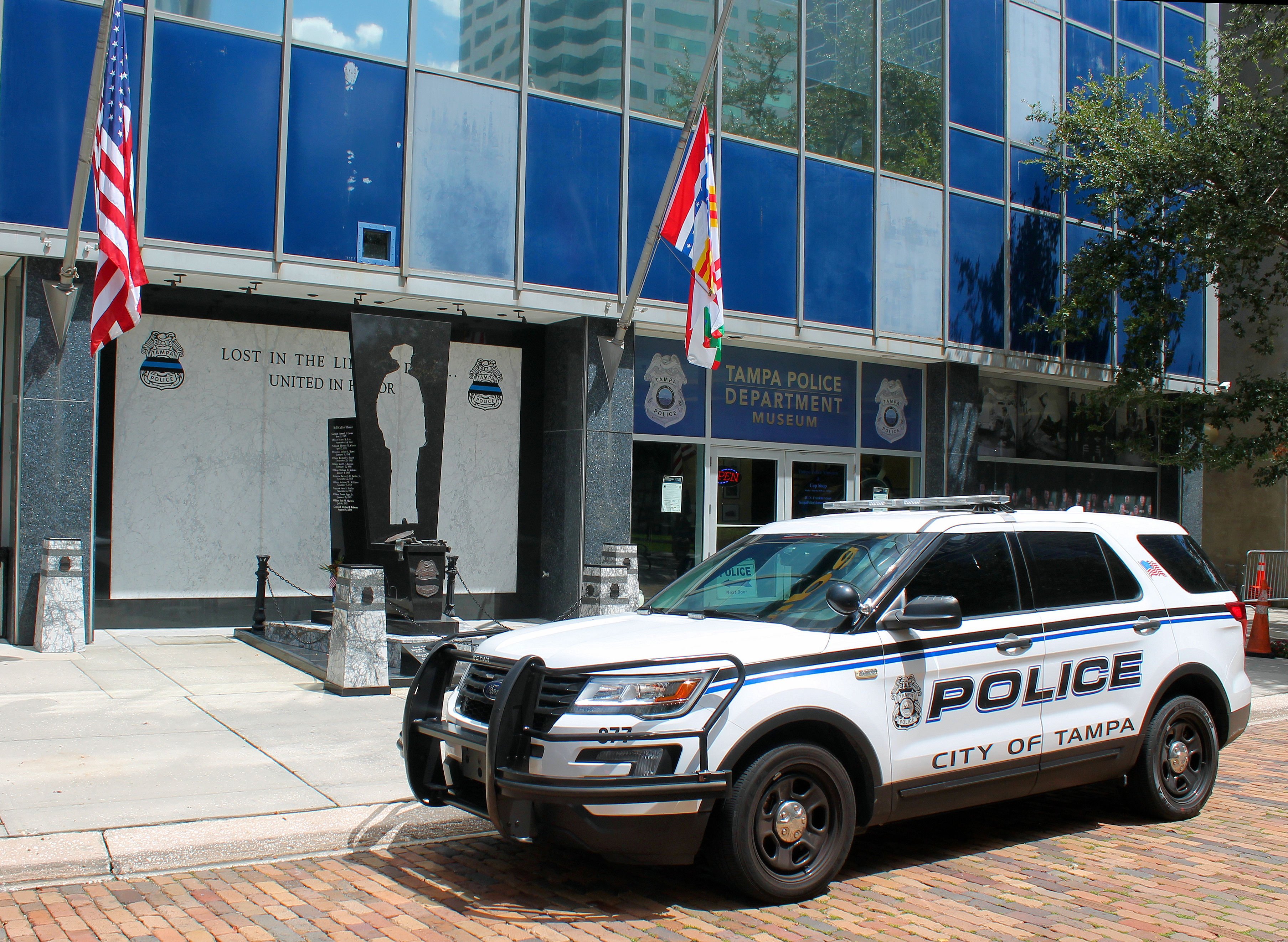
MatthewJ51 reacted to thegreathah for a file, Tampa Police Department Inspired Pack (DLC/ELS)Tampa Police Department Inspired Pack (DLC/ELS)
Created by thegreathah
Installation Guide (video links to Doug1637's tutorial on installing DLC)
https://www.youtube.com/watch?v=K0zYxm1Mhjk
TESTERS-
Echoo
SteeloB
itssevantime
jurassictwizzler
Thank you to everyone who made this project possible through parts, feedback, or other assistance. Thanks to the community for your support and help over the years.
Credits:
Did I miss something in the credits? Be sure to message me about any issues with the credit section. Everything else can be handled in reviews and comments. Thanks!
-
MatthewJ51 got a reaction from PBSO Guy for a file, Los Santos Co. Sheriff Mini-Pack (Pinellas County-Based)Here I present a small, two-texture lore-friendly LSSD pack based on Pinellas County, Florida Sheriff's Office. These textures do not have unit numbers, though a later update may include those with unit numbers.
I intend on updating this pack in the near future with additional content. Please report any problems in the comments section, not the review section. Suggestions for THIS pack are welcome.
Both of these textures are based on PBSO Guy's non-lore-friendly Pinellas County Sheriff's Office Pack and were created and published with permission. Be sure to check out the original pack and the rest of PBSO Guy's textures!
Models compatible but not limited to include -
-
MatthewJ51 reacted to badass22 for a file, [ELS] 1988 Chevrolet Caprice 9C1 - Los Angeles Sheriff's DepartmentHello everyone! I'm here with my pride to present one of the hardest cars to make, knowing that its supposed to replicate its real life counterpart. The car I'm going to present you is a Chevrolet Caprice 9C1 from Los Angeles Sheriff's Department. This car is a reknown piece of history for the department and also cars in general. It wasn't easy to make, or better say know to make this car. There were so few pics of it (most of them are shitty replicas spawning randomly on Google) that I had to dig in things like LASD classic recruiting videos and even the episodes from the COPS TV Series (Season 2, 1989-1990) to find actual references of this car, and make it like how it's supposed to be.
And now, I finally succeded!
F.A.Q.
Q: Why do the lights steady burn randomly?
A: It's probably an ELS thing, use a trainer to disable the extras which turn on the lights.
Q: Why are LSTG-1 and LSTG-2 the same?
A: As you know, this car is from the 80s, so don't expect to have so many patterns and be a fancy Christmas tree.
Q: Why doesn’t the car work?
A: I put a Readme in the archive. Check it out.
Enjoy!
-
MatthewJ51 reacted to cjr10621 for a file, [REQ] Volusia County, FL skinsHere you have 2 skins one for a FPIU K9 and one FPIS patrol 🙂 requested by @stickycabbage
P.S. I Dumbass me updated my game and ragehook so I cannot get in game to take current screens 😞
Vehicles used include but not limited to:
and the FPIU from this pack..

.thumb.png.596921f07f29d967448d10debfbac50c.png)