



TrooperCorentin
Members
-
Joined
-
Last visited
Everything posted by TrooperCorentin
-
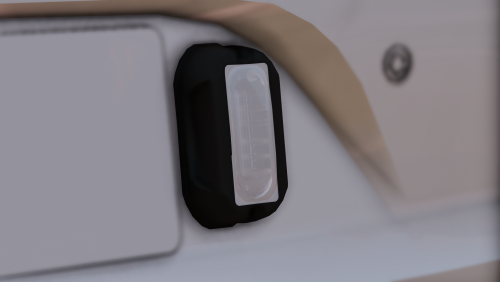 Is it really that hard to make it NON-ELS like why no NON ELS always els
 -
 It's nice it would be nice if it wouldn't be gray.
 -
Does anyone here have a non-els side runner. If you don't want to release it then come PM!
-
-
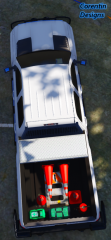
-
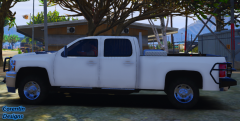
-
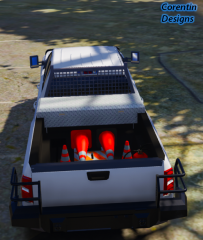
-
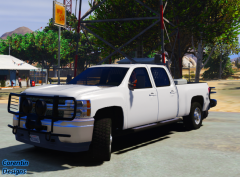
-
.png.304c3a7cf83410dad45593ed68ee70b9.png)
From the album: FastGaming
https://www.instagram.com/fastgamingrp/© | 𝙁𝙖𝙨𝙩𝙂𝙖𝙢𝙞𝙣𝙜 | DO NOT COPY | © |
-
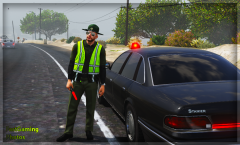
From the album: FastGaming
https://www.instagram.com/fastgamingrp/© | 𝙁𝙖𝙨𝙩𝙂𝙖𝙢𝙞𝙣𝙜 | DO NOT COPY | © |
-
.png.9e9585244a194d71e33507c14151645c.png)
From the album: FastGaming
https://www.instagram.com/fastgamingrp/© | 𝙁𝙖𝙨𝙩𝙂𝙖𝙢𝙞𝙣𝙜 | DO NOT COPY | © |
-
.png.8bdb363043c9dba9c5f015f1d44b72e4.png)
From the album: FastGaming
https://www.instagram.com/fastgamingrp/© | 𝙁𝙖𝙨𝙩𝙂𝙖𝙢𝙞𝙣𝙜 | DO NOT COPY | © |
-
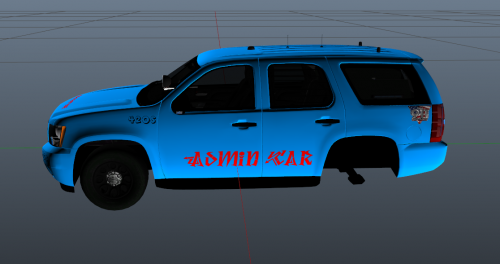 Atleast make the skin look goog no offence but it just looks like you wrote 3 words and just posted it


.png.304c3a7cf83410dad45593ed68ee70b9.png)
.png.9e9585244a194d71e33507c14151645c.png)
.png.8bdb363043c9dba9c5f015f1d44b72e4.png)
