.png.b9a8a71b90df3bba0a87c56f8a6e6c87.png)
zOoOm
Members
-
Joined
-
Last visited
Everything posted by zOoOm
-
 he did publish it as Z3D, man. All cars that are in resources and assets whose purpose is publication. I hope you will understand this and other notes. I did not ask you. I asked the owner of the model. Thank you.
 -
I posted it on gta5 mods, do you accept it?
-
 Yes, you have the permission, but you most mention the source
 -
No, there is none
-
yes you can i will do it
-
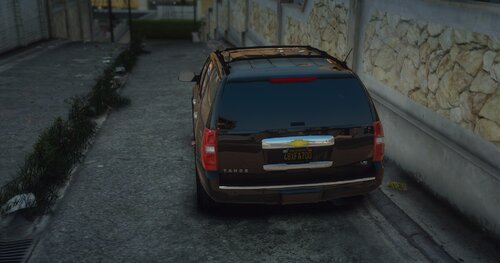
Hello my friends This is my first time making this car with some simple modifications. I hope you like it special thanks:-(b4good and OfficerUnderwood) tahoe2014 by:-OfficerUnderwood The letters:-b4good Tires:-b4good haw to install:-use openIV:-Grand Theft Auto>mods>update>64x>dlcpacks>patchday3ng
-
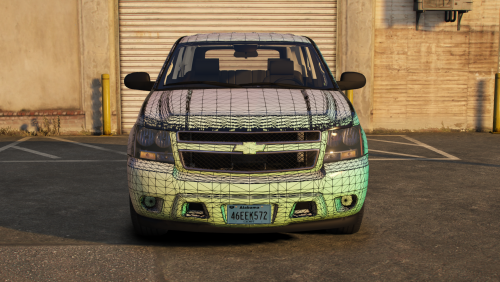 This is a problem. Can I ask you to upload the YFT file please
 -
A wonderful man, but can you do a file for yft because when i open z3, tell me there Invalid file version. The file was probably made by newer ZModeler version. file:OpenSaveService.cpp line:906 Error opening file "C:\Users\HS\Desktop\[DEV]14TahoePPV\Model\102.z3d" Problem
-
-
-
-
.thumb.png.d2a775bdee7a6ea6a51069941200ac60.png)