


ReeceOp
Members
-
Joined
-
Last visited
Everything posted by ReeceOp
-
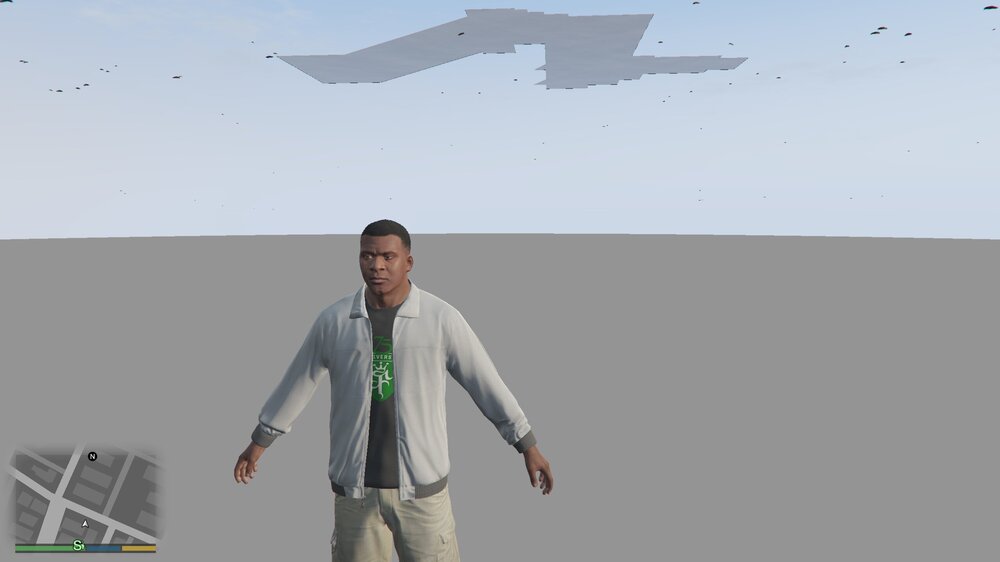
Update: Even I haven't had GTA installed for months, after re-installing it with a fresh install and I load up the game WITHOUT any mods installed I still get player to spawn under the map.
-
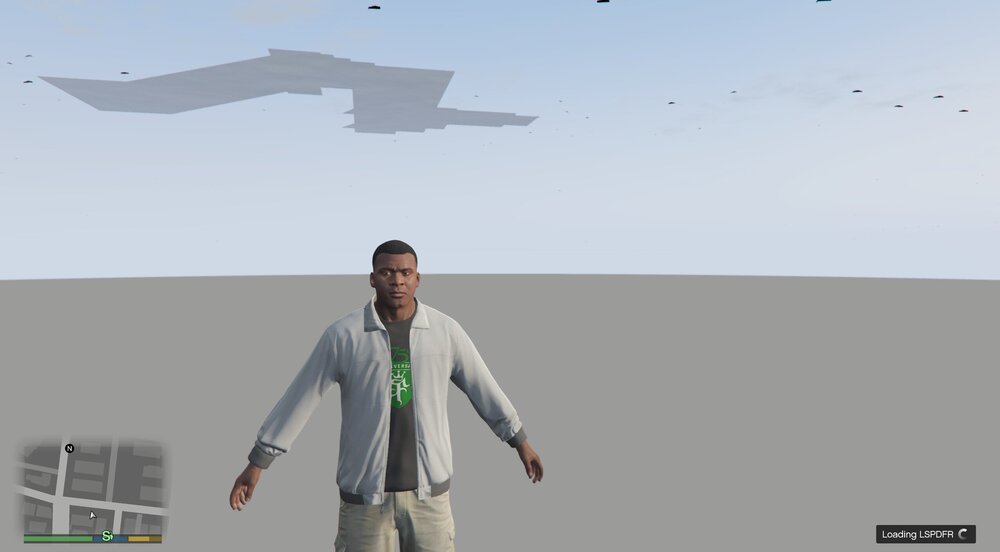
Hi, When I launch GTA 5 via RageHookPlugin, after loading through the loading screen and I get stuck at this point in the game. I can't do anything (see screenshot) Does anyone know what the issue is here?
-
All sorted now.
-
Hi, When I try to download any mods for GTA 5 I get this error: Is this something to do with my end or LCPDFR . com side?
-
Hi, If I have LSPDFR 0.3 installed, with Scripts, Plugins and other General Mods installed for 0.3. Will I be still able to update from 0.3 to 0.4 with mods with compatibility with 0.3 only? If you know what I mean by that. Cheers.


