




Mags
Community Team
-
Joined
-
Last visited
Everything posted by Mags
-
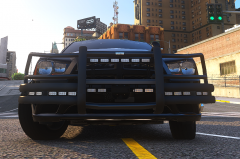
From the album: Mag's 2022
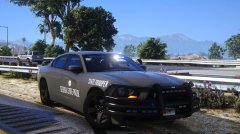
Ghosted State Flag Front Plate -
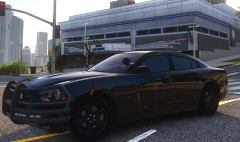
From the album: Mag's 2022
-
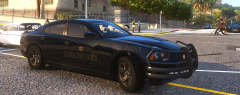
From the album: Mag's 2022
-
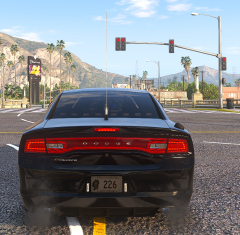
From the album: Mag's 2022
-
From the album: Mag's 2022
-
-

From the album: Mag's 2022
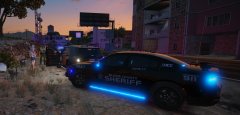
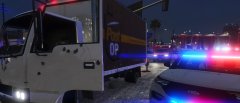
On Today's date just before Midnight Trooper Mags was working Speed enforcement on SB US Route 15 in Los Santos County. Trooper Mags noticed a box truck traveling in the fast lane significantly slower than the other traffic. Trooper Mags visually estimated the speed to be around 35 MPH, and then confirmed that it was 35 MPH with his state issued Pro Laser 4. Trooper Mags conducted a traffic stop on the vehicle 2 miles south from where he checked the vehicle. Upon approaching the cab of the truck, he noticed both the driver and passenger were extremely nervous and could smell the odor of narcotics. At this point Trooper Mags knew this turned into an interdiction stop. The vehicle was searched, and the following drugs were discovered. 10 grams Methamphetamine, 25 grams of Herion, 3 Oxycodone pills, 529 grams of Marijuana, and two Glock handguns reported stolen out of Los Santos PD. Both driver and passenger were charged as follows Possession of Schedule I with intent to distribute, Possession of Schedule II with intent to distribute, Possession of Marijuana with Intent to Distribute, Possession of a firearm in commission of a felony, Theft by receiving x2. The driver was also charged with Impeding the flow of traffic. This just goes to show you that a simple traffic stop can lead to much more, and our troopers are out on the road every day to ensure we get the bad characters off the roadway of San Andreas. -
-
-
-
-
-
From the album: Mag's 2022
-
-
-
-
-
From the album: Mag's 2022
-
From the album: Mag's 2022
-
-
Gotcha, The only EUP from the developer I could find on the site is 8.3. If your wanting an older version maybe try the Developers discord.
-
Which LAPD uniforms are you looking for?
-
This topic has been moved to the appropriate forum. Please post in the correct location in the future.
-
 Great Job! I have personally used the Stalker DSR and the DSR 2X in real life. It’s absolutely amazing how much attention to detail you added to this mod. Even the detail to the owners manual I felt like I was reading an actual Stalker manual. I know a lot of members are requesting a target speed option. Even though that’s not a realistic feature based on the real device. I think to give the user the option would be a nice touch. Keep up the great work!
- 235 comments
- 37 reviews
-
-

- 3
-
-
Try going into your ELS.ini file and changing ElsTrafCtrlOn to false





