



MrMook
Members
-
Joined
-
Last visited
Everything posted by MrMook
-
i was using that trainer too. not sure why its messing with my game.
-
.png.ca7776b05980e6f2b4894bb4c2d0af84.png)
From the album: MrMook's non GTA adventures
-
can you link what trainer you're using? the one i used still crashes the game with the fix. thanks
-
thanks i'll try it
-
anyone know of trainers that work on the new version of GTA IV? the old simple native trainer crashes the game . thanks
-
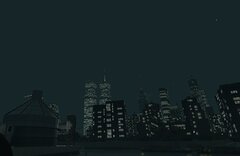
From the album: MrMook's GTA 4 Lore Friendly adventures
hoping we someday see a freedom tower mod for GTA IV. -
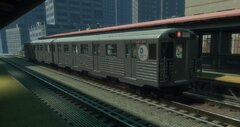
From the album: MrMook's GTA 4 Lore Friendly adventures
so you can get to where you're going up in Holland! -
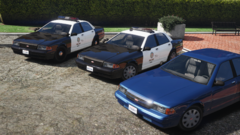 i look forward to the park ranger pack qand i appreciate the hard work. i might just have to learn Zmodeler myself to get the Merit i want. how hard is it?
 -
could you add a Merit to the pack? also what about working spotlights like that seen on the vanilla interceptor.
-
 i think LSPDFR Comes Alive by darkmyre has a "downed ped" scenario. it got annoying after awhile as sometimes ems will come out of nowhere and take your arrestee or your partner. this is a good idea to expand upon especially the fire one.
- 93 comments
- 18 reviews
-
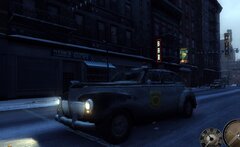
From the album: MrMook's non GTA adventures
-
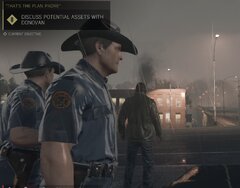
From the album: MrMook's non GTA adventures
-
 my uniforms for AI cops. these go in Mafia III>sds_retail>combinables>auto. hope i explained this well enough ma_shirt_022_police-a---d: ma_shirt_012_police-a---d: ma_shirt_023_police-a---d:
 -
From the album: MrMook's Lore Friendly Adventures
-
no problem. hope you can figure it out and knowing your knowledge of NOPD graphics hopefully you can improve it. let me know if you do.
-
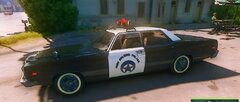
its actually a texture mod for the game Mafia 3. this pic has to be converted to DDS and named "police_sign" and put into the game using this https://www.nexusmods.com/mafia3/mods/14. it should be put in Mafia III>sds_retail>cars>cars_universal and you need to save over police_sign using both save and save archive.
-
would you like a download or are you gonna do 60s NOPD cars for GTA? i like your NOPD cars.
-
should you add both or just one? this feature is downright annoying and i wanna disable it altogether.
-
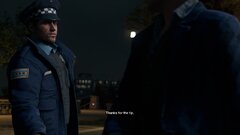
From the album: MrMook's non GTA adventures
-
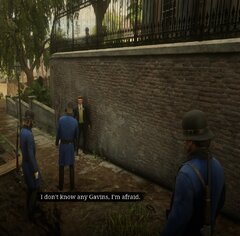
From the album: MrMook's non GTA adventures
-
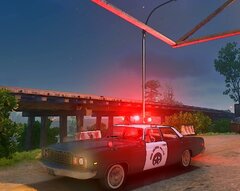
From the album: MrMook's non GTA adventures
wish i could give it blue lights. -
From the album: MrMook's non GTA adventures
finally got the logo right where i want it. now i need to figure out how to give the car blackwalls and baby blue paint. -
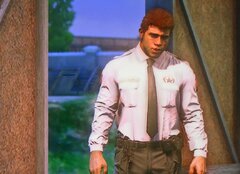
From the album: MrMook's non GTA adventures
-
-
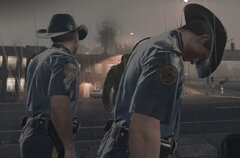
From the album: MrMook's Lore Friendly Adventures
texture mod for Mafia 3. i know its not GTA but close enough

.png.ca7776b05980e6f2b4894bb4c2d0af84.png)


